
A software-as-a-service subscription gives you a working application, but its starting settings may not match your organization’s needs. Sharing, administrator access, connected apps, and recovery often remain choices for the customer. A periodic settings review makes those assumptions visible.
Understand the idea
Write down the intended audience and important rules before inspecting the dashboard. Review administrators, guests, public links, authentication, integrations, and available records. Check what the actual subscription supports; a setting in a product brochure may not be available or enabled in your account.
- Baseline
Write down the intended sharing and access rules.
- Review
Inspect guests, roles, apps, authentication, and retention settings.
- Test
Check the behavior with representative user accounts.
A practical example
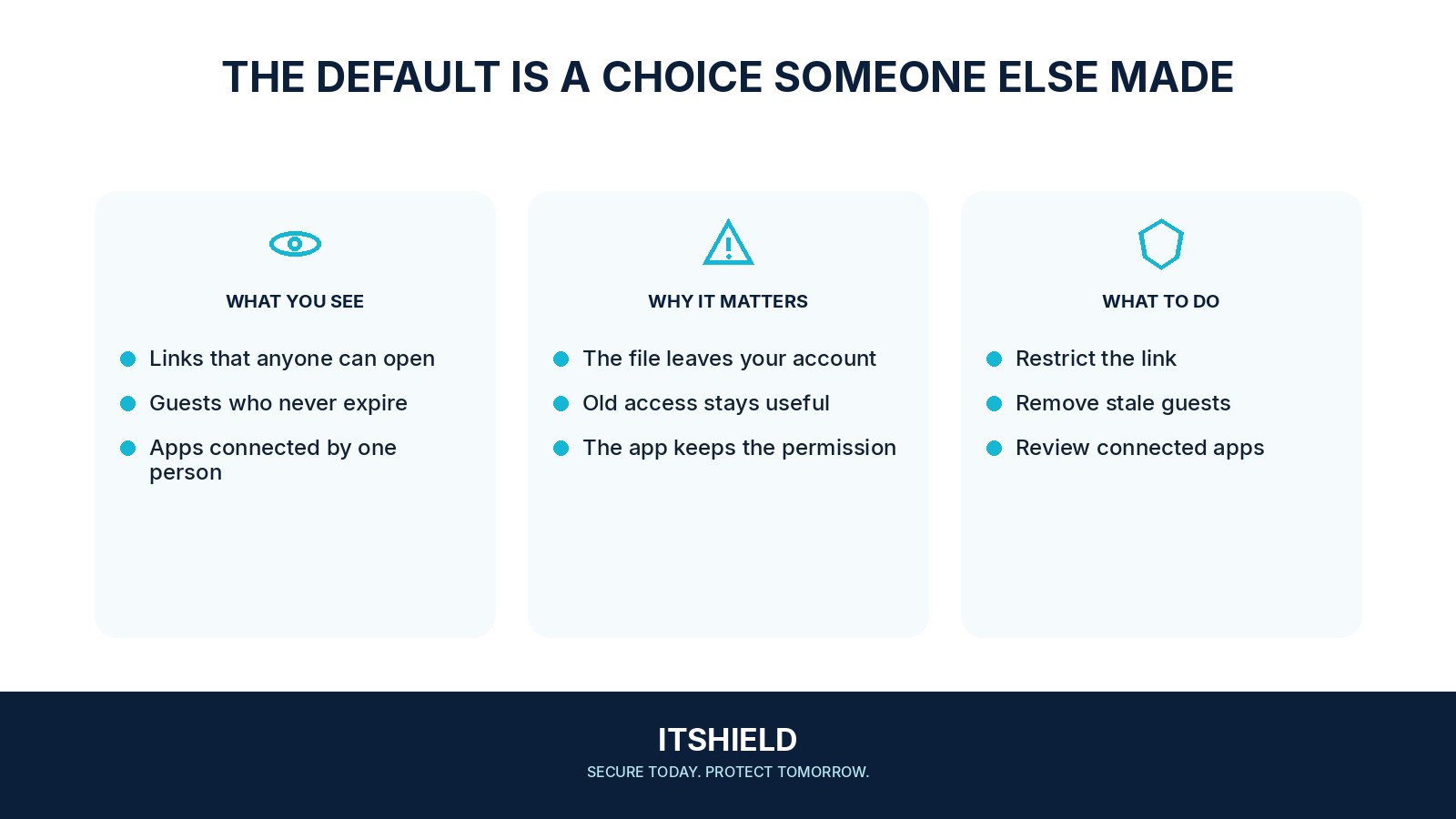
Imagine an NGO assuming its documents are limited to staff. A review finds guest accounts from a completed project and public links that never expired. The owner checks business needs, removes unnecessary access, and tests sharing from an outside account.
What to do next
- Export or inspect the actual tenant-wide policies, role assignments, guest lists, and application grants.
- Compare them with the documented intended state and business owners' needs.
- Plan corrections with attention to dependencies; an unfamiliar integration may still run an important process.
- Test changes using ordinary users and authorized external test identities.
- Record the date, evidence, owner, exceptions, and next review trigger.
How to check the result
Keep a dated record of the relevant settings and user tests. Repeat the review after major product changes, new integrations, or changes to the team’s work.
An employee left, but the app they installed still has access.
Review the integration’s own identity and permissions. Its lifecycle may be separate from the employee’s interactive login.
Sources and useful guides
The following resources provide background and more detailed guidance. Use the sections that match your service and situation.