
A virtual private network, or VPN, creates an encrypted connection between your device and a VPN endpoint. It can protect traffic on that part of the path or connect you to a work network. It does not make every website honest or remove the need to secure the device itself.
Understand the idea
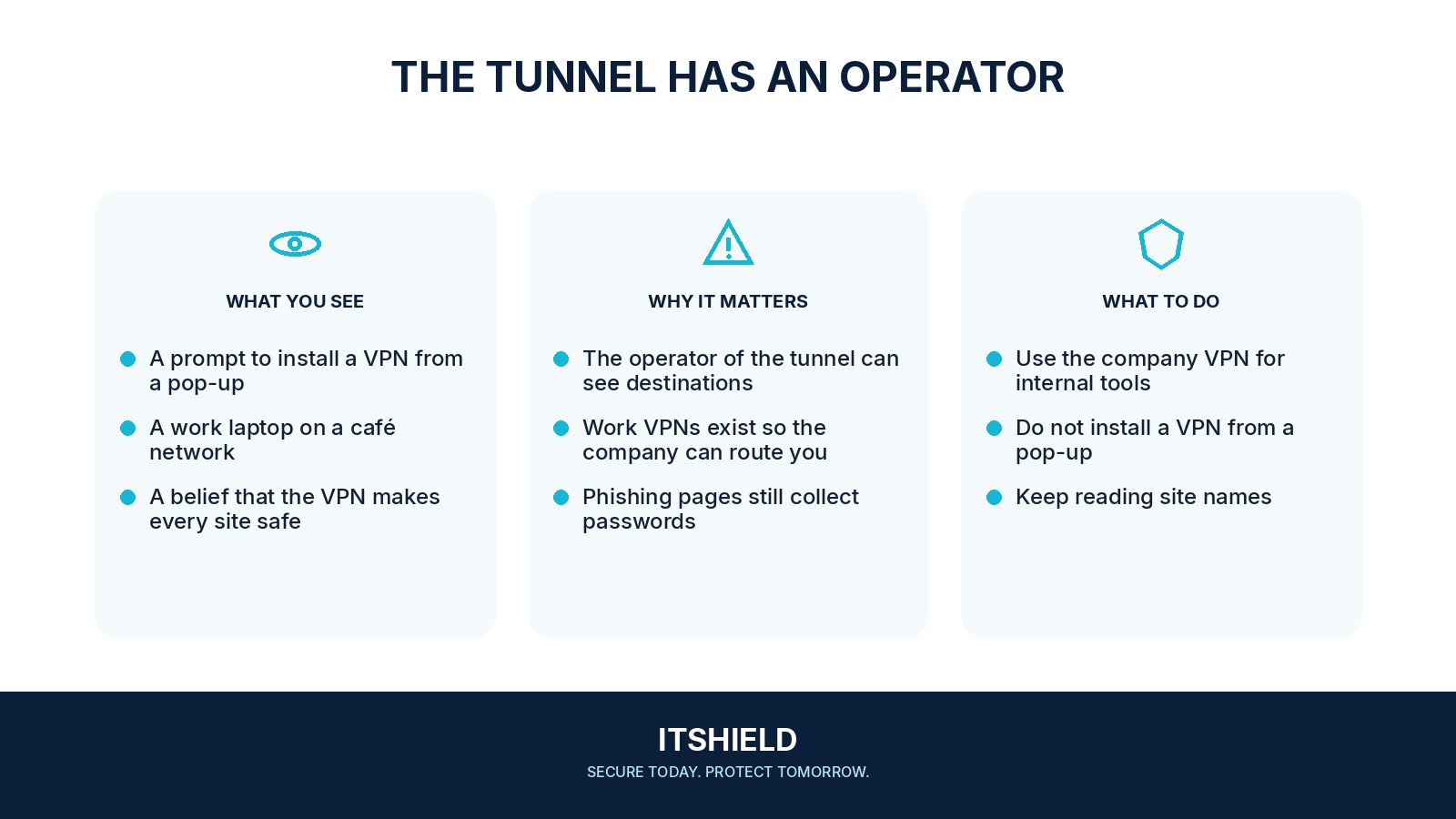
Understand where the connection ends and who operates it. A work VPN may give access to company systems; a commercial service routes traffic through its provider. Beyond that endpoint, the destination and other protections still matter. Phishing pages, unsafe files, and account misuse can remain possible.
- Tunnel
Identify where encryption starts and ends.
- Destination
Consider the service you contact after the tunnel.
- Trust
Review the provider, endpoint, and account context.
A practical example
For example, a traveller connects to the organization’s VPN before using an internal application. They still open the application through a known address and reject an unexpected login page received by email. The VPN protects a connection; it does not verify the business request in the email.
What to do next
- Install the official client from a verified source and keep it updated.
- Protect the VPN account with strong authentication and understand recovery.
- Check whether all traffic or only selected work traffic uses the tunnel. Follow organizational policy rather than changing split-tunnel settings casually.
- Learn what happens if the connection drops and how the product describes any traffic-blocking feature.
How to check the result
Check the intended work service and the VPN’s connection state through approved tools. Follow the organization’s device and sign-in requirements rather than treating the VPN icon as a complete security check.
Will a VPN make a phishing website safe?
No. A protected connection can still deliver you to a deceptive site. Check the destination and the request independently of the tunnel.
Sources and useful guides
The following resources provide background and more detailed guidance. Use the sections that match your service and situation.