
A contract ending does not automatically close a supplier’s access. Accounts, support tools, API keys, and shared links may continue to work until someone removes them. Closing those routes is a practical handover task, even when the working relationship ended well.
Understand the idea
List the systems the supplier could reach and the identity used for each route. Include individual accounts, shared passwords, service integrations, and remote-support software. Agree the closing time and who will keep necessary operational work running after access changes.
- Map
List the supplier’s identities and technical connections.
- Remove
Close access and rotate shared secrets where needed.
- Verify
Test closure and keep a record of the completed work.
A practical example
Imagine a website agency finishing a project. The owner removes the agency’s named accounts but finds a deployment key and a remote-support tool still active. The team reviews both, transfers any needed work to the new owner, and closes the remaining supplier access.
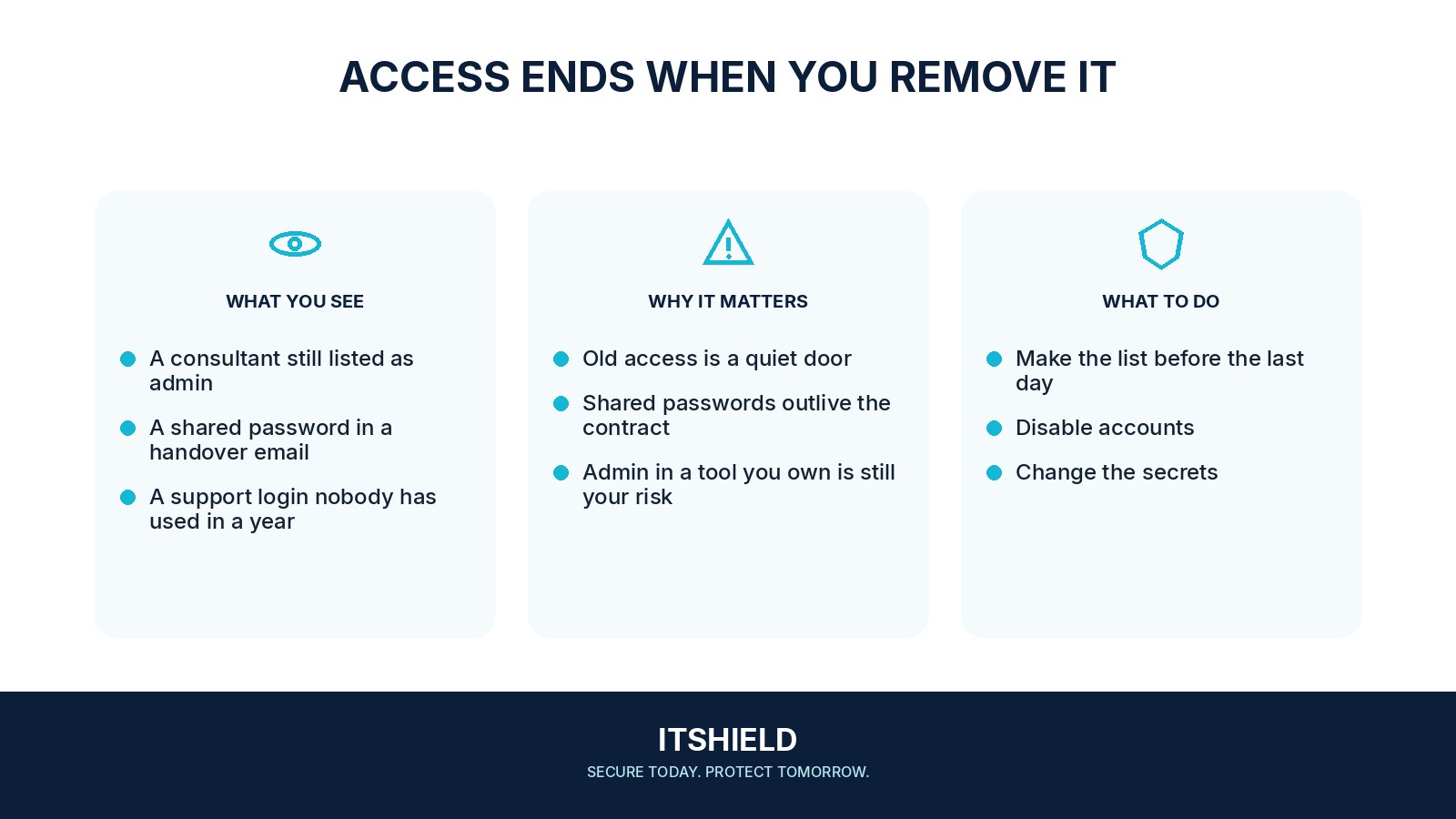
What to do next
- Confirm the end time and any agreed transition work with the business owner.
- Disable or remove the supplier's named accounts, group memberships, privileged roles, and remote-access permissions.
- Remove sessions, API keys, application grants, certificates, and service passwords and access keys that belonged to the engagement.
- Remove or restrict vendor-installed remote tools and scheduled integrations where they are no longer needed.
- Review shared files, support portals, recovery contacts, and administrative ownership.
- Transfer required records and confirm the agreed handling of retained supplier copies through the contractual process.
How to check the result
Verify the result using the service’s access records or an agreed test. Keep evidence of what was removed, what was retained for a stated purpose, and who now owns it.
We disabled the supplier’s user account. What may remain?
API tokens, service accounts, remote support tools, and shared credentials may be separate. Review the actual access arrangement rather than only the main login.
Sources and useful guides
The following resources provide background and more detailed guidance. Use the sections that match your service and situation.