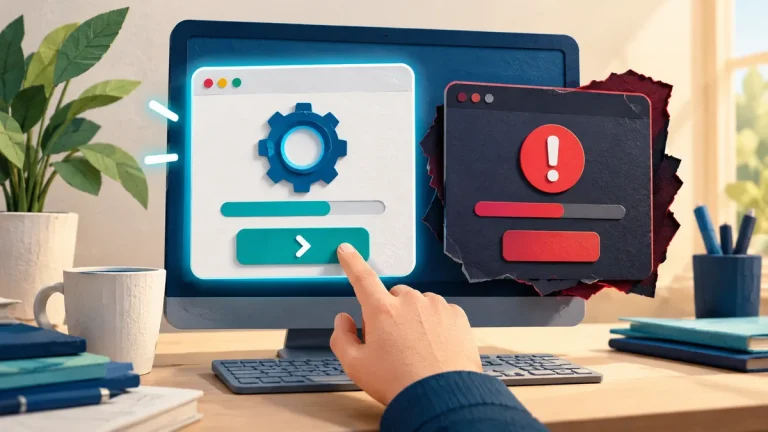
A small team still needs a reliable way to install security updates. Without a routine, every update competes with daily work until something urgent goes wrong. A modest schedule, clear owner, and recovery option make patching easier to carry out consistently.
Understand the idea
Start with an inventory of supported devices and important applications. Use automatic updates where suitable and plan checks for systems that need a controlled restart. Give urgent, relevant security fixes a faster route. Before changing a critical service, know how to recover if it fails.
- Prioritize
Match advisories to systems you actually run.
- Change
Test and deploy with an appropriate recovery route.
- Verify
Confirm the version and the real business function.
A practical example
For example, a team of five agrees a weekly device-update check and a monthly review of its hosted applications. One person tracks completion, while each service has a named owner. A failed update is recorded and followed up rather than disappearing behind a green overall percentage.
What to do next
- Triage: Check the vendor advisory, affected versions, exploitation information, exposure, and business impact. Internet-facing or actively exploited issues may require an urgent path.
- Prepare: Preserve an appropriate backup, configuration record, and rollback or recovery plan.
- Test: Use a representative device or environment for important compatibility checks. Test sign-in and the team's critical workflow.
- Deploy: Choose an agreed window and communicate the expected interruption. Automate routine supported updates where appropriate.
- Verify: Confirm the installed version, restart state, service health, and whether the specific vulnerability or exposure is resolved.
How to check the result
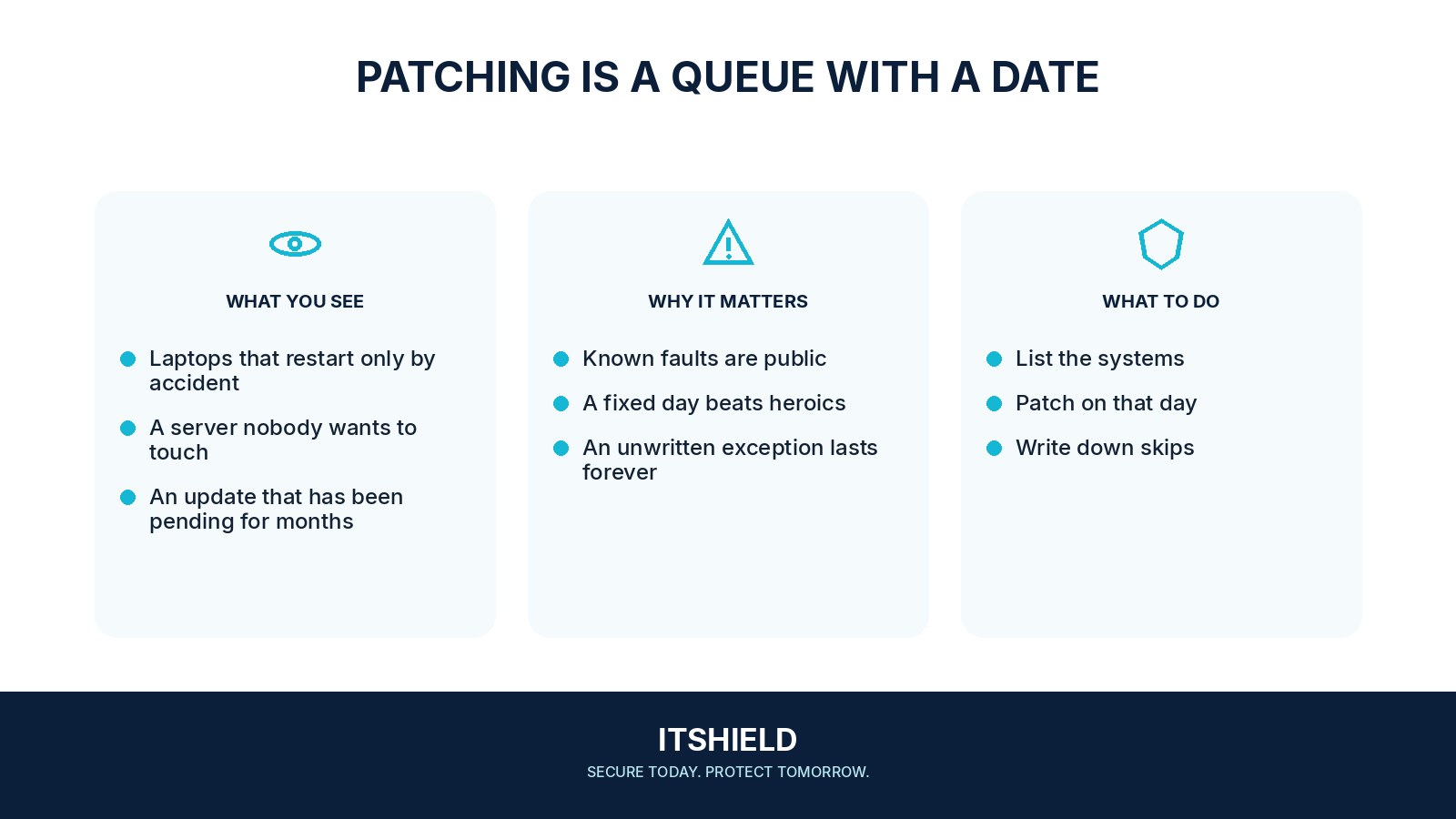
Confirm installed versions and pending restarts on the actual devices. Test the important task after an update, and keep a short list of exceptions with owners and review dates.
An update completed, but the contact form no longer sends messages.
Treat functional verification as part of the change. Use the agreed rollback or repair route, and confirm the service works before declaring the update complete.
Sources and useful guides
The following resources provide background and more detailed guidance. Use the sections that match your service and situation.