
“Who can send mail as the company?” has two meanings. One concerns people and applications allowed to use a mailbox. The other concerns internet services authorized to send for the domain. Reviewing only one can leave a route that nobody intended to keep.
Understand the idea
Check mailbox delegates, shared accounts, connected applications, and automated senders such as newsletters or invoicing systems. Record the owner and purpose of each. Email authentication helps receivers assess domain claims, while account permissions control who can use the real mailbox. Both need a maintained list.
- Sender
List people and services that use the domain.
- Control
Review their accounts, SPF, DKIM, and DMARC alignment.
- Lifecycle
Update the register when a service is added or removed.
A practical example
Imagine a former marketing service still authorized to send after a contract ends. The finance team also finds an old mailbox delegate. They review the two routes separately, remove unnecessary access, and test the genuine messages that must continue.
What to do next
- Require strong authentication for staff and administrators who can send or configure mail.
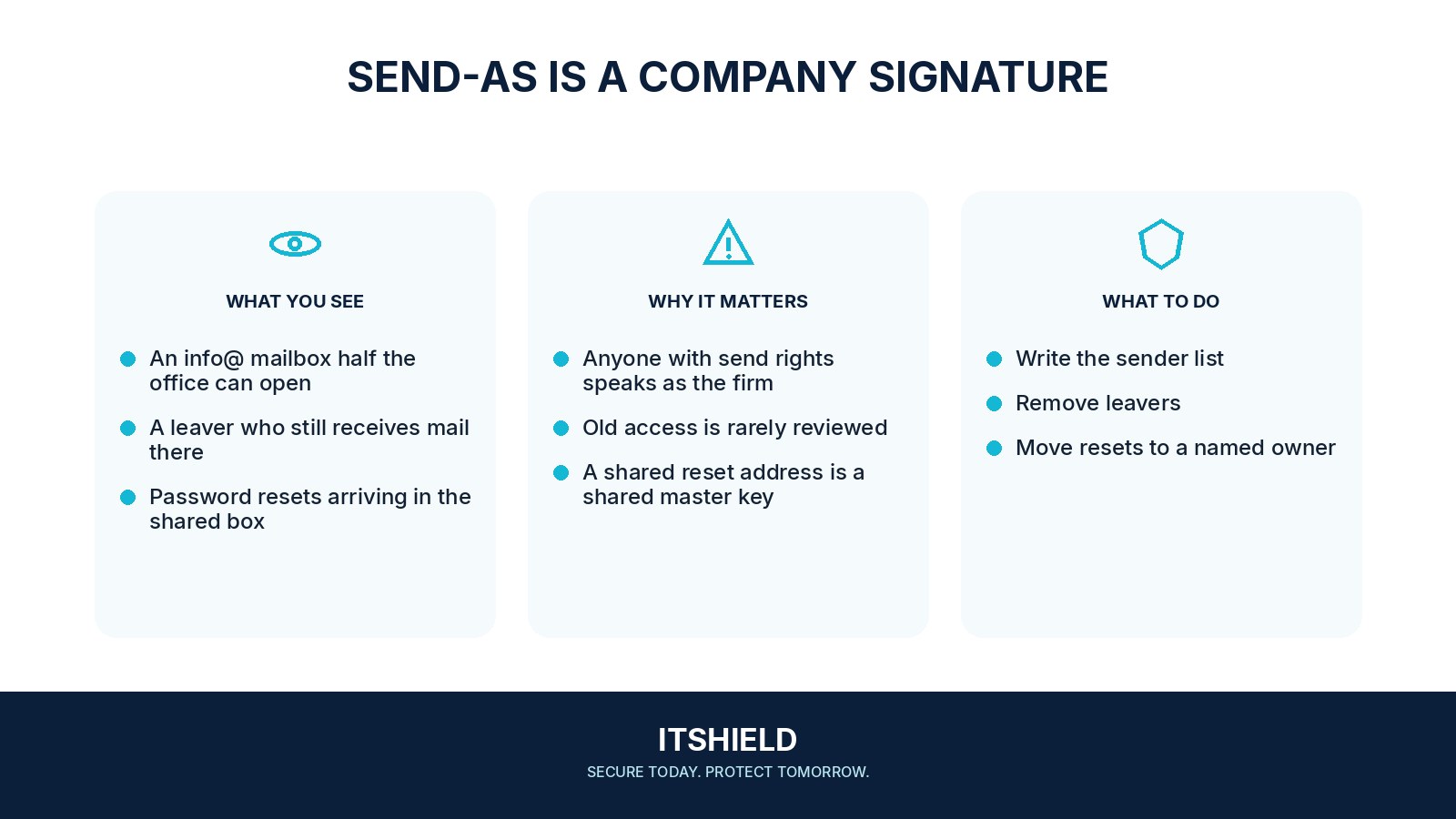
- Review “send as,” mailbox delegation, application permissions, and shared-mailbox membership.
- Verify SPF, DKIM, and DMARC using the mail provider's current guidance and the real sender inventory.
- Remove unused sending services and remove their tokens or passwords and access keys through a controlled process.
- Require approval and a test before a new service starts sending as the domain.
How to check the result
Send controlled test messages and inspect the relevant account and domain records. Keep the list current when a supplier changes, a person leaves, or a new application begins sending mail.
A former vendor is no longer in use. Should its mail settings remain?
Check the dependency before removal, then close unnecessary credentials and sending authorization. Verify both security and legitimate delivery after the change.
Sources and useful guides
The following resources provide background and more detailed guidance. Use the sections that match your service and situation.