
Showing 1–12 of 39 articles
Page 1 of 4
How a small club loses money through a fake treasurer email
A volunteer group can lose money through a plausible payment request, especially during a change of treasurer. Keep account ownership, payment verification, and a second review explicit.
Read the visual guide
How to use a school portal without giving the login away
A school portal may hold sensitive family information. Use its established sign-in route, protect account recovery, and independently verify unexpected requests for fees or documents.
Read the visual guide
Who can open a cloud photo link you sent
A shared album may use named recipients, a public link, or inherited access. Check the sharing model and test what someone outside your account can actually see.
Read the visual guide
What a browser extension can see, and which ones to remove
An extension’s permissions determine what it can observe or change. Keep the extensions you need, understand their access, and remove those that no longer have a clear purpose.
Read the visual guide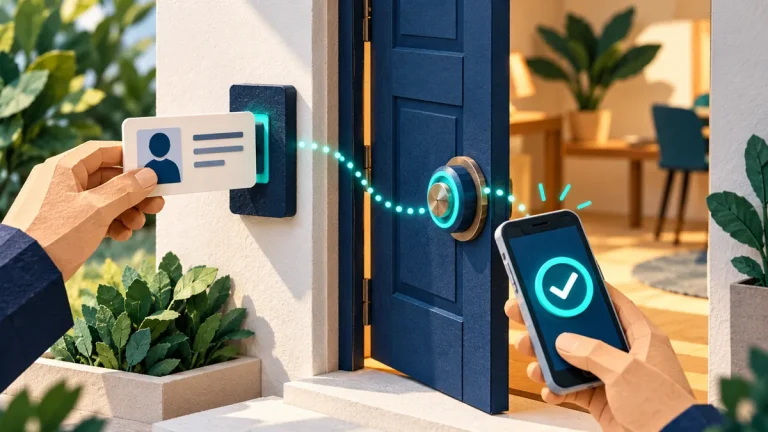
What multi-factor authentication is, in plain language
Multi-factor authentication combines different kinds of proof. Choose an appropriate method, protect recovery routes, and learn how to handle a request you did not initiate.
Read the visual guide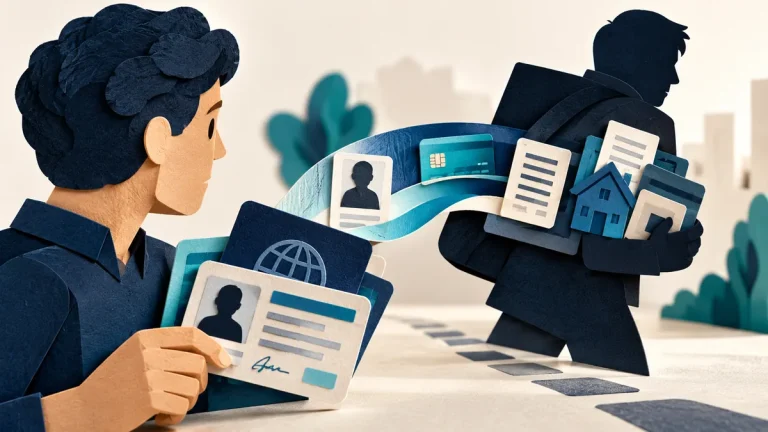
What to do if someone is using your identity
Identity misuse can involve different services and different remedies. Record what you know, secure affected accounts, and contact the organizations handling the actual misuse.
Read the visual guide
What to do when you think an account has been taken over
Regaining the password is only the start of account recovery. Check active sessions, recovery details, mailbox rules, connected applications, and the device used to sign in.
Read the visual guide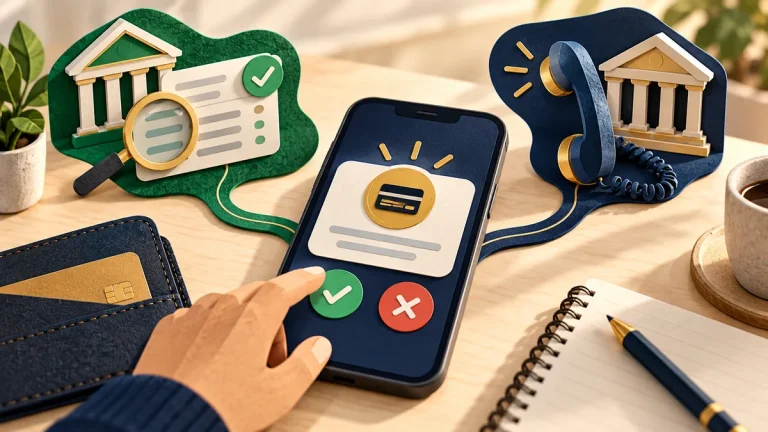
What to do with a bank or payment alert you did not start
An alert might describe real account misuse or be part of a scam itself. Use the service’s established app or a trusted contact number to distinguish the two.
Read the visual guide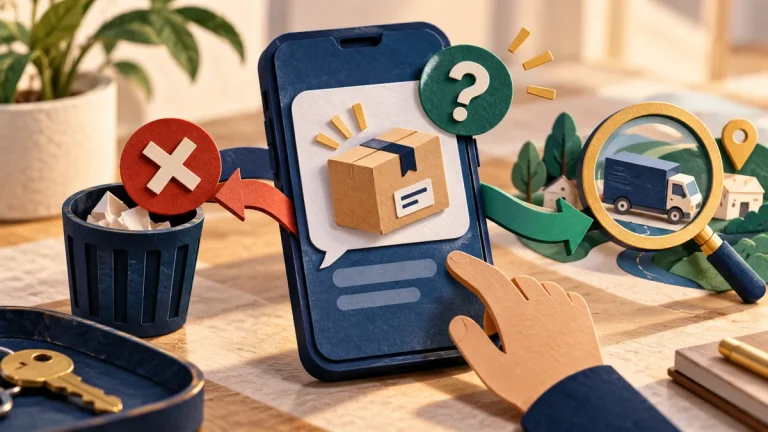
What to do with a delivery text you were not expecting
An unexpected delivery message may use a small fee or an address problem to collect card details. Check the parcel through the courier’s established app or website.
Read the visual guide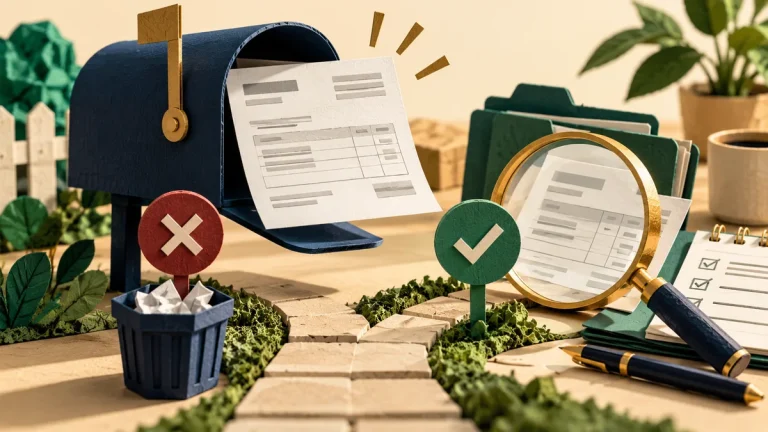
What to do with an invoice you were not expecting
An invoice can look routine while naming the wrong beneficiary or describing work that was never agreed. Check the business context and destination before paying.
Read the visual guide
How a dating app can point at your home
A profile can reveal more location information than its map setting suggests. Photos, routines, workplace details, and linked social accounts can combine into a recognizable pattern.
Read the visual guide
Change the password your camera or router shipped with
A camera or router’s factory credentials are only part of its access setup. Check local administration, cloud accounts, recovery, and any remote access that remains enabled.
Read the visual guide