
A cloud photo link can be more open than the sender expects. Some links work for anyone who has the address, while others require named accounts. The important question is who can use the link after it leaves your message, including people to whom it may be forwarded.
Understand the idea
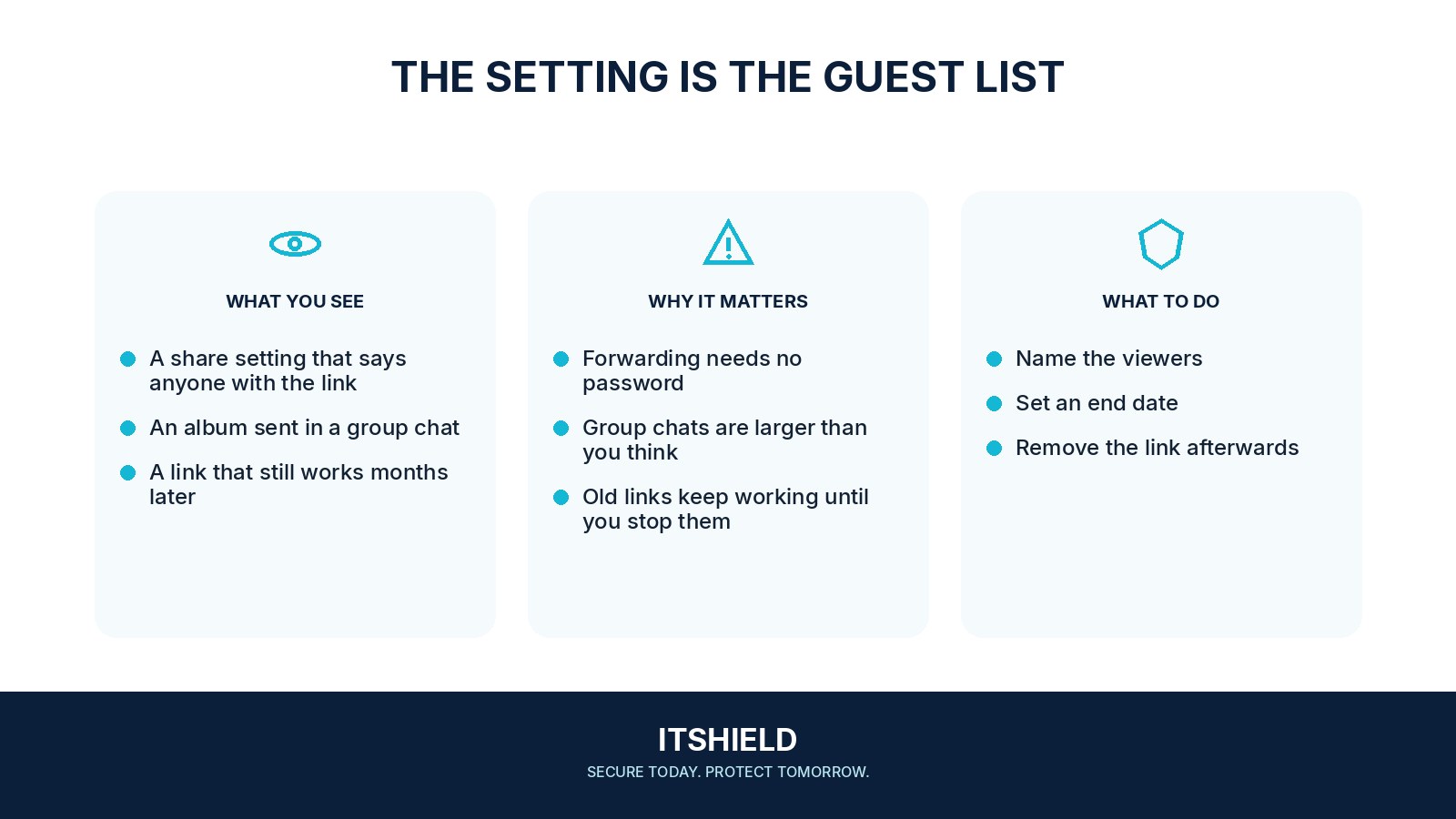
Choose the audience before sending. Check whether the recipient can view, download, add files, or reshare, and whether an expiry option is available. Removing a link can stop future access through it, but it cannot reliably retrieve copies that people already saved.
- Audience
Identify the intended viewers and the type of share.
- Access
Restrict the link or recipient list where supported.
- Test
Check the view from a separate, appropriate account.
A practical example
Imagine a family sending school-event photos through a public album link. One recipient forwards it to a large group. The organizer changes future albums to named recipients, removes the old sharing route where possible, and explains the intended audience before sharing again.
What to do next
- Choose the smallest audience that meets the purpose.
- Review the album's contents, including older photographs that may have been added automatically.
- Check whether recipients may contribute, reshare, or invite other people.
- Use named access for sensitive material where the service supports it.
- Set an expiry or a review date and remove access when the sharing purpose ends.
How to check the result
Test the link from an account outside the intended group or through the provider’s access-check feature. Confirm that the result matches your chosen audience, not just that the link opens for you.
Can revoking a link take back pictures someone downloaded?
No. Revocation can stop future access through that link, but it cannot reliably erase saved copies. Share only material appropriate for the intended audience.
Sources and useful guides
The following resources provide background and more detailed guidance. Use the sections that match your service and situation.