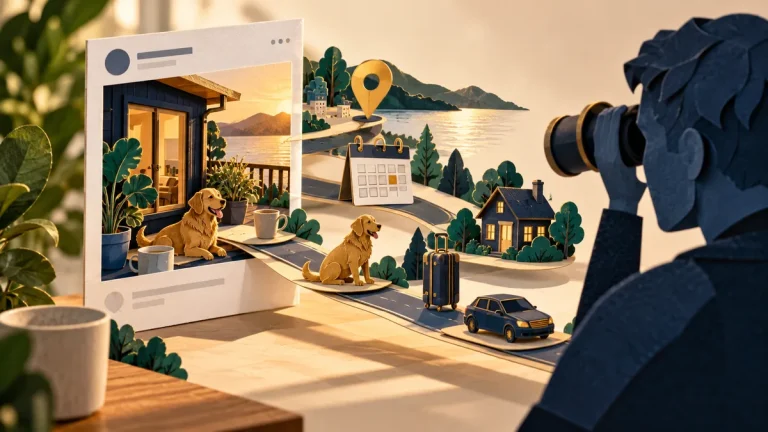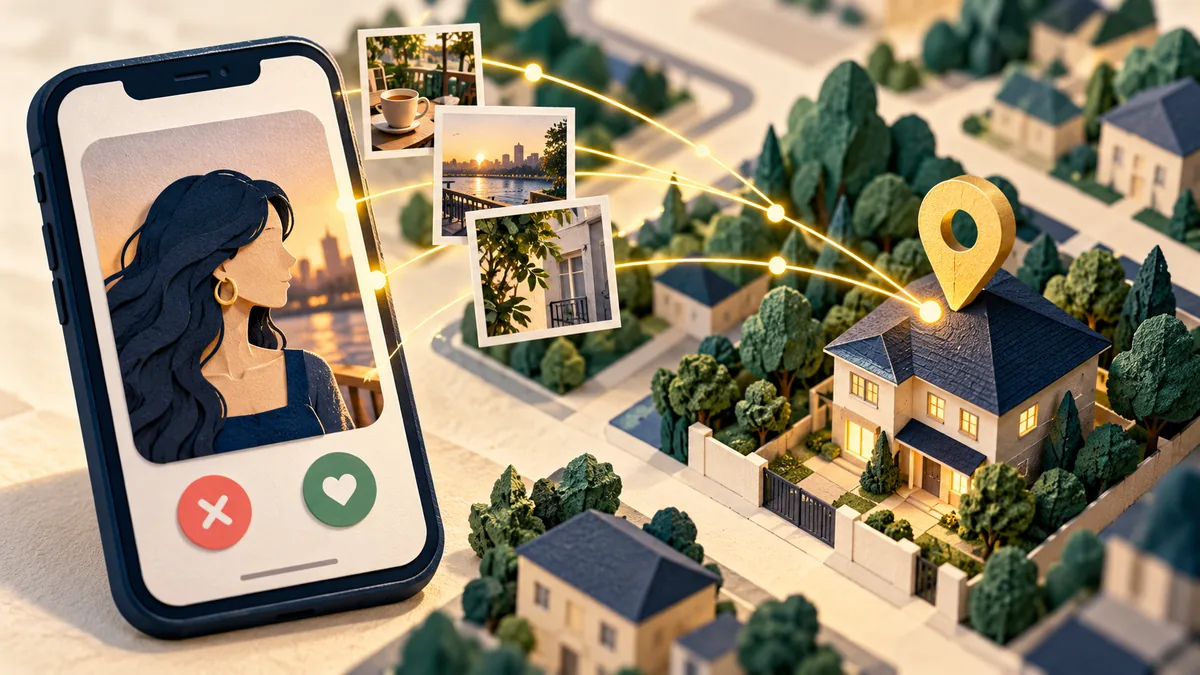
A dating profile can reveal location without displaying a street address. Distance indicators, photographs, workplace details, and repeated routines can combine into a useful picture of where someone lives or spends time. Choosing what to share gives you more control over that exposure.
Understand the idea
Review both the app’s location permission and what the profile itself reveals. Use a limited location option if it fits your needs. Avoid recognizable home details and consider whether a photo has appeared on another public profile. Blocking a person does not necessarily remove information already saved or shared.
- Clues
Review photos, biographies, location settings, and linked profiles.
- Audience
Consider what an unfamiliar viewer can infer.
- Change
Remove unnecessary clues and use the platform’s safety controls.
A practical example
Imagine a profile showing a balcony view, a nearby café, and the same walking route each morning. None gives an address alone, but together they narrow the area. The user changes the photographs and routine details and reviews which location information the app makes visible.
What to do next
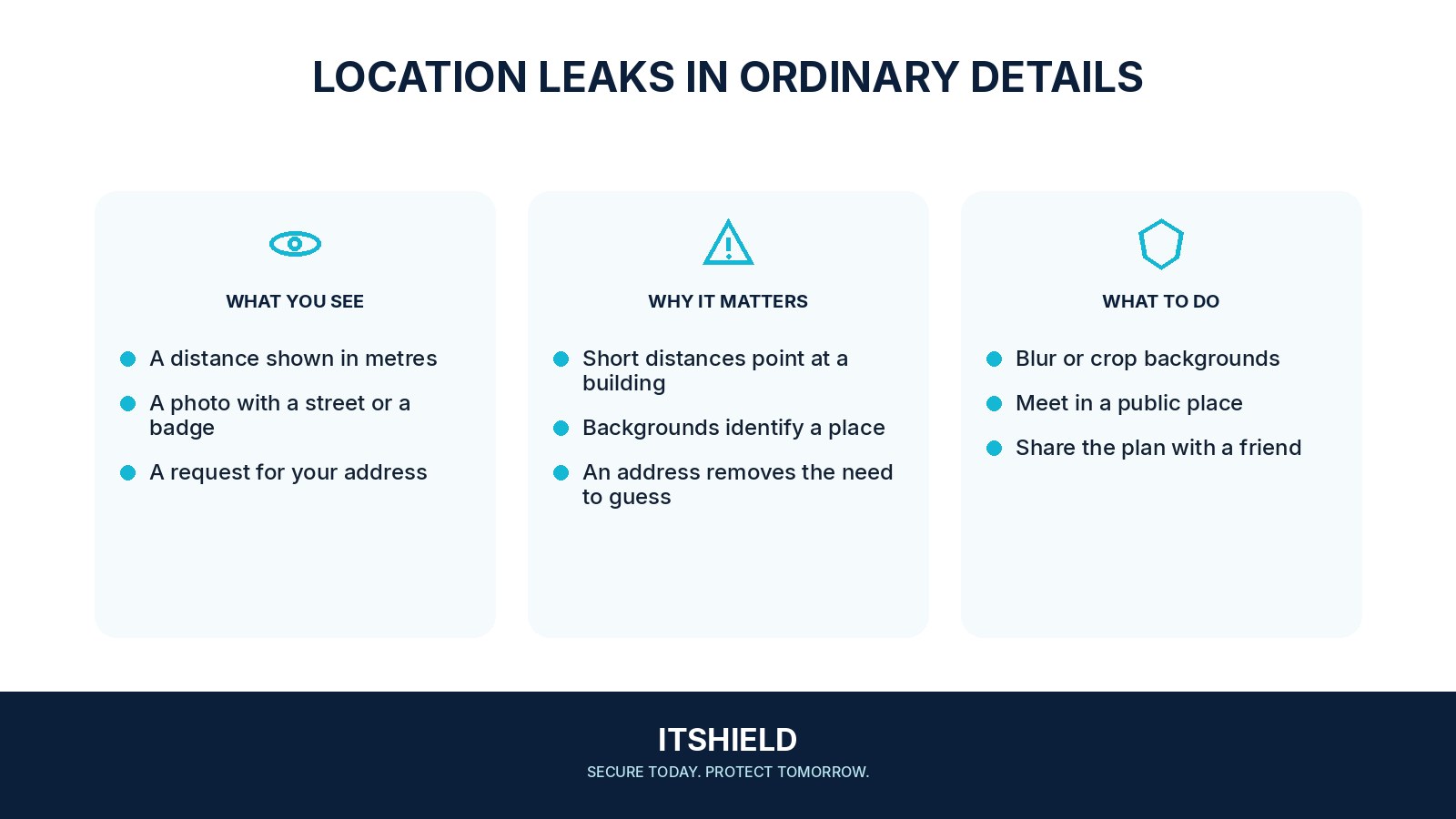
- Review location access in your phone's settings and choose a narrower option where supported.
- Check the app's distance, discovery, and profile-visibility controls using its current help documentation.
- Remove unnecessary workplace, school, neighborhood, or routine information from your biography.
- Inspect photo backgrounds and linked social accounts for details you did not intend to share with strangers.
- Avoid publishing real-time routines or moving a conversation to another account that reveals much more personal information before you are comfortable.
How to check the result
Check the public-facing profile and the app’s current settings. If unwanted contact becomes threatening, keep relevant evidence and seek appropriate local or platform support rather than trying to investigate the person yourself.
I disabled exact location. Does that hide my routine?
Other details may still reveal it. Check recognizable landmarks, repeated timing, and links to public profiles rather than relying on one setting alone.
Sources and useful guides
The following resources provide background and more detailed guidance. Use the sections that match your service and situation.