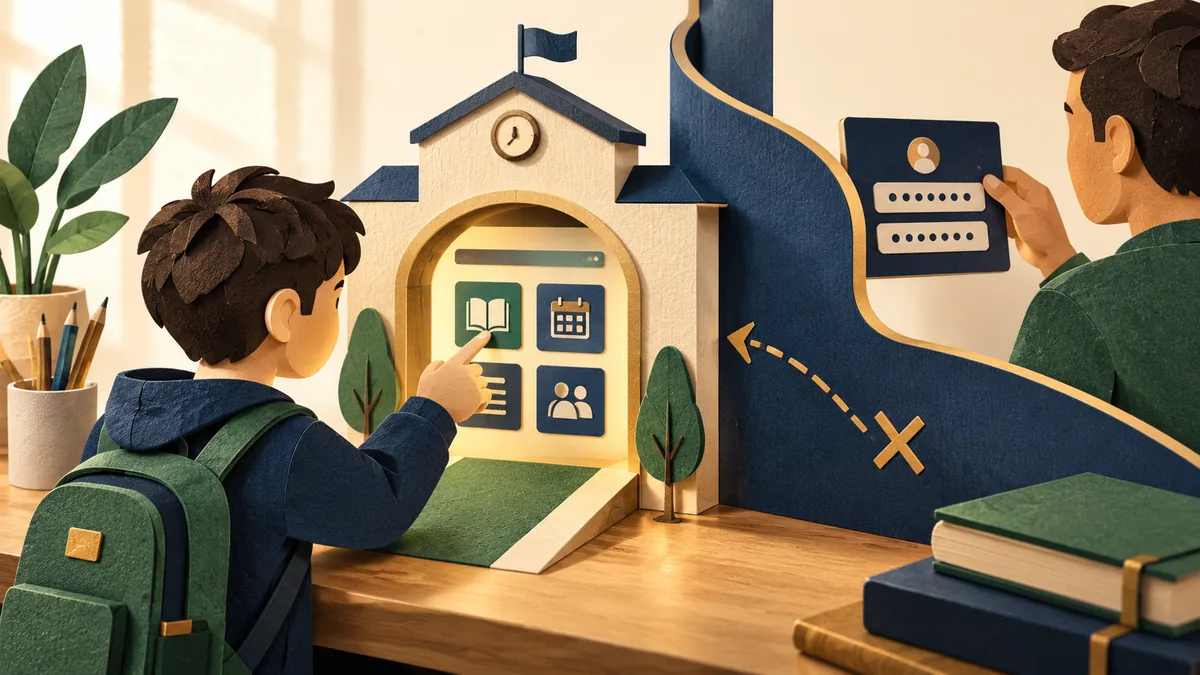
A school portal can hold contact details, messages, attendance, and information about a child. Treat its login as a personal account rather than a convenient link to pass around. Use the school’s verified service and keep recovery details under the right adult’s control.
Understand the idea
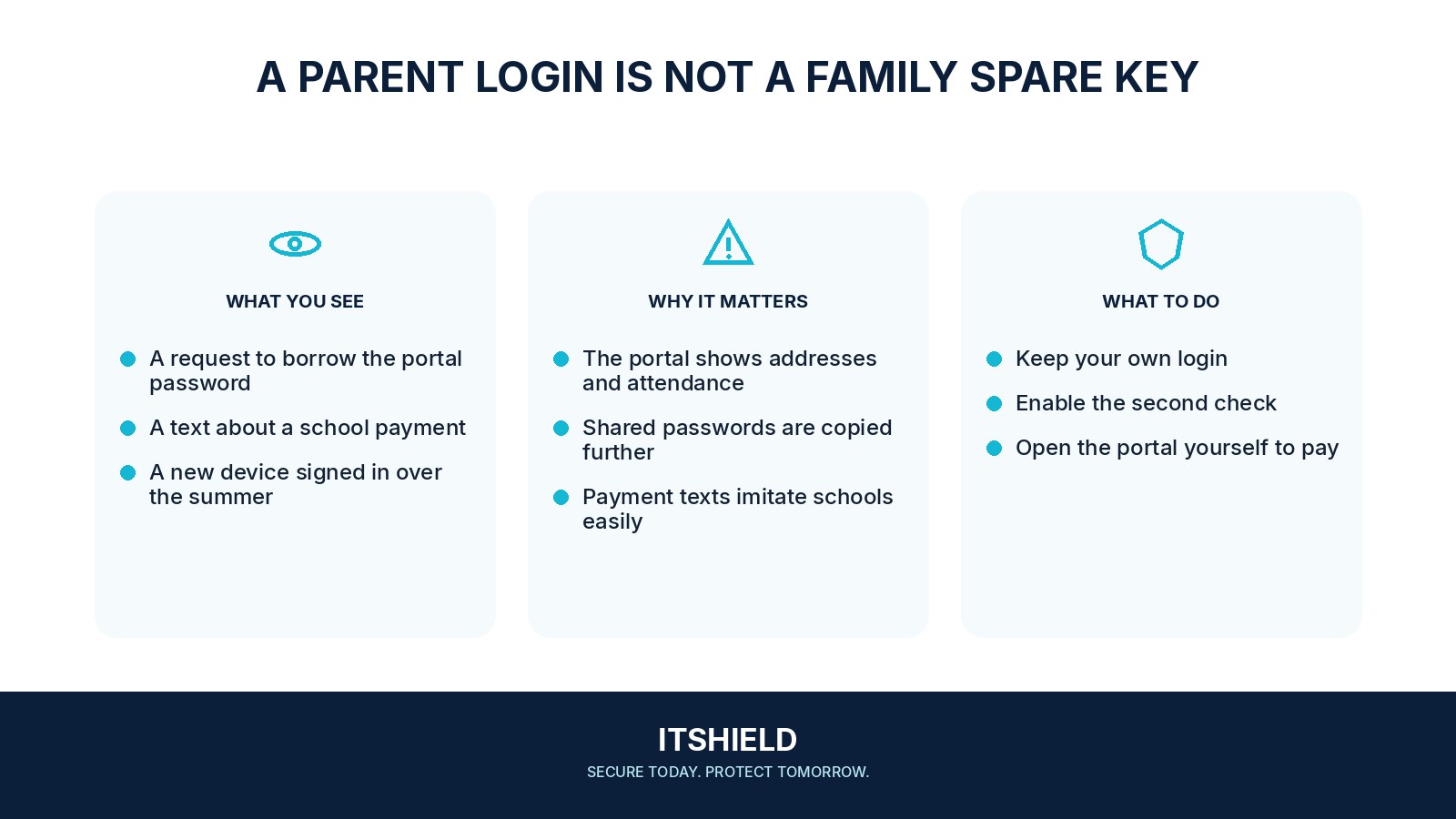
At setup, confirm the correct portal address and ask how the school sends important notices. Give each authorized adult their own access where available. Be careful with messages asking for a new login, urgent payment, or identity documents; verify an unexpected request through the school’s published contact route.
- Route
Save the verified school or platform address.
- Access
Use unique credentials and available MFA.
- Request
Confirm unfamiliar payments or data requests with the school.
A practical example
For example, a parent receives a message about an urgent fee and a new portal. They open the familiar school service and contact the office using the stored number. The office can confirm the request or warn other families if the message is fraudulent.
What to do next
- Use a unique password and supported MFA for the guardian account.
- Use the portal's authorized additional-guardian or delegated-access feature instead of sharing one family's master sign-in where possible.
- On shared devices, sign out and avoid leaving an unattended browser session open.
- Submit identity, health, or payment information only through the school's confirmed process.
- Report suspicious messages through the school's established contact, without posting screenshots containing children's details to a public group.
How to check the result
Check recovery details and review who still has access at the start of a school year or after a family change. Do not rely on a shared main password when the portal supports separate authorized users.
A message says the school account will close unless I sign in.
Open the normal portal independently and contact the school through its known channel. Do not let an urgent message choose the address where you enter credentials.
Sources and useful guides
The following resources provide background and more detailed guidance. Use the sections that match your service and situation.