
Showing 1–7 of 7 articles
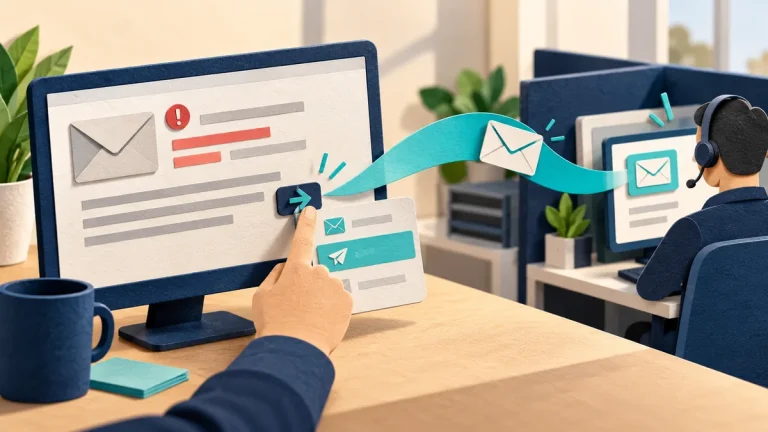
How staff should report a suspicious email
People report more effectively when the route is easy to find and the response is clear. Ask for the message and what happened after it, without encouraging further interaction.
Read the visual guide
How to use a school portal without giving the login away
A school portal may hold sensitive family information. Use its established sign-in route, protect account recovery, and independently verify unexpected requests for fees or documents.
Read the visual guide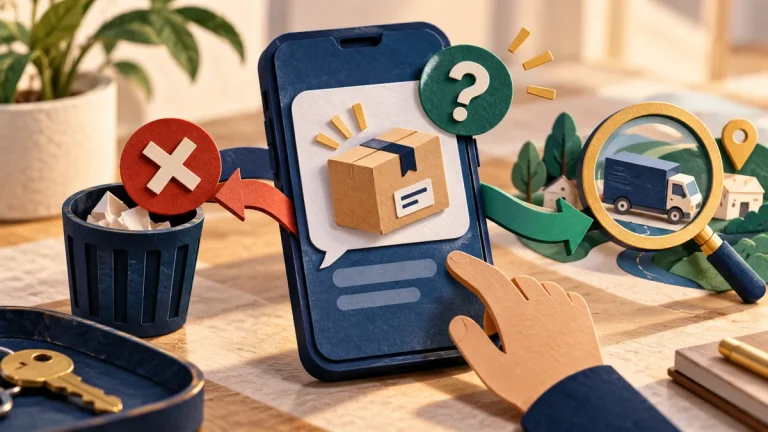
What to do with a delivery text you were not expecting
An unexpected delivery message may use a small fee or an address problem to collect card details. Check the parcel through the courier’s established app or website.
Read the visual guide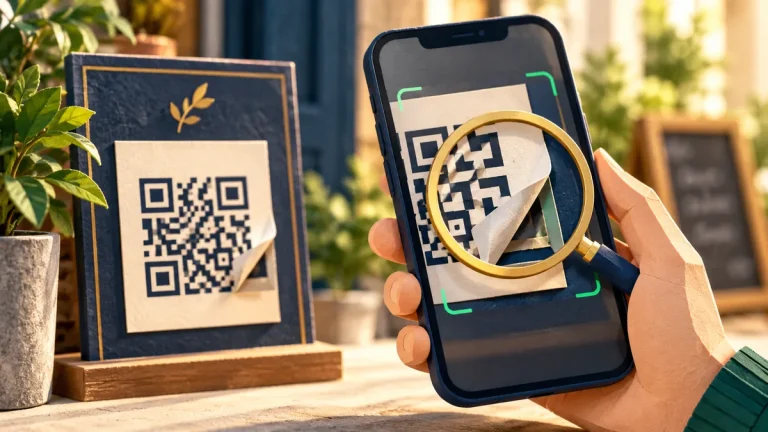
What to check before you scan a QR code
A QR code is a shortcut to information, often a website address. The important question is where it takes you and what that destination asks you to do.
Read the visual guide
What to do in the first hour after you click a bad link
What happened after the click matters. Simply opening a page, entering a password, approving a request, and running a file call for different responses.
Read the visual guide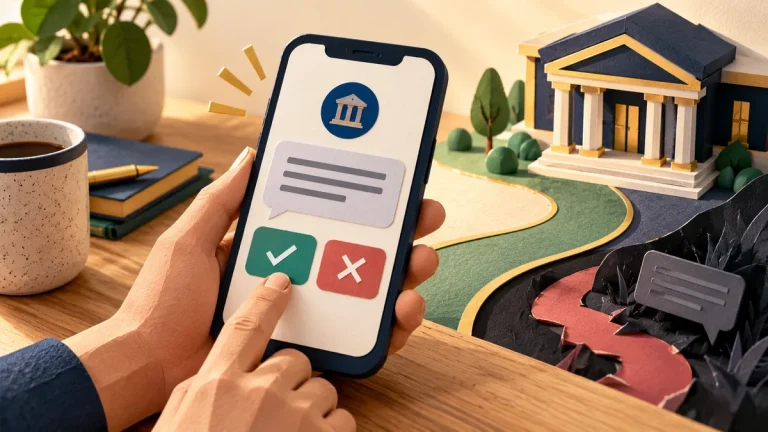
What to do when a text says it is from your bank
A message that looks like it came from your bank may be trying to lead you elsewhere. Open the bank’s usual app or use a number you already trust to check the claim.
Read the visual guide
Phishing beyond the email filter: verify the request, not the badge
An email that passes technical checks can still ask you to do something harmful. A trusted sender’s account may be compromised, and a plausible message may lead to an unsafe action.
Read the visual guide