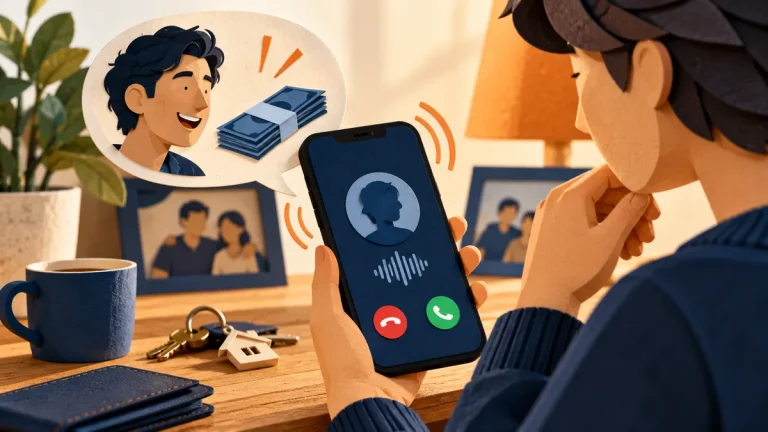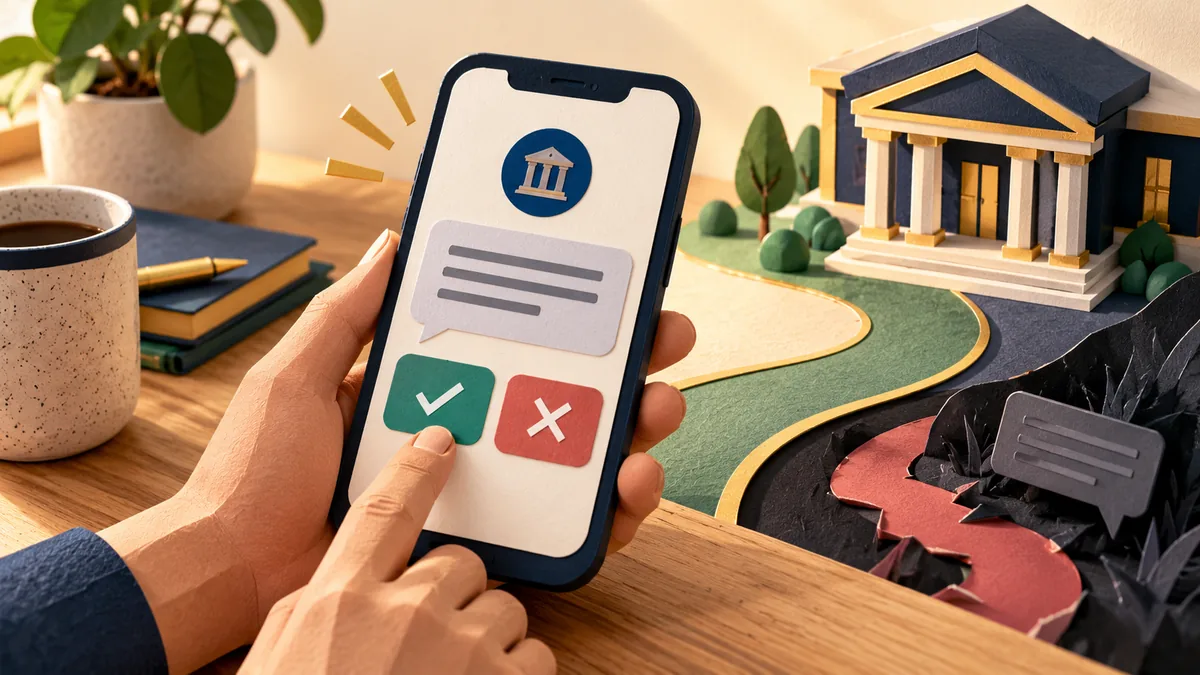
A text says your bank account is blocked and asks you to act now. It may be real, but the message itself is not a safe way to find out. Fraudulent bank texts try to move you from a familiar-looking alert to a link, phone call, or payment the sender controls.
Understand the idea
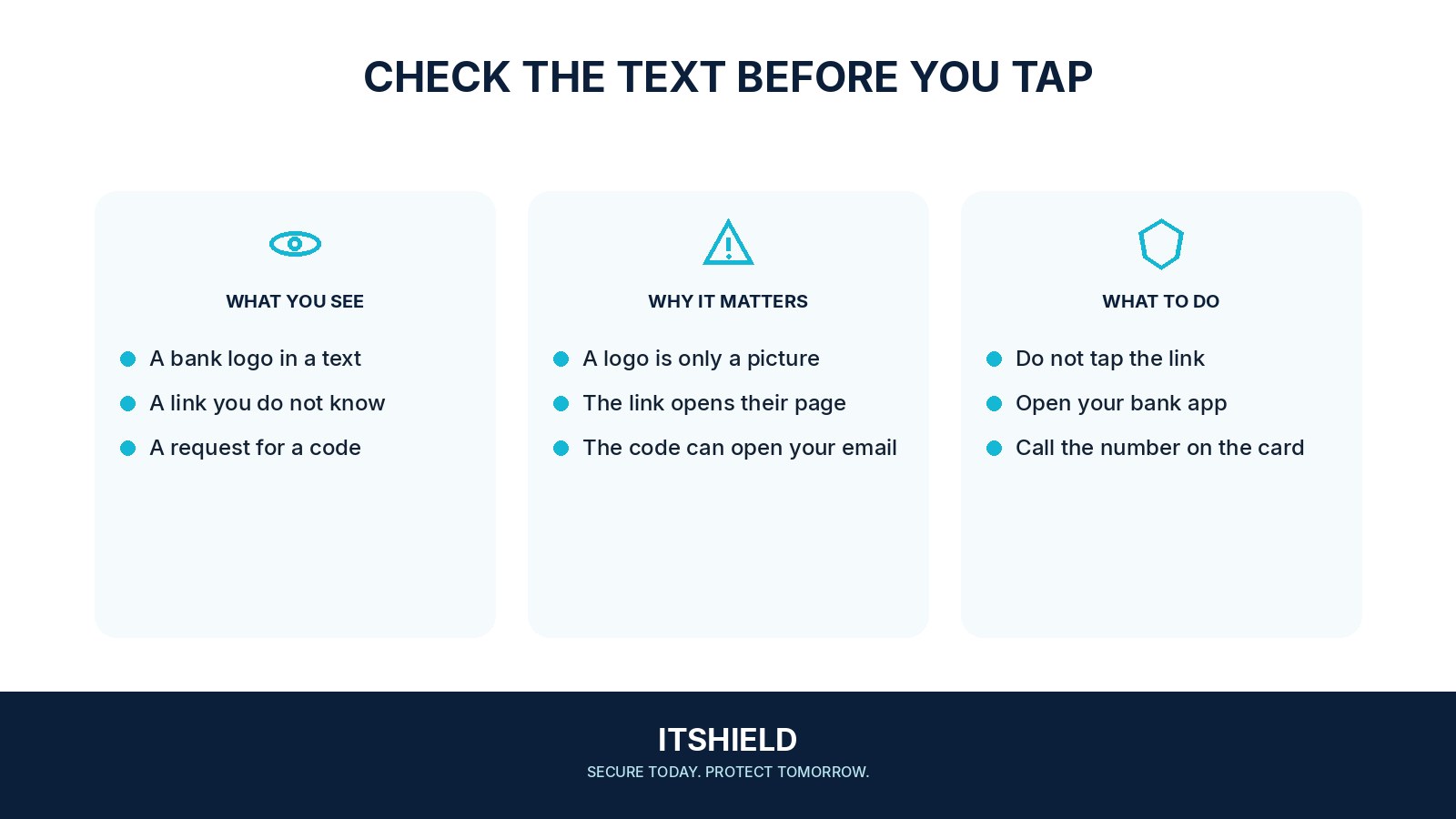
The sender name can look familiar, and a message can appear beside genuine bank messages. Focus on the requested action. Open your bank’s usual app or call the number printed on your card. You do not need to prove that the text is fake before choosing this safer route.
- Pause
Leave the message’s link and phone number unused.
- Verify
Open the established banking app or contact route.
- Act
Report unfamiliar activity promptly through the bank.
A practical example
Suppose a text asks you to verify a card purchase through a link. You open the bank app yourself and find no matching alert. You contact the bank through its published support route and report the message. If you already entered card details, tell the bank what you shared and when.
What to do next
- Leave the message and open the bank's official app from your phone's home screen.
- Check recent transactions and alerts there. If something is unfamiliar, use the app's verified support route or the number printed on your card.
- Explain the specific message and ask whether any action is required. Do not read a one-time code to the person who contacted you.
- Preserve a screenshot and the time, then report the message through your bank or mobile provider's reporting process. Do not forward an active scam link to relatives without a clear warning.
How to check the result
Keep the text and the time it arrived. Confirmation should come through your bank’s verified service, not through a reply from the person who sent the message.
I already entered account or card details.
Contact your bank immediately through its official channel and explain what you shared. Follow its instructions on securing access and checking transactions.
Sources and useful guides
The following resources provide background and more detailed guidance. Use the sections that match your service and situation.