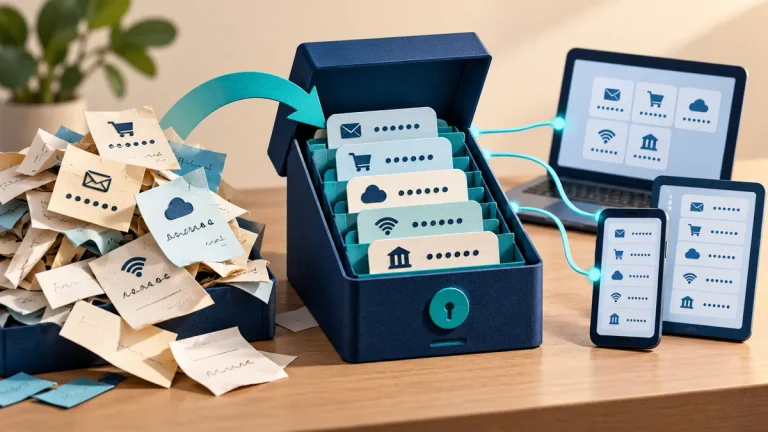
Sharing one family login may seem convenient until someone loses access, changes the password, or sees information meant for another person. A shared login also makes it hard to understand who approved a purchase or changed a setting. Separate accounts give each person a clearer boundary.
Understand the idea
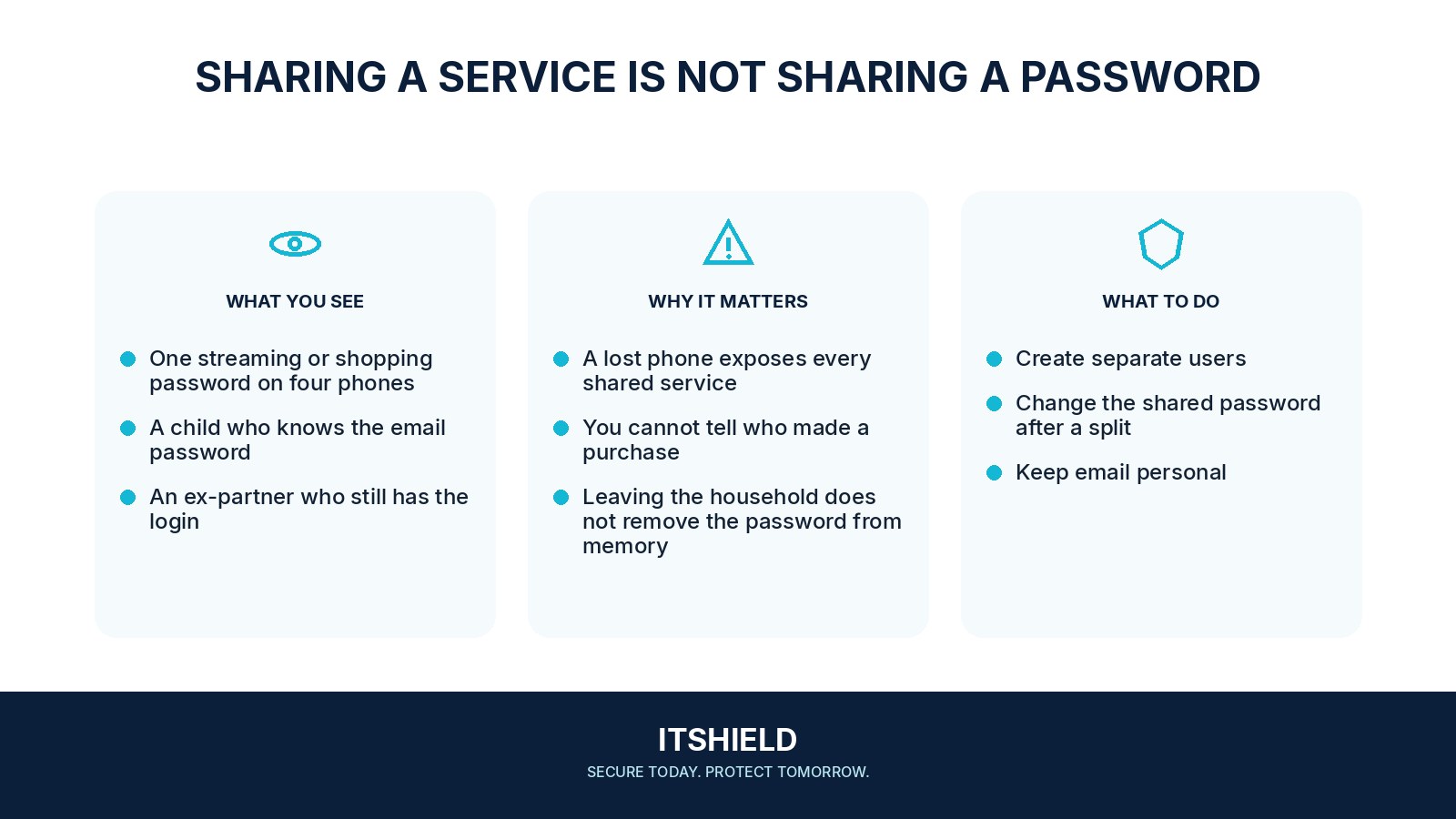
Use individual accounts and the service’s family-sharing features where available. Share the subscription or selected content rather than the main email password. Keep recovery methods current, and decide who can manage payments and important settings. A password manager can help with items that genuinely need controlled sharing.
- Separate
Give people individual accounts where the service allows it.
- Share
Use approved family or delegated-access features.
- Recover
Keep ownership and recovery details clear.
A practical example
For example, everyone uses a parent’s main account for games and shopping. A child changes a setting and the family loses access to receipts and recovery mail. They move to separate profiles and agree which purchases require approval, while the parent keeps control of the main recovery account.
What to do next
- Start with the main family email and accounts holding payment details.
- Create individual sign-ins and test invitations before removing existing access.
- Change passwords that were shared unnecessarily and review active devices, sessions, and recovery contacts.
- Agree who owns each account and how a lost device or unavailable guardian will be handled.
How to check the result
Check the arrangement from each person’s account. Confirm that shared features work and that private mail, payment settings, and recovery options are not unnecessarily exposed.
Everyone knows the same password. How do we change that safely?
Identify who owns the account and how access will work afterward. Set up supported sharing, test recovery, then change the shared password and end unnecessary sessions.
Sources and useful guides
The following resources provide background and more detailed guidance. Use the sections that match your service and situation.