Network appliances often arrive with setup accounts or default credentials. Routers, firewalls, storage devices, and similar equipment can control important services, so those initial settings should be reviewed before the device becomes part of normal operations. Working connectivity is only one part of a completed installation.
Understand the idea
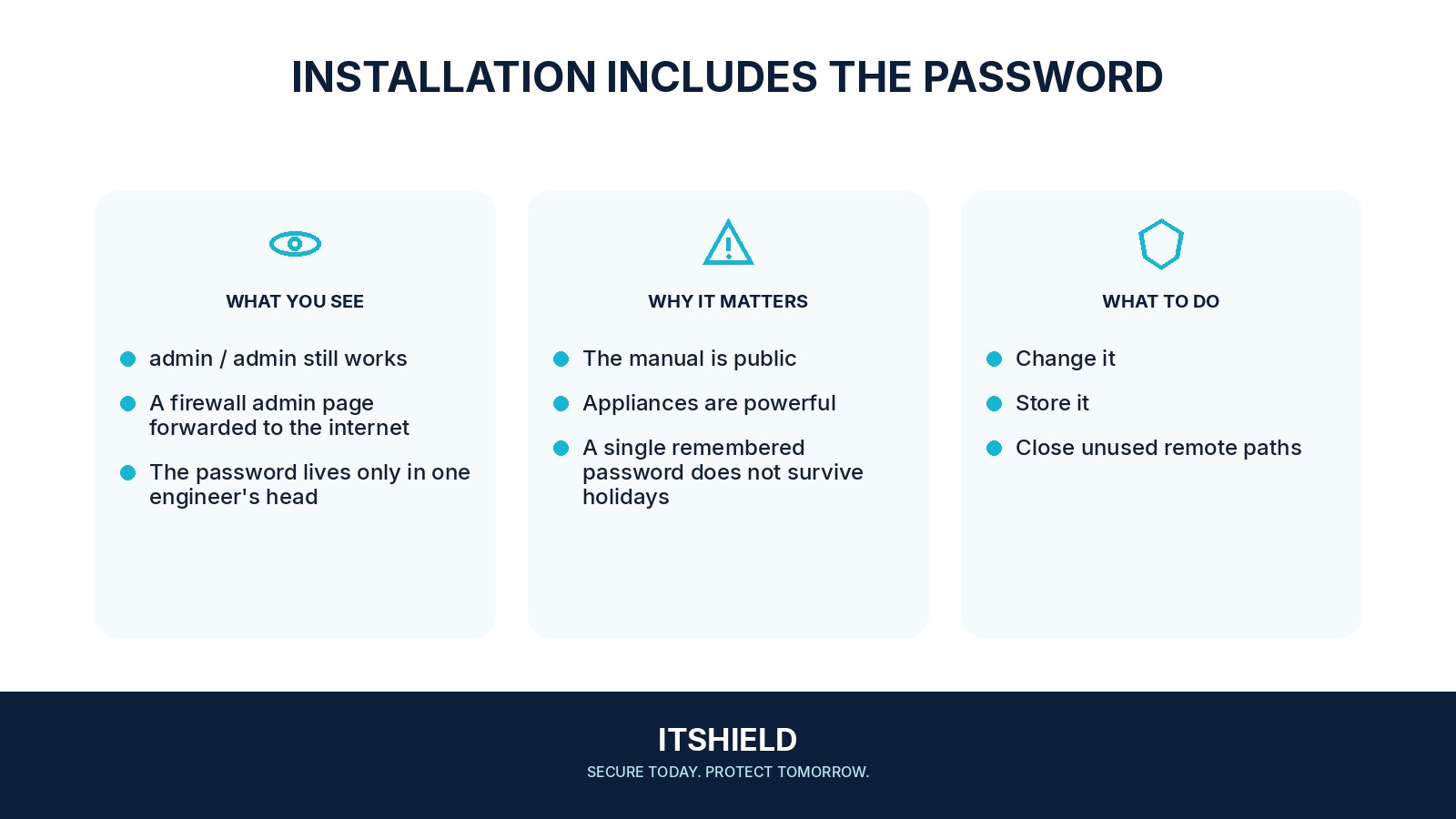
Identify every management account, replace shared defaults where supported, and restrict the management interface to the intended administrators. Update supported firmware and document recovery. If the product uses a unique initial credential, still check how it is stored, who knows it, and whether it should change at handover.
- Discover
List local, service, and remote identities.
- Replace
Change unnecessary defaults through a controlled process.
- Verify
Test management and monitoring, then document exceptions.
A practical example
Imagine a branch office receiving a new network appliance. The installer confirms that traffic works but leaves a temporary support account enabled. The receiving team reviews all accounts, closes unnecessary support access, and records the administrator and recovery owner.
What to do next
- Assign an owner and maintenance window for each device class.
- Preserve an appropriate configuration backup and recovery route.
- Replace default or unnecessarily shared passwords and access keys with supported unique values stored in an approved vault.
- Update legitimate integrations that use the changed passwords and access keys.
- Restrict management access and disable unnecessary remote or vendor access.
- Verify that the old credential fails, the approved account works, and essential functions remain healthy.
How to check the result
Verify the permitted management route and the final account list. Check that old setup credentials no longer grant access and that a legitimate administrator can still recover the device when needed.
The monitoring account still uses a factory credential.
Treat it as part of the access review. Determine what it can read or change, replace the credential where supported, and check dependent systems after the change.
Sources and useful guides
The following resources provide background and more detailed guidance. Use the sections that match your service and situation.