
Showing 1–12 of 13 articles
Page 1 of 2
Home routers used for work
A home router connects work systems to personal devices and internet services. Review its support status, administration, Wi-Fi configuration, and any unnecessary remote access.
Read the visual guide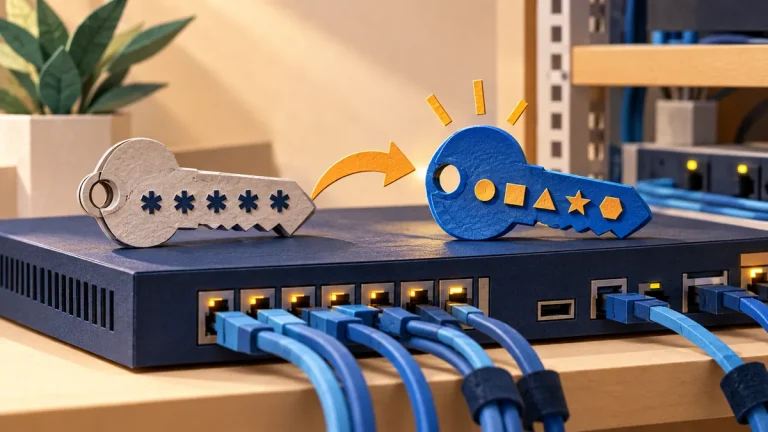
Change the default passwords on network appliances
A device may have separate credentials for administration, monitoring, support, and cloud services. Review all of them before deciding that the factory access has been removed.
Read the visual guide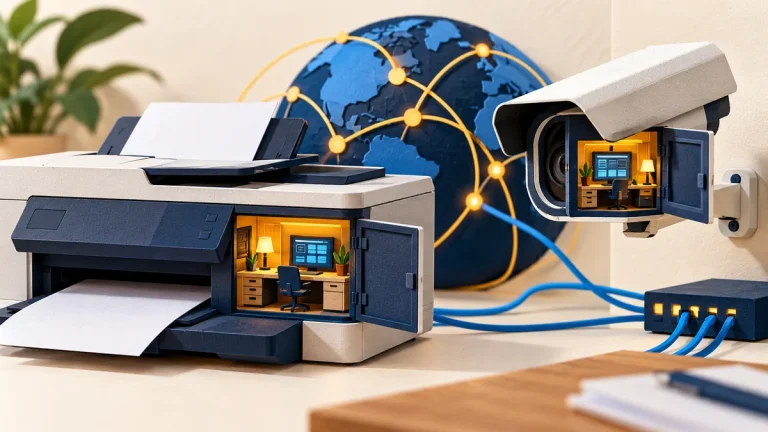
Printers and cameras that still have an open admin page
An office appliance can hold credentials, send documents, and expose management features. Treat it as a managed system with an owner, support status, and limited access.
Read the visual guide
What a browser extension can see, and which ones to remove
An extension’s permissions determine what it can observe or change. Keep the extensions you need, understand their access, and remove those that no longer have a clear purpose.
Read the visual guide
Change the password your camera or router shipped with
A camera or router’s factory credentials are only part of its access setup. Check local administration, cloud accounts, recovery, and any remote access that remains enabled.
Read the visual guide
How to use hotel and café Wi-Fi
Choose the network deliberately, inspect unexpected sign-in demands, and keep sharing settings appropriate for a public connection. Do not install unfamiliar software to satisfy a hotspot prompt.
Read the visual guide
How to charge your phone in public
Using your own charger or a suitable power bank keeps the charging route under your control. Treat any prompt for data access as a separate decision from receiving power.
Read the visual guide
What to do with a USB stick you do not recognise
An unknown USB device is not just an unexplained set of files. Connecting it can expose a computer to unexpected hardware behavior as well as unsafe content.
Read the visual guide
How to install the real software update and ignore the fake one
An update prompt should lead back to the software’s established update mechanism or official publisher. A web advertisement claiming an urgent update is a different starting point.
Read the visual guide
Which phone permissions an app does not need
A permission grants a real capability, such as reading contacts or using the microphone. Ask whether that capability is necessary for the feature you want to use.
Read the visual guide
What to do when someone says your computer is infected
An alarming pop-up or unsolicited caller may claim your computer is infected. Do not grant remote access or make a payment on that person’s instructions.
Read the visual guide
How to use public Wi-Fi without guessing
A familiar-looking network name does not prove who runs it. Confirm the network with the venue, keep device sharing controlled, and use your usual secure services.
Read the visual guide