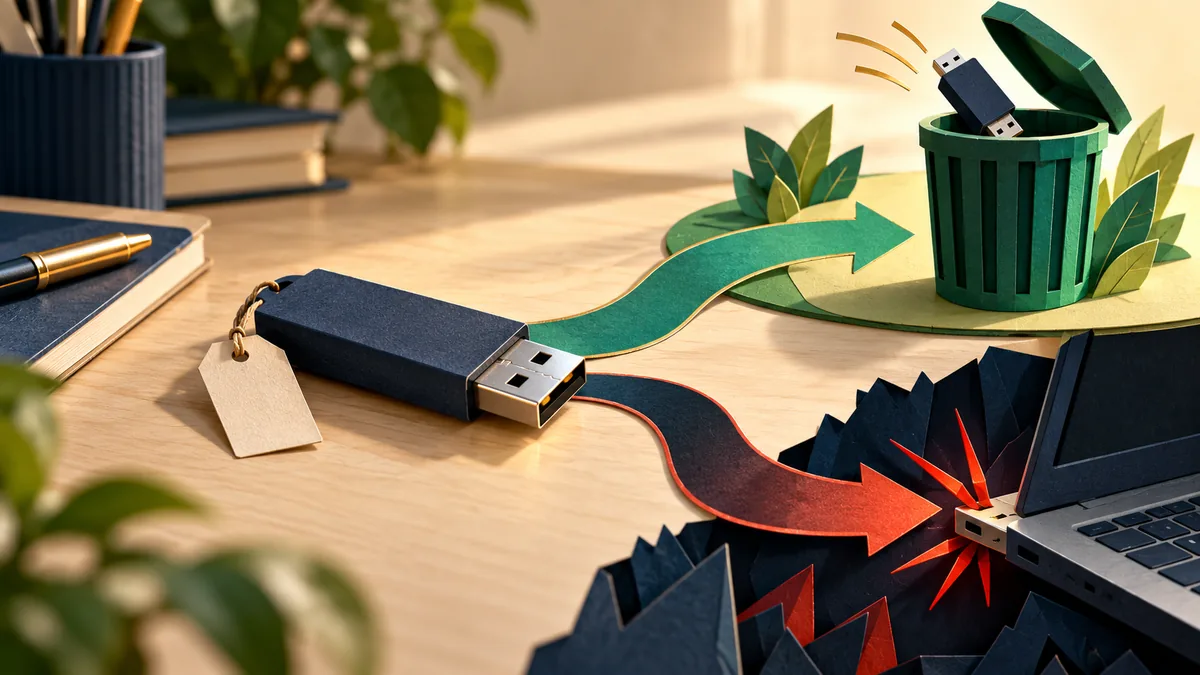
A USB stick found in a meeting room may look like a simple way to recover someone’s files. The problem is that you do not know what the device is or how it will behave. A USB connection can carry more than documents, and an unknown device should not become part of your work computer.
Understand the idea
Treat the device as untrusted equipment. If the files may belong to your organization, give it to the team responsible for handling unknown media. They can decide whether examination is necessary and use an appropriate isolated process. Opening it on another colleague’s laptop merely moves the uncertainty.
- Unknown device
Avoid connecting it to a computer you rely on.
- Route
Hand it to the appropriate venue or IT contact.
- Assessment
Let an authorized team decide how to handle it.
A practical example
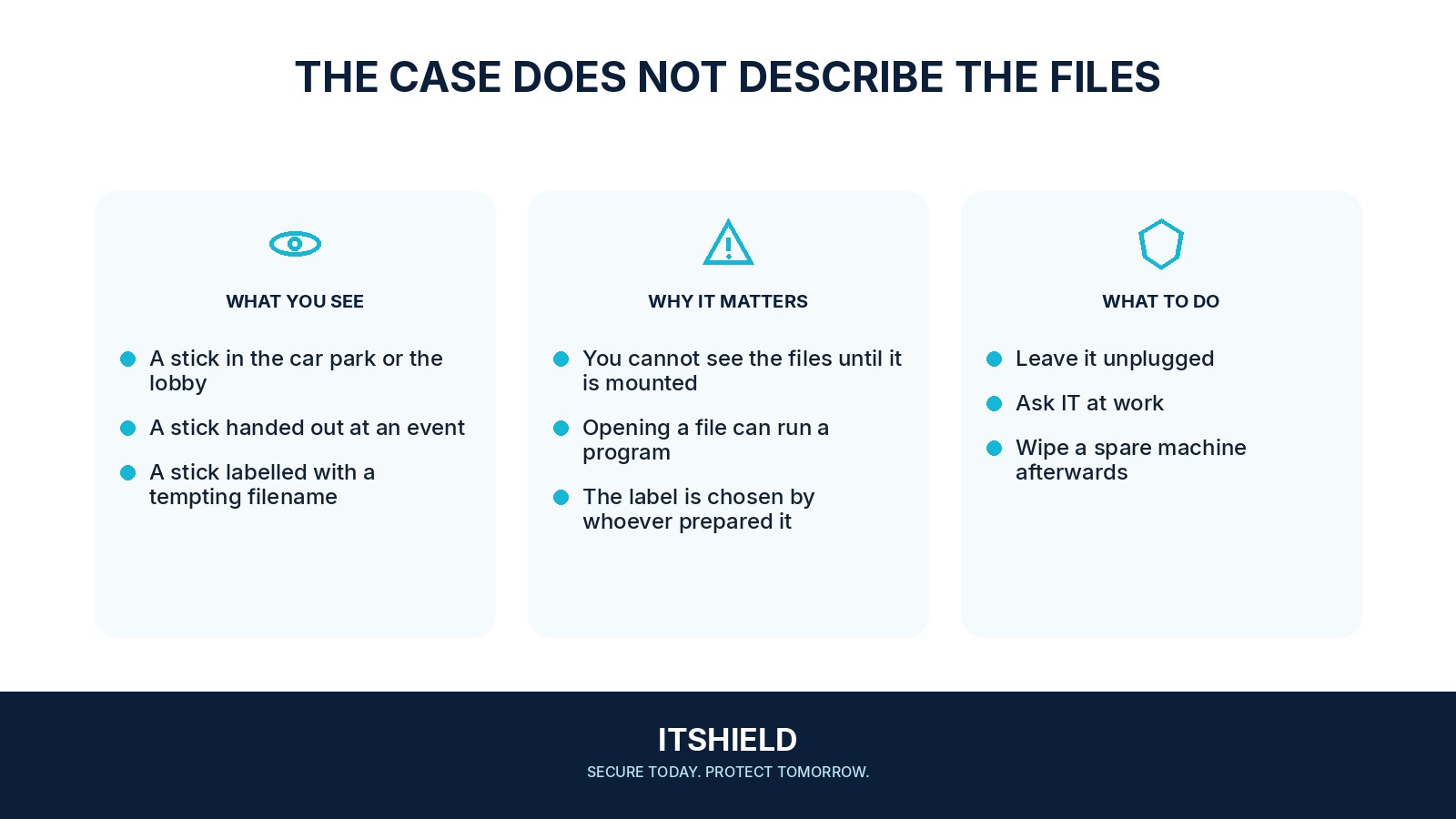
Imagine finding a stick labelled “Payroll” beside the office printer. Curiosity makes it tempting to open. Instead, you record where it was found and hand it to support. The label is part of the object being assessed, not evidence that the contents are genuine.
What to do next
- Leave it disconnected. Do not try it on a phone, television, or another computer as an alternative experiment.
- Record where and when you found it if this is relevant to workplace security.
- Hand it to the venue's lost-property service or your organization's designated security contact. Avoid opening files to look for a name.
- If you genuinely need to recover an unknown device's contents, use a qualified service with an appropriate isolated inspection process.
How to check the result
The useful outcome is a documented decision about ownership and handling. If the device was already connected, tell support which computer was involved and whether anything opened or ran.
Can I plug it in just to identify the owner?
Do not use your normal device for that check. Follow your workplace or venue’s process so any assessment happens through an appropriate, controlled method.
Sources and useful guides
The following resources provide background and more detailed guidance. Use the sections that match your service and situation.