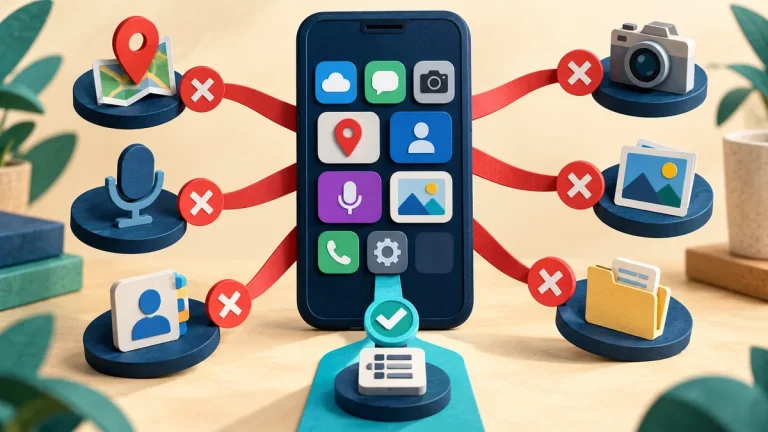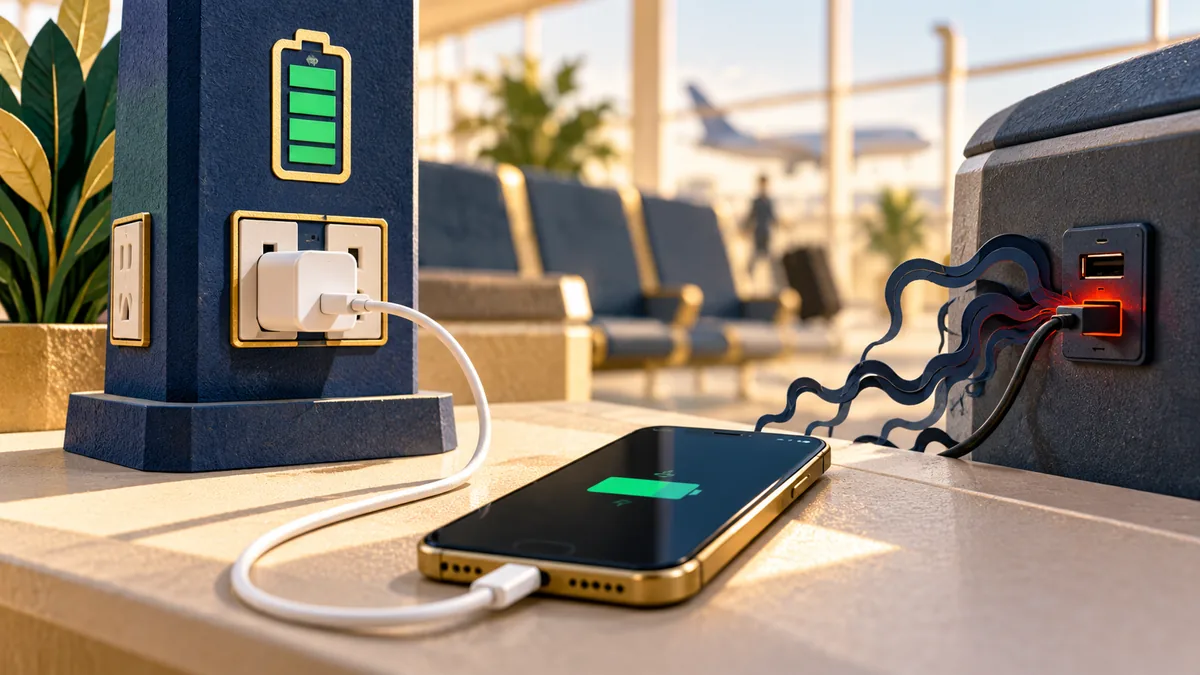
Charging a phone in public should be a simple task. USB ports, however, can support data as well as power. You usually cannot inspect the equipment behind a public port, so it helps to choose a charging method that does not require trusting an unknown data connection.
Understand the idea
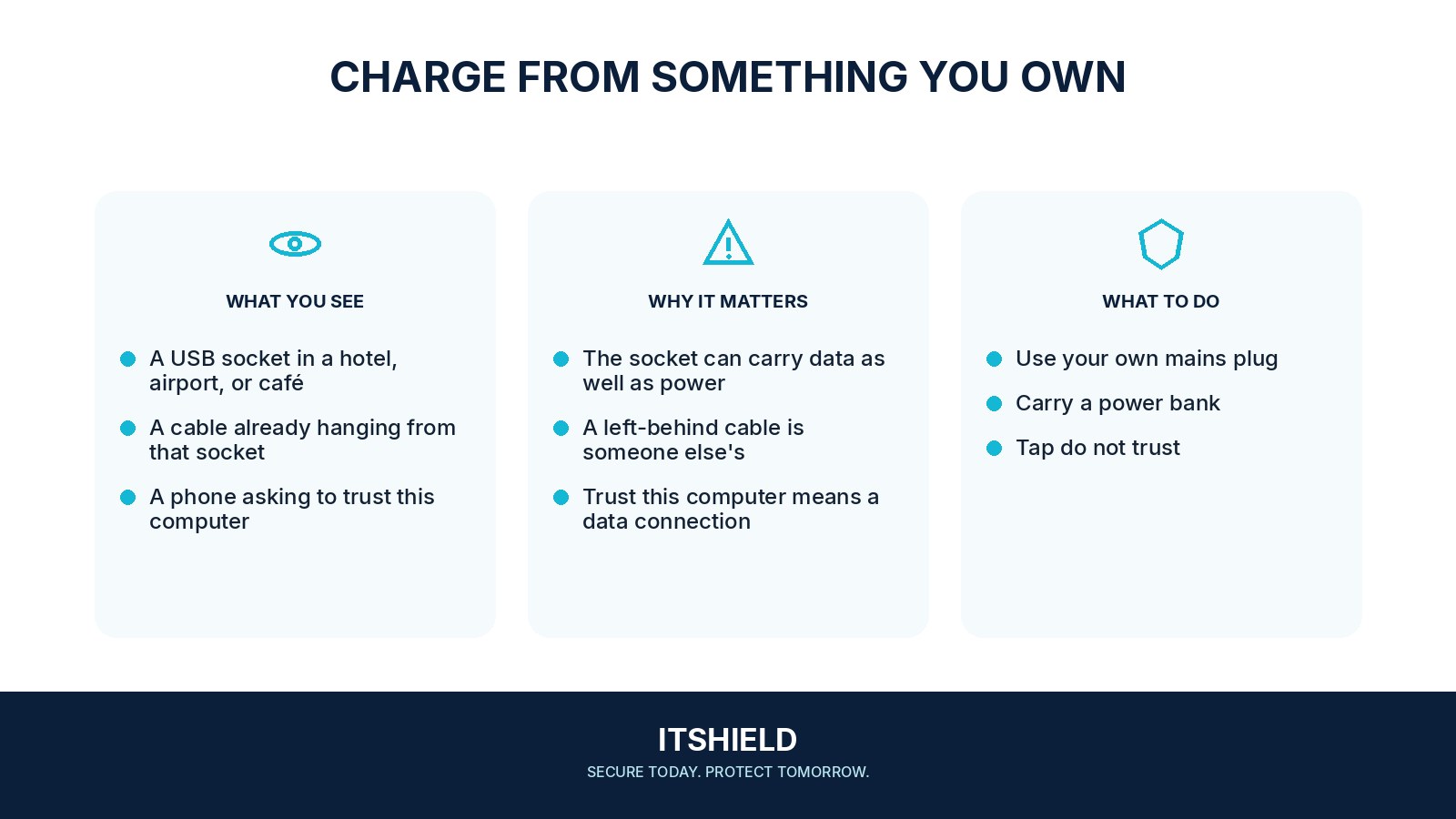
A personal mains charger and cable, plugged into a suitable power socket, provide a straightforward option. A charged power bank is another. Keep the phone updated and pay attention to prompts asking to trust a computer, share data, or install something. Charging does not normally require those approvals.
- Power
Prefer your own charger or trusted power bank.
- Prompt
Decline data access you do not need.
- Device
Keep the phone updated and follow platform guidance.
A practical example
For example, an airport charging station offers several USB ports. You use your own charger in an available socket or your own power bank. If the phone displays an unexpected data-access request, you decline and disconnect rather than treating it as a required charging step.
What to do next
- Bring a trusted power source. Use your own suitable mains charger and cable, or a charged power bank.
- Decline unexpected data access. Do not approve a request to trust a computer, share files, or install software merely to charge.
- Keep the phone maintained. Install genuine supported updates through the phone or vendor process.
- Report an unexpected approval. If you allowed access or installed something, record what happened and ask trusted support to review it.
How to check the result
Check that the phone is charging without an unexpected data-sharing approval. If access was granted or software installed, record the prompt and ask trusted support to review the device.
The phone asks me to trust a connected computer.
Decline unless you intentionally connected to a computer you trust for a data task. Charging alone does not require approving an unfamiliar computer.
Sources and useful guides
The following resources provide background and more detailed guidance. Use the sections that match your service and situation.