
Public Wi-Fi can be convenient when you are away from home or the office. The main question is whether you are joining the intended network and using trustworthy services on it. A network name alone does not prove who operates the connection.
Understand the idea
Ask the venue for the correct network name and expected sign-in process. Keep the device updated, avoid unnecessary sharing, and use normal HTTPS sites and apps. A VPN can protect part of the network path, but it does not make a fake website or an unsafe download trustworthy.
- Connect
Confirm the venue’s intended network and sign-in route.
- Protect
Keep software updated and sharing features limited.
- Choose
Use a trusted connection for tasks you are uncomfortable doing there.
A practical example
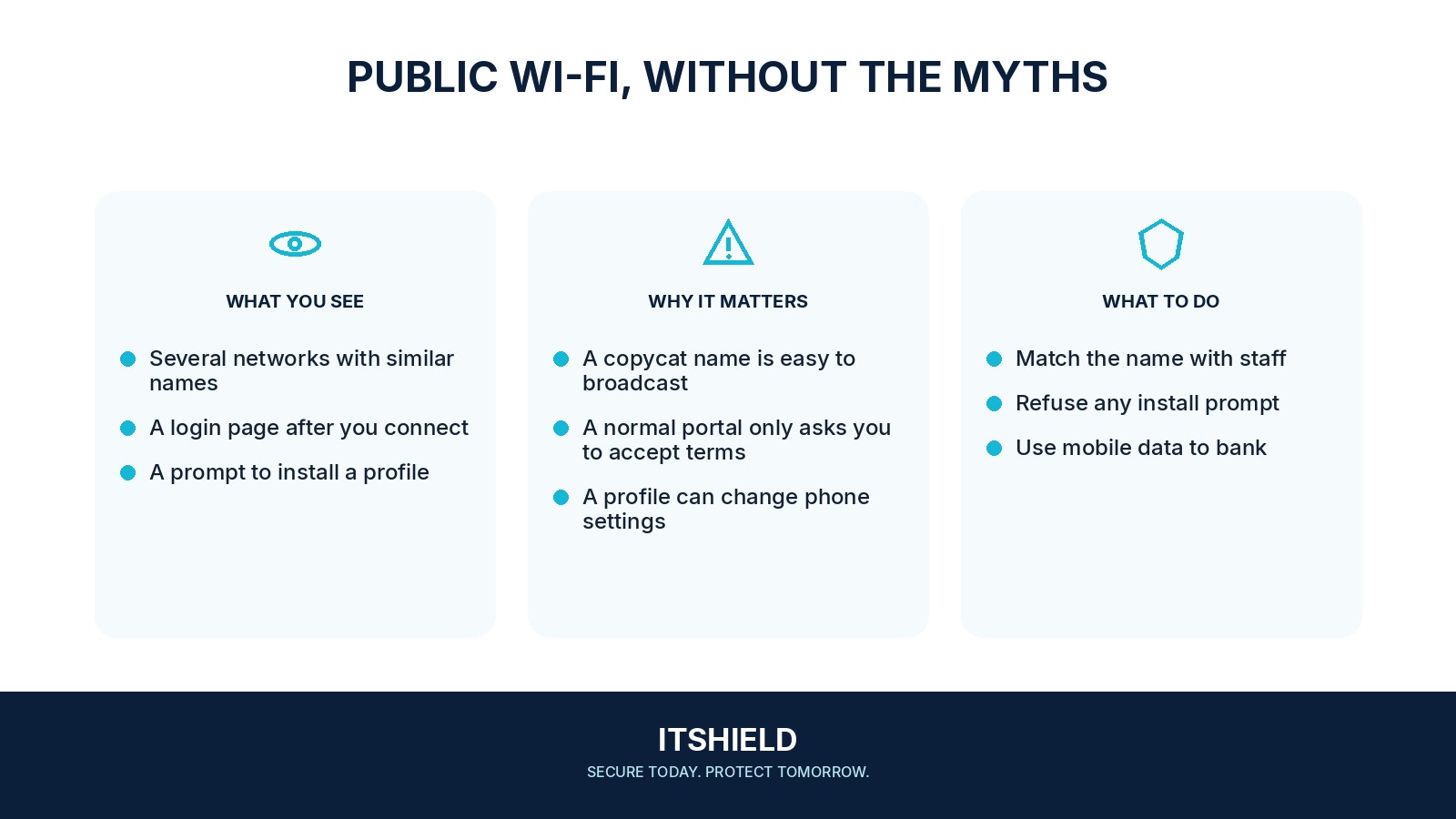
For example, a café offers guest access through a simple terms page. Another nearby network uses a similar name and asks visitors to install a security certificate. You confirm the real connection with the café and decline the unexpected installation. Mobile data is another option for a sensitive task.
What to do next
- Update the device and browser before travelling, rather than installing an update offered by a hotspot page.
- Use a public-network profile where the operating system provides one, and turn off unnecessary local file or printer sharing.
- Use HTTPS services and stop at certificate warnings. Do not interpret HTTPS as proof that a website is legitimate.
- Disable automatic reconnection to unfamiliar hotspots and forget the network when you no longer need it.
- For work, follow the organization's approved remote-access rules. If something about the network is suspicious, use a trusted alternative such as your mobile connection.
How to check the result
Remove networks you no longer use from automatic connection settings. If a sign-in page asks for a work password or an unexpected installation, verify that requirement before continuing.
The hotspot asks me to install a certificate or app.
Stop and verify the request with the venue or your IT team. Installing new trust or software is a more significant step than joining an ordinary guest network.
Sources and useful guides
The following resources provide background and more detailed guidance. Use the sections that match your service and situation.