
Showing 1–8 of 8 articles
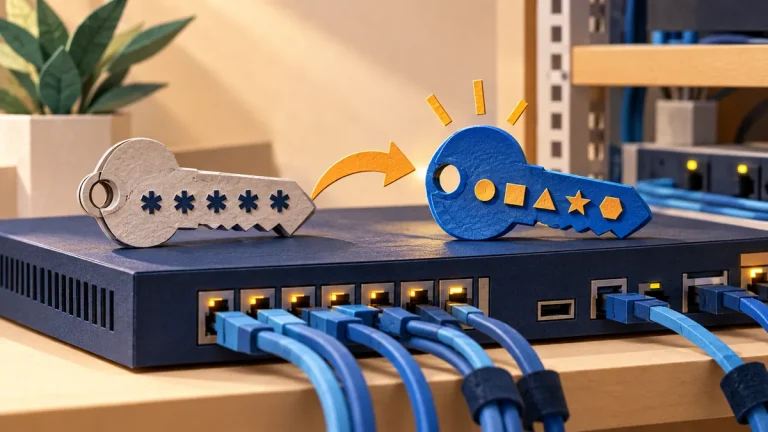
Change the default passwords on network appliances
A device may have separate credentials for administration, monitoring, support, and cloud services. Review all of them before deciding that the factory access has been removed.
Read the visual guide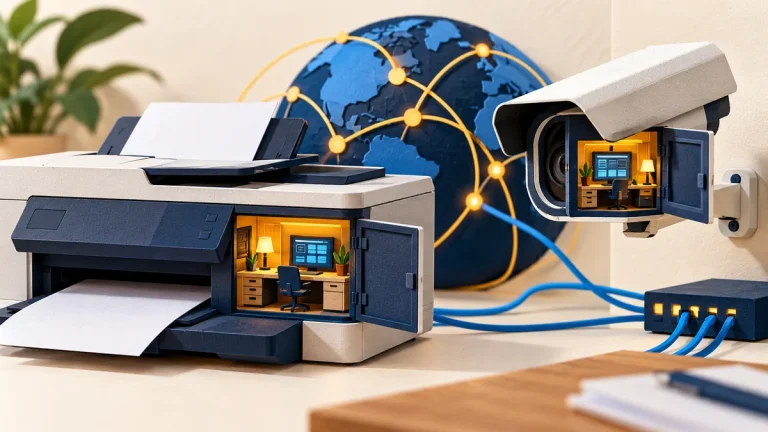
Printers and cameras that still have an open admin page
An office appliance can hold credentials, send documents, and expose management features. Treat it as a managed system with an owner, support status, and limited access.
Read the visual guide
How to roll out a password manager to a small company
A team vault needs an ownership model as well as an app. Decide what is personal, what the organization owns, and how access will be removed when someone leaves.
Read the visual guide
Change the password your camera or router shipped with
A camera or router’s factory credentials are only part of its access setup. Check local administration, cloud accounts, recovery, and any remote access that remains enabled.
Read the visual guide
Why a shared family password becomes a problem
A shared password makes it difficult to control access, recover accounts, and see who changed something. Prefer separate accounts and the service’s own sharing features.
Read the visual guide
How to start using a password manager
A password manager helps you use a different strong password for each service. The first task is protecting the vault and making sure you can recover access to it.
Read the visual guide
Brute force or password spraying? Read the sign-in pattern
Repeated guesses against one account and a few guesses across many accounts create different patterns. Review events across identities and time, rather than looking only for one noisy username.
Read the visual guide
Stolen passwords: stop credential stuffing across every login route
An attacker can reuse a stolen password through more than the main sign-in page. Review mobile APIs, legacy access, and recovery routes alongside the login form.
Read the visual guide