
A password manager rollout succeeds when staff can use unique passwords without losing access to their work. Installing the app is only one part. A small company also needs a clear plan for vault ownership, shared entries, recovery, and what happens when a person leaves.
Understand the idea
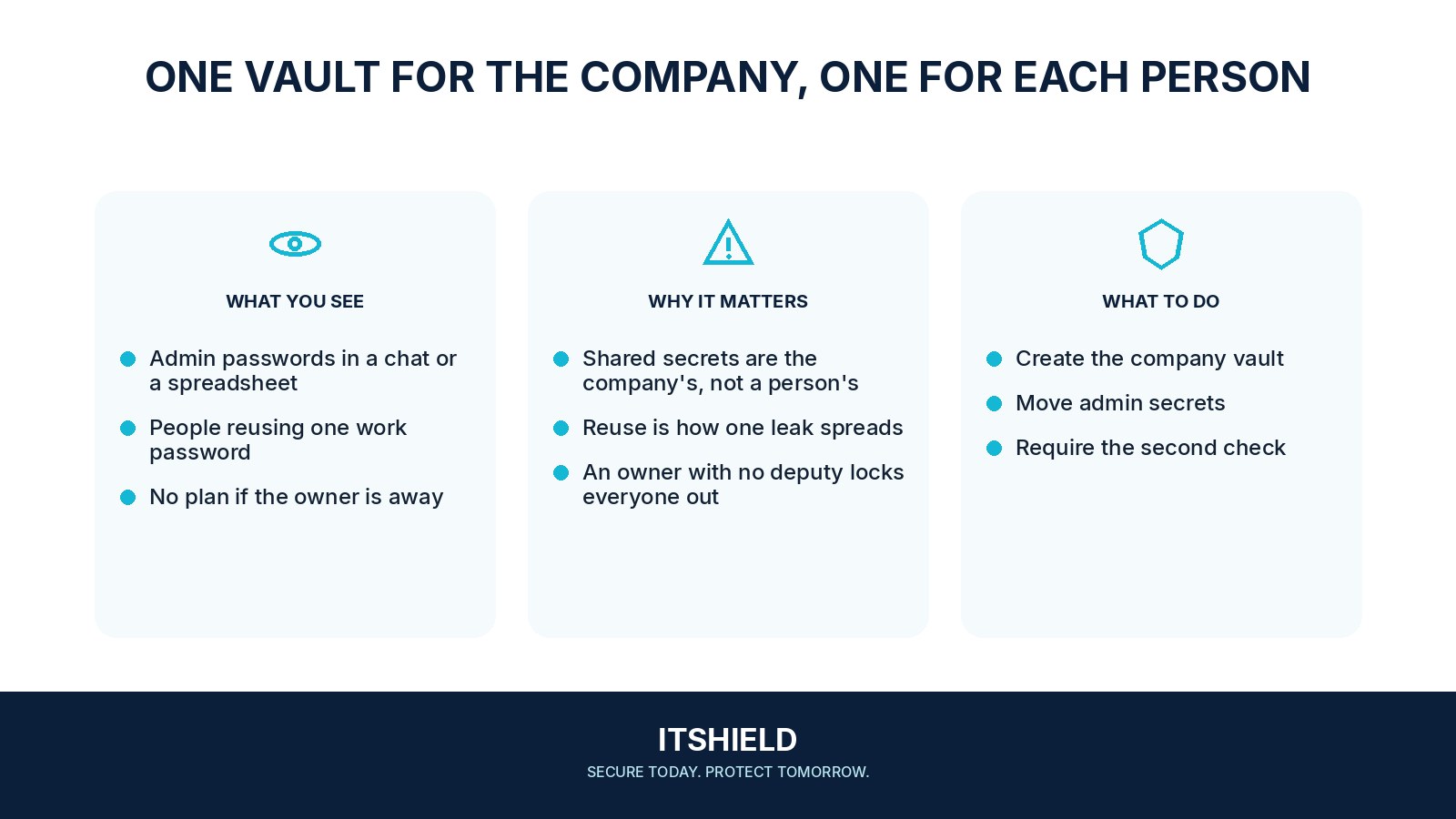
Begin with a pilot using a few ordinary tasks. Separate personal and company information, define who manages shared collections, and protect the organization administrator account. Explain the recovery process before importing important passwords. Staff should know where to ask for help when autofill or access does not work.
- Design
Define vault ownership, roles, and recovery.
- Pilot
Test actual sign-in and sharing tasks with a small group.
- Adopt
Move credentials and remove old copies deliberately.
A practical example
Imagine a small team moving shared service passwords out of a document. It creates role-based collections so finance and operations see only the entries they need. A test user confirms the saved logins, and the team checks how to remove that user’s access without losing the shared records.
What to do next
- Install the official application and browser integration on approved devices.
- Protect sign-in with an appropriate unique credential and supported strong authentication.
- Migrate a small set of work logins and test normal sign-in, password changes, and a shared service.
- Test a lost-device scenario and the authorized administrator's recovery procedure.
- Exercise offboarding: remove a test member and check what access and previously known secrets need additional handling.
How to check the result
Measure completed migration and working recovery, not just installed apps. Review duplicate entries, old shared passwords, and unused access after the first few weeks.
Removing a user from the vault ends every shared password risk, right?
It stops the supported vault access, but the person may already know or have copied a password. Rotate shared secrets when the risk or offboarding process requires it.
Sources and useful guides
The following resources provide background and more detailed guidance. Use the sections that match your service and situation.