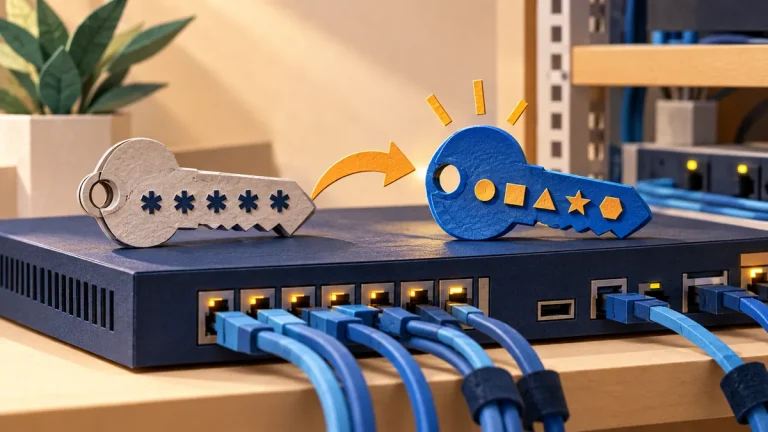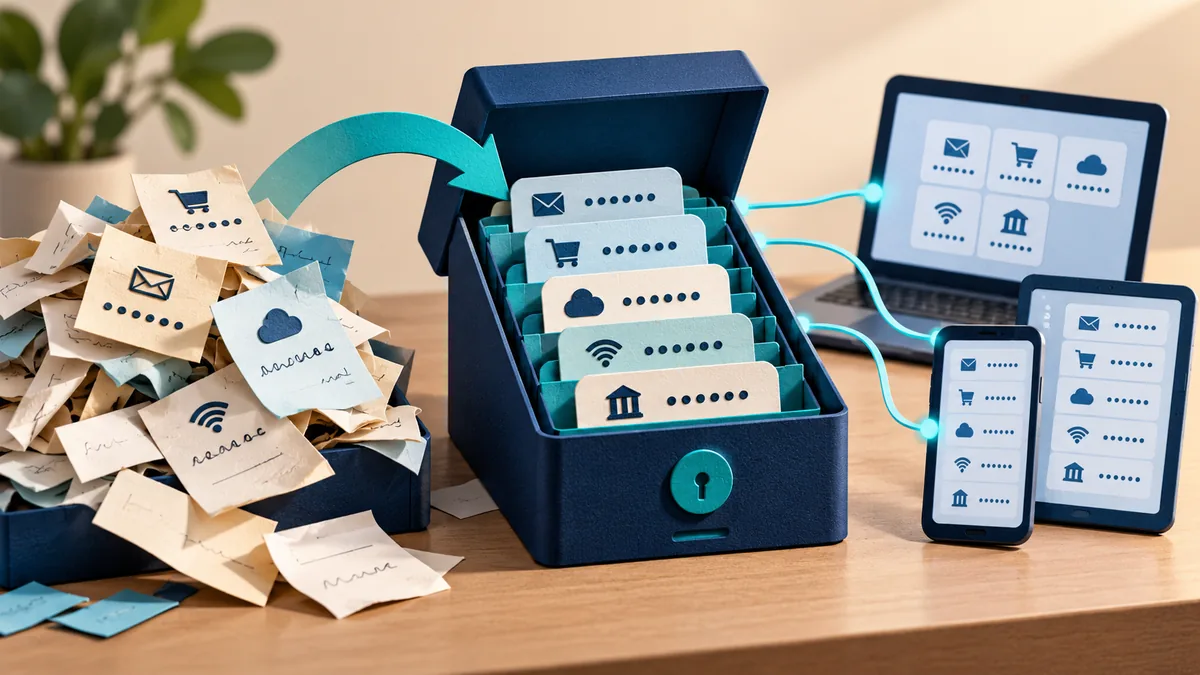
A password manager stores passwords in a protected vault and helps you create a different password for each account. You remember the password that unlocks the vault instead of inventing and remembering dozens of variations. This reduces the damage when one website loses account details.
Understand the idea
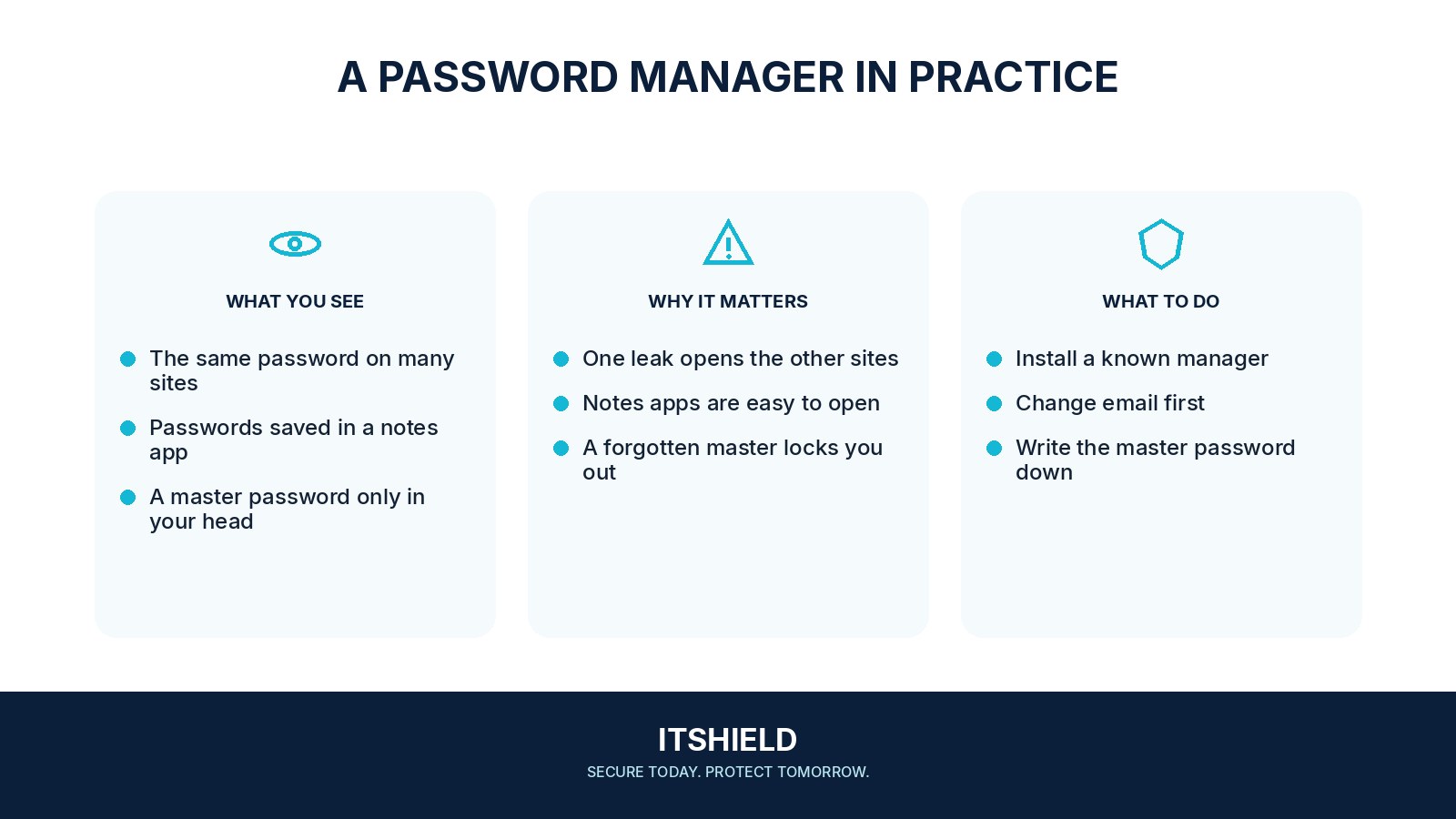
Start with the vault’s own security and recovery. Choose a strong, unique unlock password, enable the available extra sign-in protection, and keep recovery information somewhere you can still reach if the main device is lost. Then move important accounts first, beginning with email and accounts used to recover others.
- Protect
Secure the vault with a strong master password and available MFA.
- Move
Replace reused passwords on important accounts first.
- Recover
Store recovery information safely and test the intended process.
A practical example
For example, a volunteer uses one password for email, shopping, and a work portal. They set up a vault and replace those passwords one at a time. After each change, they check that the saved entry works and remove the old reused password from that account.
What to do next
- Your main email. It often controls the recovery of other accounts. Replace its reused password with a generated unique one.
- An important financial or shopping account. Navigate to the real service independently before changing the password.
- One routine account. Practice sign-in and autofill on something less stressful.
How to check the result
Test access on the devices you actually use and understand the recovery process before depending on the vault. A saved password is useful only if the correct person can retrieve it when needed.
Should I move every account on the first day?
Start with important accounts and a manageable routine. Check that you can sign in and recover the vault before relying on it for everything.
Sources and useful guides
The following resources provide background and more detailed guidance. Use the sections that match your service and situation.