
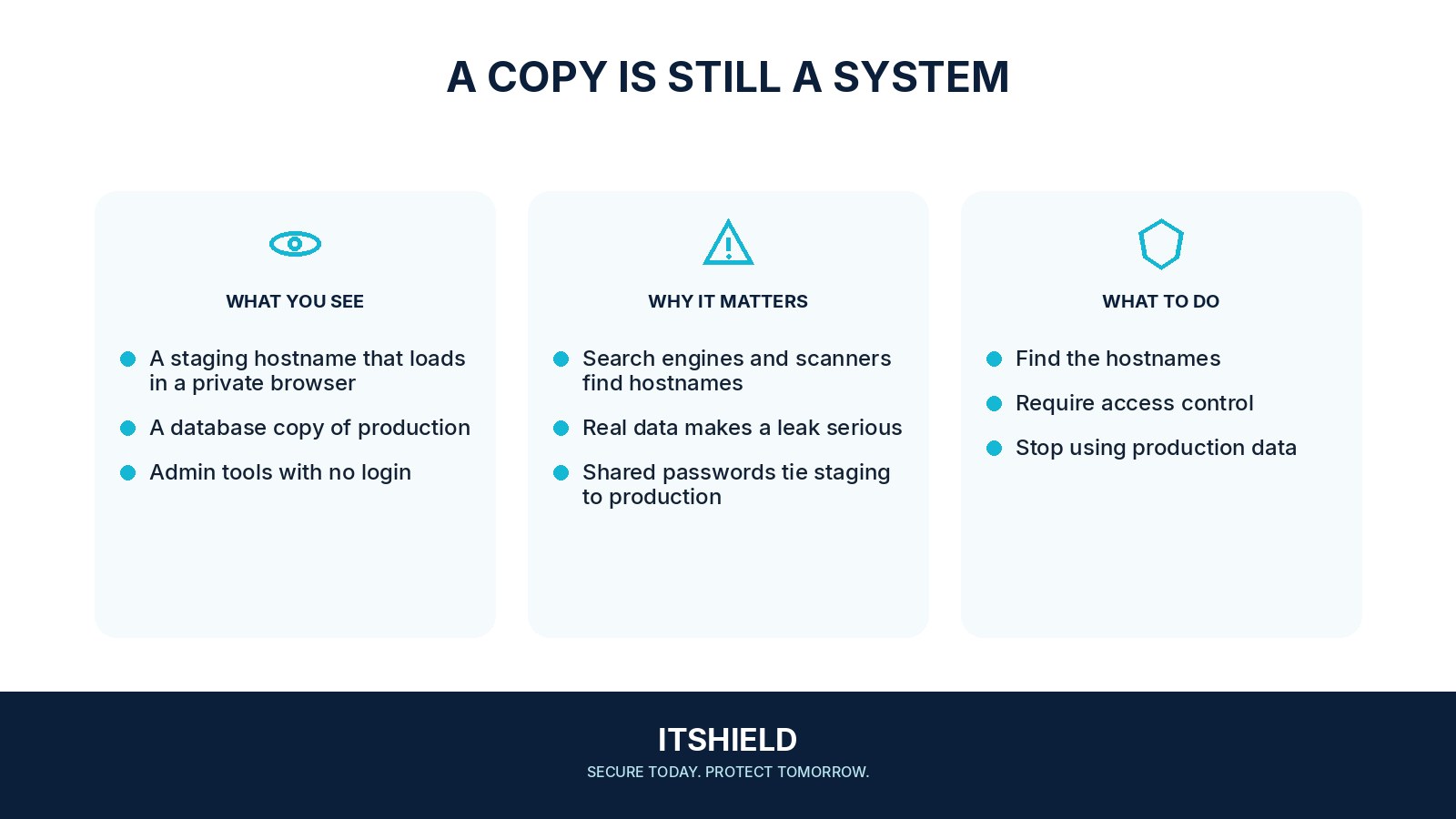
A staging site lets a team test changes before release. It can also expose copied data, unfinished features, or administrator tools if it is left open to the internet. “Only for testing” describes its purpose; it does not create an access boundary.
Understand the idea
Find development and staging hosts as well as the main site. Check who can reach them, what data they hold, and which credentials they use. Keep test data and secrets separate from production where possible, and give temporary environments an owner and a removal or review date.
- Separate
Identify copied data, credentials, and service connections.
- Restrict
Limit access and disable unintended outbound actions.
- Verify
Test that the staging boundary works from outside.
A practical example
Imagine an old demonstration site remaining online after a project ends. It contains a copy of member records and an outdated plugin. The team restricts access, investigates the data exposure, and retires the environment through a documented process instead of merely hiding its link.
What to do next
- Inventory the hostname, owner, purpose, and planned retirement date.
- Restrict access to authorized people and test systems.
- Use synthetic or appropriately sanitized data instead of copying production records by default.
- Keep production secrets and broadly privileged service accounts out of the environment.
- Disable unnecessary debug disclosure, directory listings, test mail delivery, and outbound effects.
- Patch and monitor the environment according to its actual exposure.
How to check the result
Test reachability from outside the intended audience and review the deployment inventory. A missing search-engine result or an unlisted address is not evidence that the site is private.
We told search engines not to index it. Is that access control?
No. An indexing instruction does not prevent someone opening the site. Use appropriate authentication and network or service controls for the information it contains.
Sources and useful guides
The following resources provide background and more detailed guidance. Use the sections that match your service and situation.