
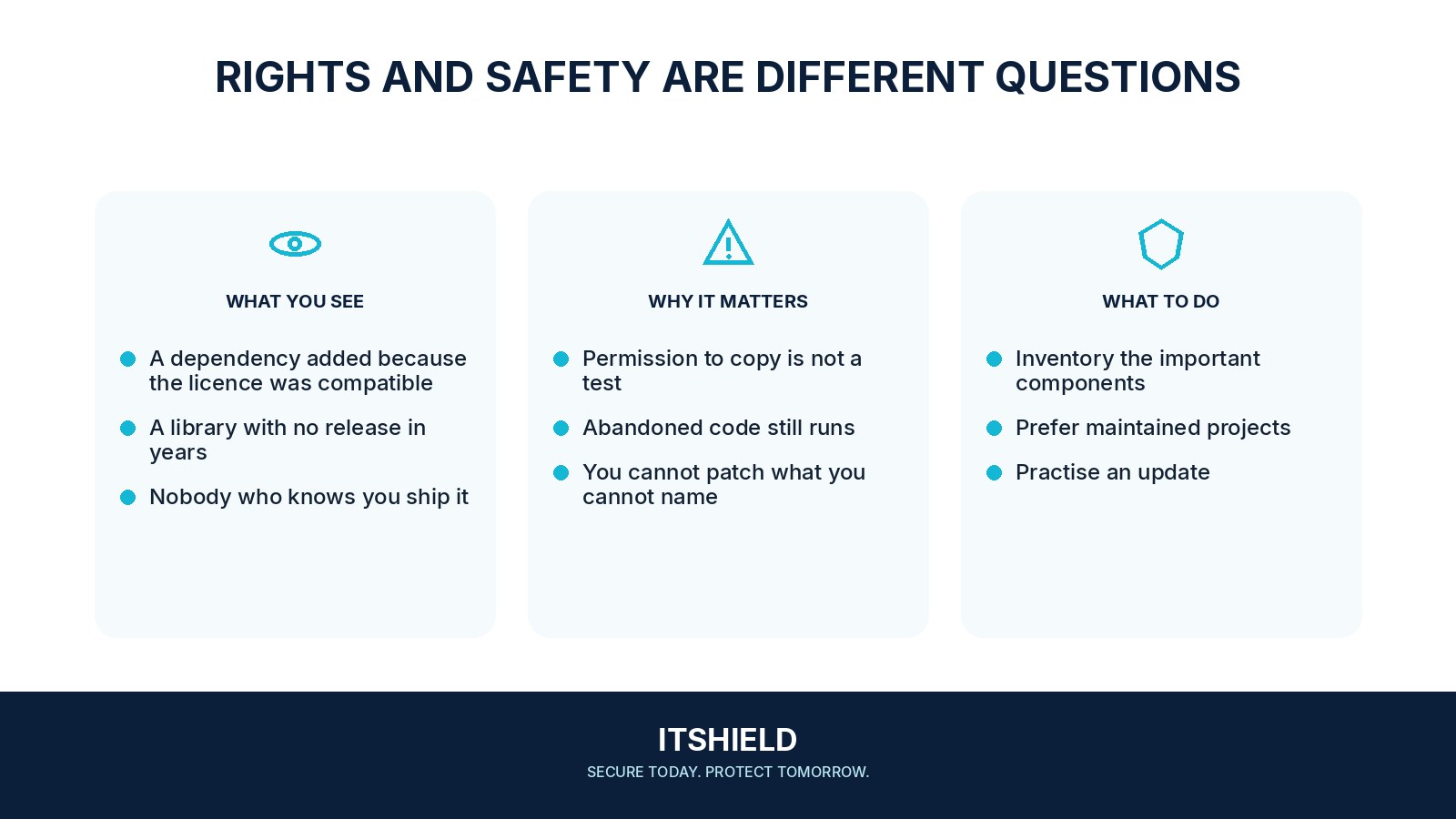
An open-source licence explains how software may be used, changed, or shared. It does not certify that the code is secure or maintained. Open source can support inspection and collaboration, but your team still needs to assess the actual project and how it will be used.
Understand the idea
Check the software’s purpose, maintainers, release history, security reporting route, and the privileges it needs. Review the version you intend to deploy and how updates reach it. The amount of review should match the consequences of failure, not simply the size of the codebase or its popularity.
- Project
Check provenance, maintenance, and the release process.
- Use
Review the permissions and data it will receive.
- Maintenance
Track changes and verify the deployed version.
A practical example
Imagine a small team adopting a public file-conversion tool. Before giving it private documents, the owner checks whether it runs locally or sends files elsewhere, what dependencies it uses, and who will maintain the deployed version. A useful tool can still require a restricted environment.
What to do next
- Identify the official project, publisher, repository, and distribution route. Watch for similar package names.
- Check maintenance activity, release history, relevant advisories, and supported versions.
- Review the privileges, network access, and data the component needs.
- Record the precise version or digest and its direct and transitive dependencies.
- Test required behavior and a rollback or replacement route before deployment.
How to check the result
Record the chosen version, review decisions, and update owner. Revisit the decision when maintenance stops, privileges change, or the tool begins handling more sensitive information.
The license permits our use. Does that settle the security decision?
Licensing and security answer different questions. Consider maintenance, relevant vulnerabilities, build provenance, and the impact of the component failing or being compromised.
Sources and useful guides
The following resources provide background and more detailed guidance. Use the sections that match your service and situation.