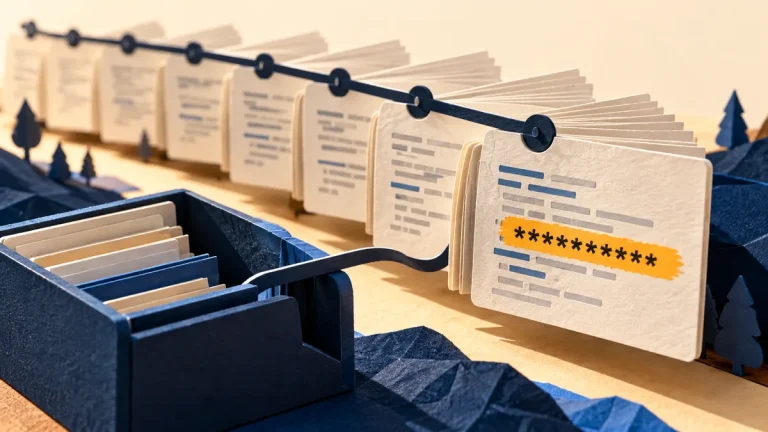
A software bill of materials, or SBOM, lists components included in a software product or build. It can help answer whether a reported component weakness affects something you run. It is an inventory input, not a guarantee that the software is secure.
Understand the idea
Connect the SBOM to the exact release in use. Identify who updates the inventory, compares relevant security notices, and decides what needs action. A component may be present without the vulnerable feature being used, while an incomplete list may miss a real dependency. Context is needed before prioritizing work.
- Inventory
Link the component list to a specific product version.
- Match
Check whether an advisory affects the actual deployed component.
- Action
Assign a decision, remediation route, and verification step.
A practical example
Imagine a supplier announcing a library vulnerability. The team uses the SBOM for its deployed application to find the library and version, then asks whether the affected code path is used. It records the decision, update owner, and verification plan.
What to do next
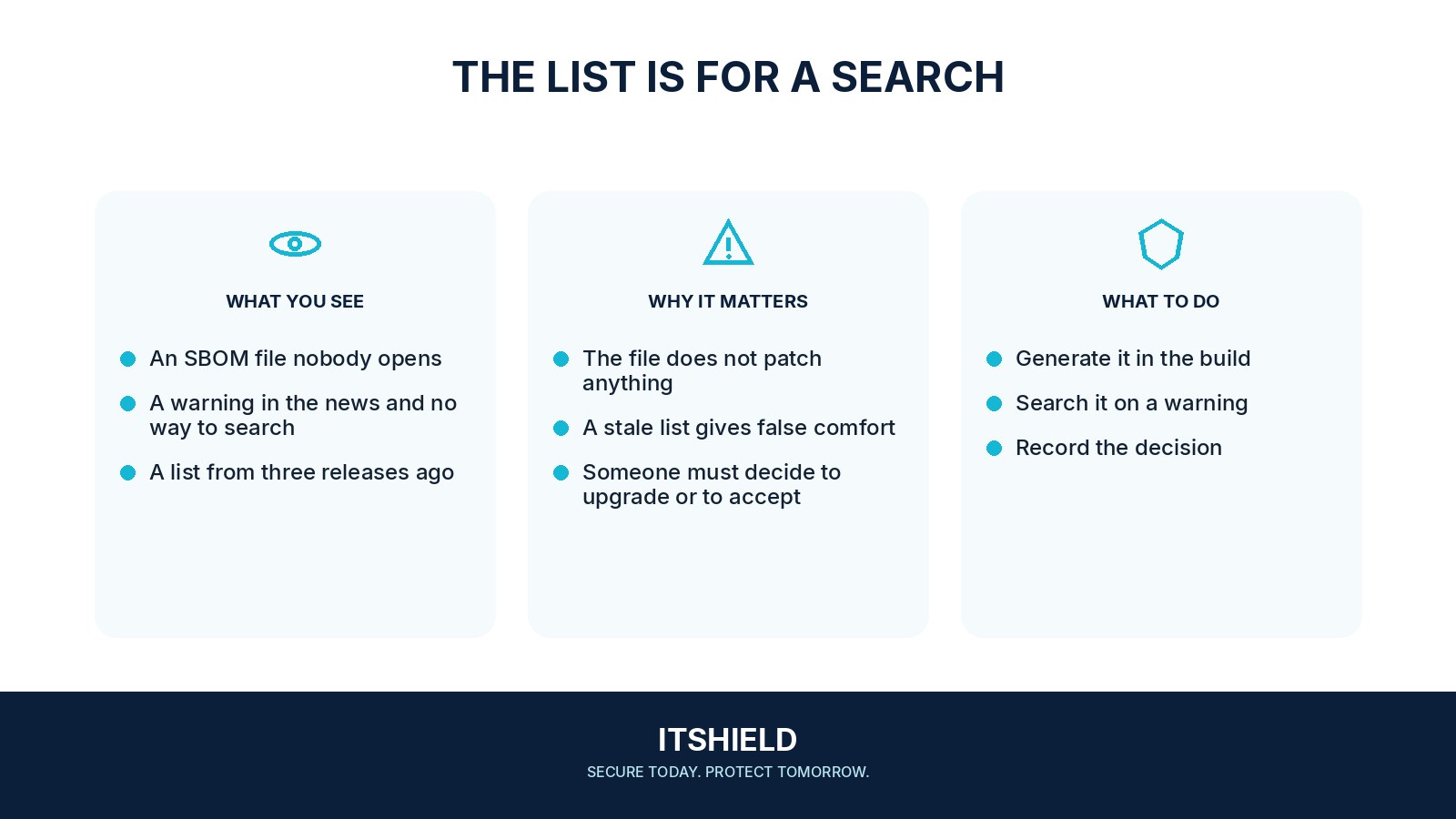
- Associate the SBOM with a specific product, release, build or digest, supplier, and acquisition date.
- Validate that identifiers and versions can be matched reliably to your component and advisory sources.
- Map the product to deployed services and accountable owners.
- Triage relevant findings using exposure, affected functionality, exploit information, and available mitigations.
- Record the decision, update or exception, and verification result.
How to check the result
Check that the inventory matches a known build and can support a real component query. An SBOM saved in a folder but disconnected from releases will quickly lose value.
The component name matches an advisory. Do we patch every service immediately?
Confirm the version, deployment, and affected behavior, then prioritize using exposure and consequence. Record the decision rather than treating a name match as the entire assessment.
Sources and useful guides
The following resources provide background and more detailed guidance. Use the sections that match your service and situation.