
When someone leaves, removing access is part of the handover. A disabled main account may leave shared passwords, active sessions, personal devices, or connected applications untouched. The aim is to close access that is no longer needed while keeping legitimate work with the right owner.
Understand the idea
Use a clear departure time and a list tied to the person’s role. Include email, files, devices, remote access, shared accounts, and third-party services. Transfer necessary records through approved ownership controls rather than keeping the former user’s password alive for convenience.
- Prepare
Identify accounts, devices, data, and responsibilities.
- Close
Remove access and handle active sessions and credentials.
- Confirm
Verify closure and record any approved exceptions.
A practical example
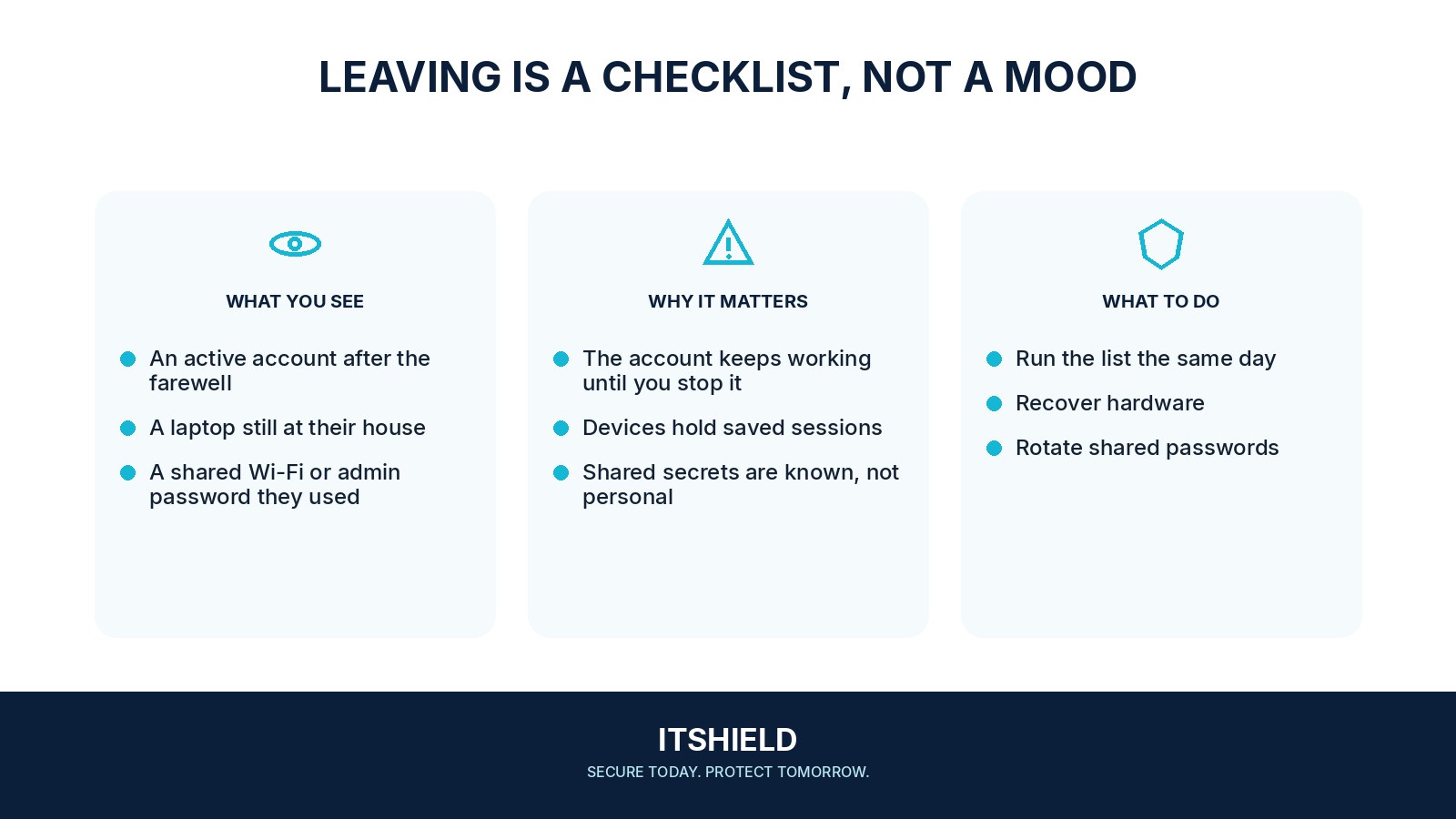
For example, an operations coordinator leaves after managing several cloud services. The team disables the central login, transfers document ownership, removes active sessions where supported, and replaces shared secrets the person knew. Each service has someone responsible for confirming its own part.
What to do next
- Disable the primary sign-in and remove sessions according to the identity provider's supported process.
- Remove application accounts, group memberships, privileged roles, and mailbox delegation that do not follow automatically from the directory change.
- Remove personal API tokens, registered factors, certificates, and connected applications where applicable.
- Transfer ownership of required business resources to an authorized owner.
- Rotate genuinely shared passwords and access keys the person knew and review systems that may still retain their sessions.
- Recover or appropriately manage organizational devices and work data on personal devices using the agreed process.
How to check the result
Check the final access state and keep a record of exceptions. An approved temporary handover should have a named owner, limited purpose, and end date rather than an open-ended account.
The email account is disabled. Can we close the offboarding ticket?
Review connected applications, independent logins, shared credentials, and service ownership. Confirm that necessary business records and recovery routes remain accessible to authorized staff.
Sources and useful guides
The following resources provide background and more detailed guidance. Use the sections that match your service and situation.