
Volunteers need enough access to do their work, and a simple way to get help. Giving everyone a permanent shared login may feel faster, but it becomes difficult to remove access, explain changes, or protect sensitive information. A light, role-based process can work for a small NGO.
Understand the idea
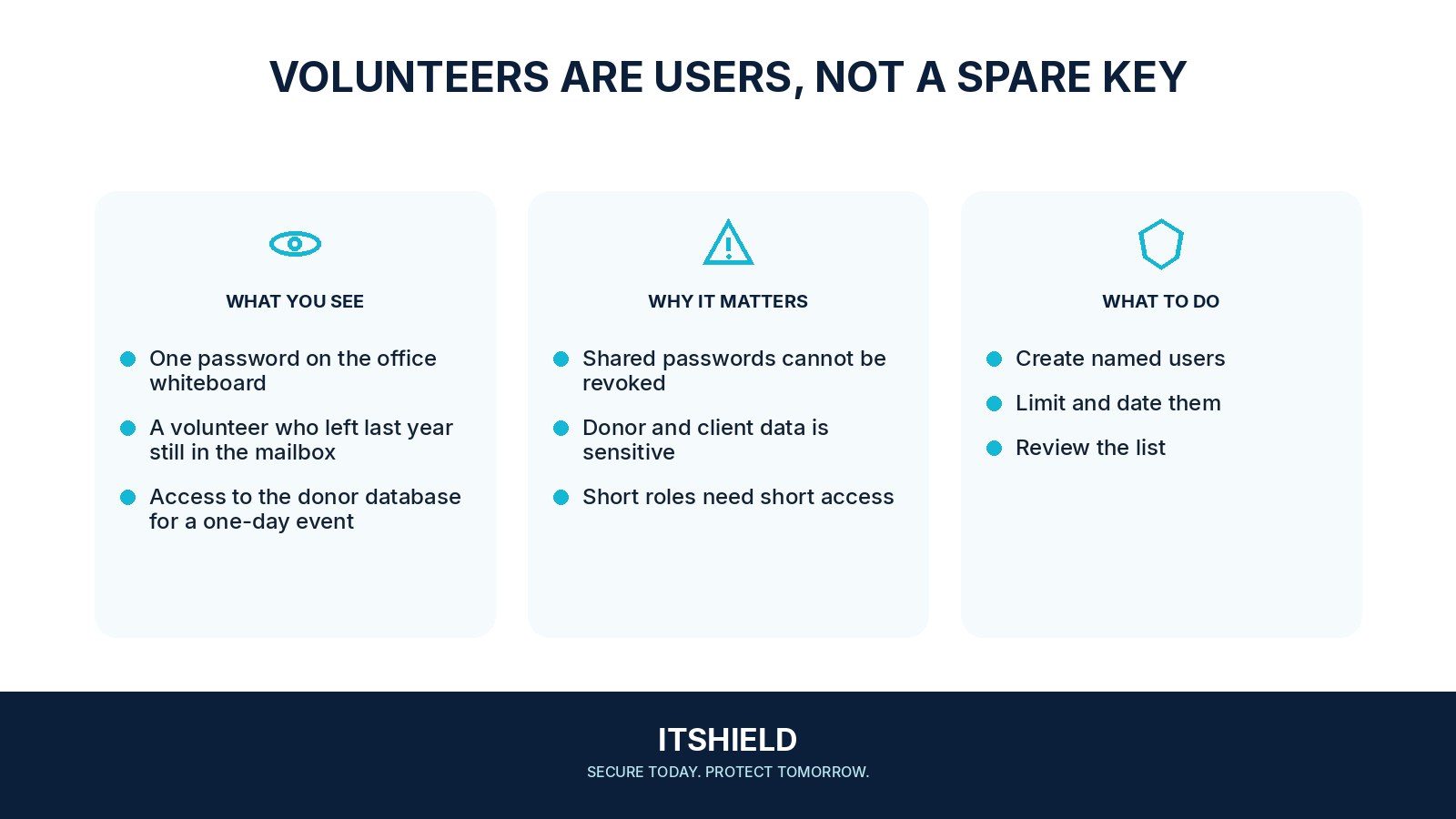
Give each volunteer an identifiable account where possible and connect permissions to the task. Set an end or review date for temporary work. Explain handling expectations and the contact for lost access or suspicious activity. Keep account recovery with the right owner rather than relying on an informal chain of shared passwords.
- Assignment
Define the task and the information needed.
- Access
Provide appropriate individual or supported delegated access.
- Closure
Review permissions when the task or relationship ends.
A practical example
Imagine volunteers entering attendance for a short event. They receive access to that activity, without access to unrelated beneficiary records. After the event, the coordinator reviews the accounts, transfers needed work, and removes access that is no longer required.
What to do next
- The sponsor requests a specific role and confirms the volunteer's identity through the approved onboarding process.
- An authorized owner grants the minimum needed access with an expiry where supported.
- The volunteer receives short, relevant guidance on storage, sharing, suspicious messages, and getting help.
- The sponsor reviews access when duties change or the assignment is extended.
- Access, sessions, shared links, and relevant device or application permissions are closed when the assignment ends.
How to check the result
Review a sample volunteer’s access from their perspective. Confirm that the task works and that the end-of-assignment process closes the relevant accounts, links, and shared secrets.
The volunteer may return for the next event. Should access stay open?
Decide and document the intended arrangement. An intermittent role still needs a review date, an accountable owner, and a way to restore approved access when needed.
Sources and useful guides
The following resources provide background and more detailed guidance. Use the sections that match your service and situation.