
DNS connects domain names to services, helping people reach websites and email systems. Someone able to change those records may be able to redirect traffic or disrupt communication. The accounts used to manage DNS therefore deserve the same attention as other important administrator accounts.
Understand the idea
Identify the registrar, DNS provider, account owners, recovery routes, and applications that can make changes. Use individual access and strong sign-in where supported. Keep a record of expected settings and use change approval appropriate to the service’s importance.
- Authority
Map the accounts and services with change rights.
- Approval
Define how important changes are checked and recorded.
- Verification
Test the record and the real service after a change.
A practical example
Imagine a supplier retaining DNS access after a website project ends. The organization reviews that access, transfers necessary administration to named owners, and checks recovery contacts. It also records how an urgent legitimate change can be made without sharing the main account password.
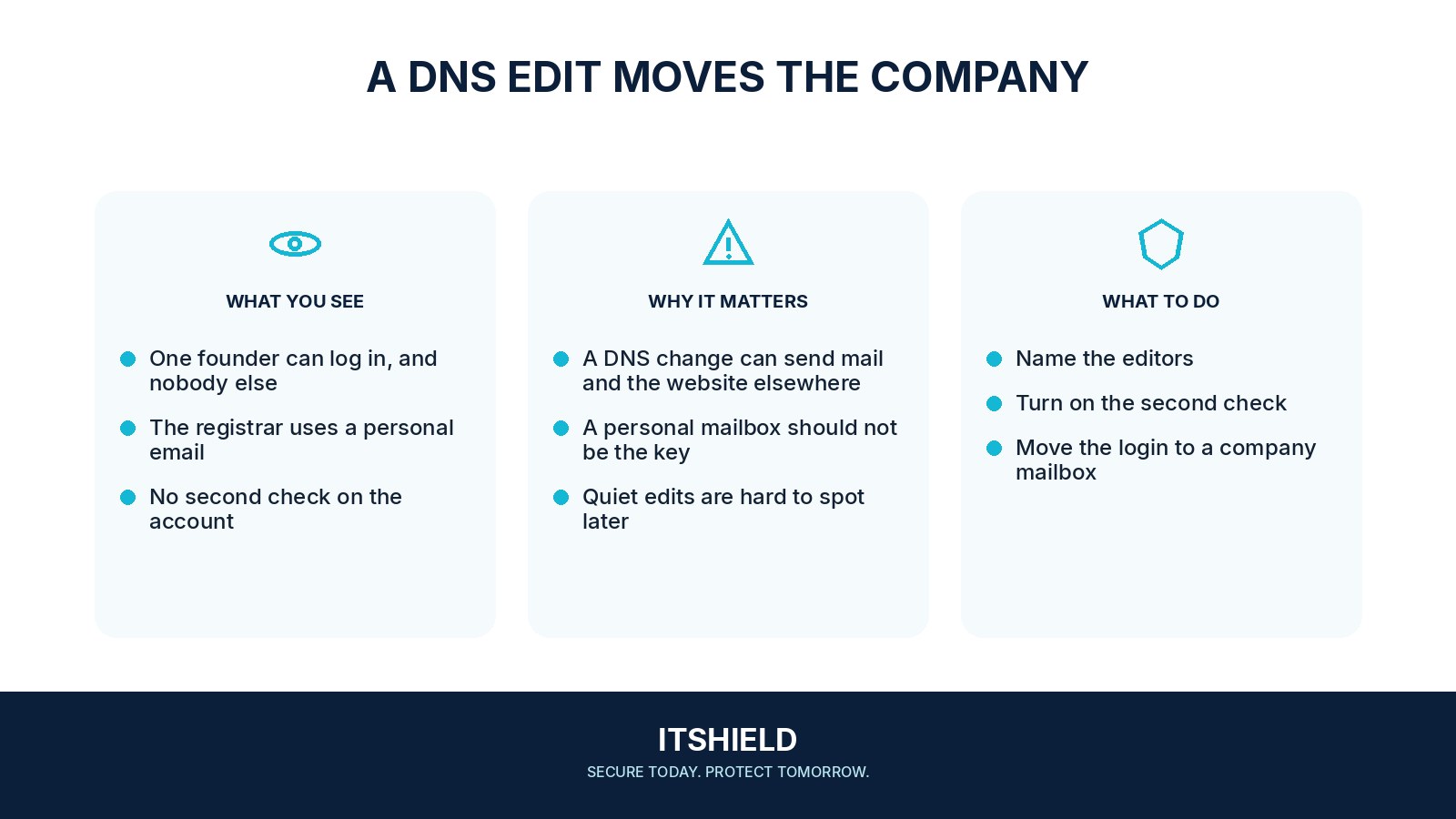
What to do next
- Use named administrator accounts, strong authentication, and limited roles where supported.
- Restrict API tokens to the necessary zones and actions, and store them in approved secret management.
- Record the requested change, business owner, old and new values, approver, and rollback plan.
- Review sensitive record changes carefully, including nameservers, mail routing, mail authentication, and delegated subdomains.
- Monitor provider audit events and unexpected changes, and review access when suppliers or staff leave.
How to check the result
Review the change history and test the affected website or mail route after an approved change. Keep recovery information current so the domain can be managed even if a usual administrator is unavailable.
Does control of the DNS host account cover every domain risk?
Review registrar access, recovery routes, delegated zones, and automation tokens too. Different services may control different parts of the domain’s operation.
Sources and useful guides
The following resources provide background and more detailed guidance. Use the sections that match your service and situation.