
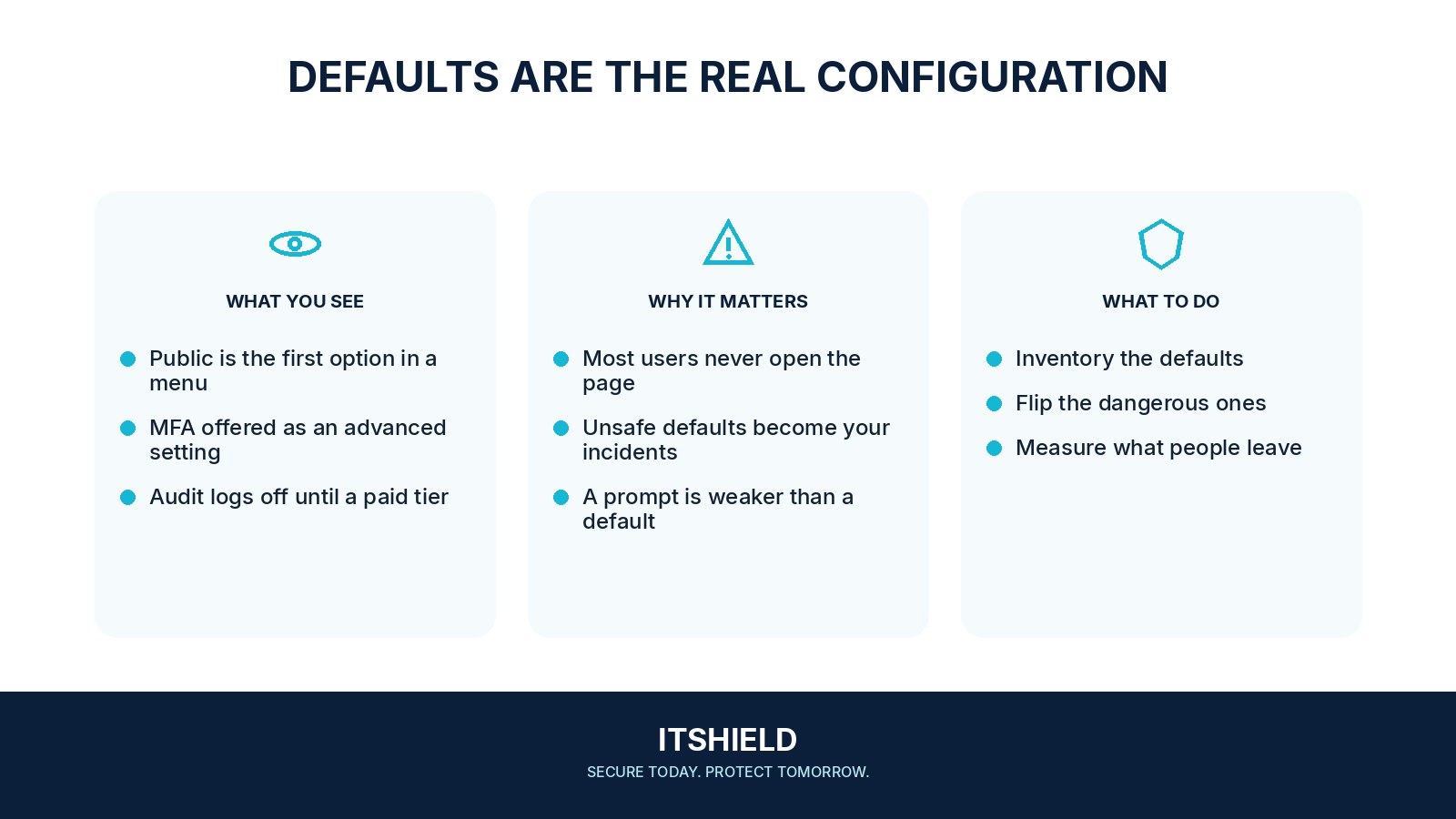
Most people keep a product’s starting settings unless they have a reason to change them. Secure defaults make the ordinary path safer without requiring every user to understand every security option. They also make it easier to explain what the service does when someone first joins.
Understand the idea
Review the settings a new user receives: sharing audience, account permissions, authentication, visibility, and retention. Choose defaults that fit the intended task and make meaningful changes understandable. If users routinely disable a protection to finish basic work, investigate the workflow rather than assuming more warnings will solve it.
- Default
Make the safer path the normal starting point.
- Exception
Provide a clear route for legitimate additional needs.
- Outcome
Check what people actually do in the workflow.
A practical example
Imagine a file-sharing service creating public links by default. The team changes new links to named recipients for the relevant workflow and tests how people invite collaborators. The safer choice remains usable, so staff do not need to undo it to complete a normal task.
What to do next
- Identify the information or action the control protects and the unwanted outcome it should prevent.
- Observe the legitimate task from the user's perspective, including mobile use, accessibility, travel, and absence.
- Configure the safer default and provide a narrow approved exception where genuinely necessary.
- Explain the reason in plain language and give users a reliable help route.
- Measure whether the control remains enabled and whether the task can be completed without bypassing it.
How to check the result
Test a fresh account and a common user journey. Confirm the actual initial settings and watch where people need help or change the boundary.
Staff keep bypassing a restrictive sharing setting.
Understand the task and provide a workable approved route. More warning text will not fix a control that leaves legitimate work impossible.
Sources and useful guides
The following resources provide background and more detailed guidance. Use the sections that match your service and situation.