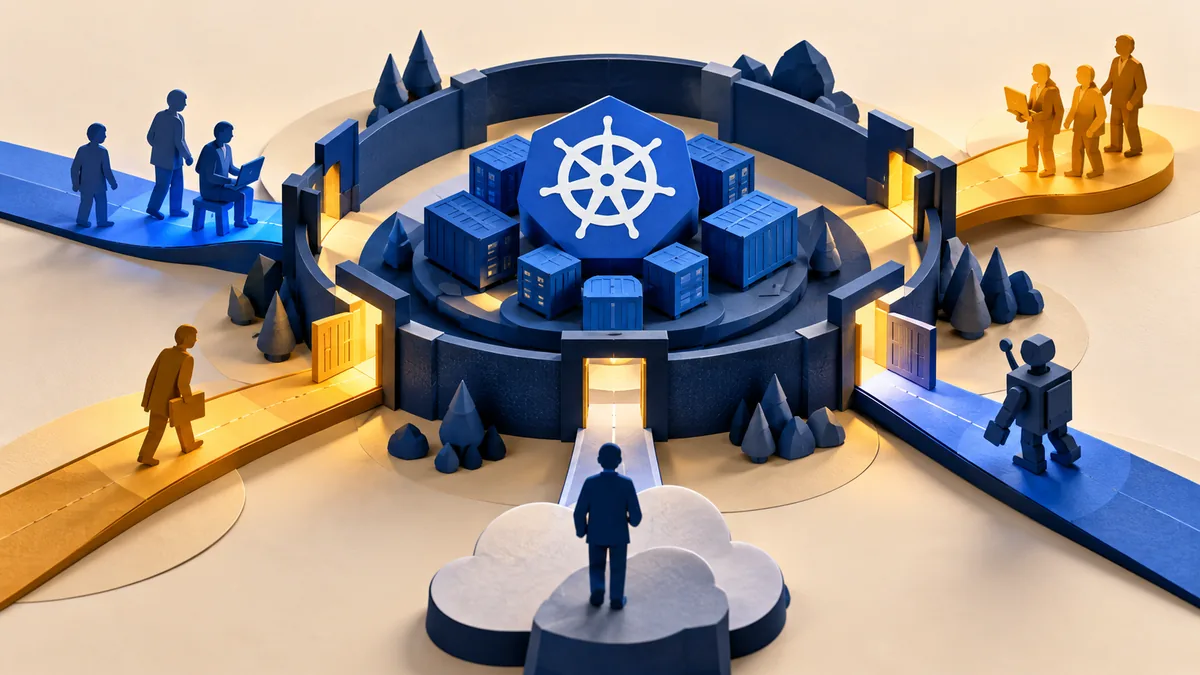
A Kubernetes cluster manages application workloads, but its own access routes also need management. Users, service accounts, deployment tools, and remote administrators may each hold authority. Understanding who can reach the control plane and what they may do is a useful starting point.
Understand the idea
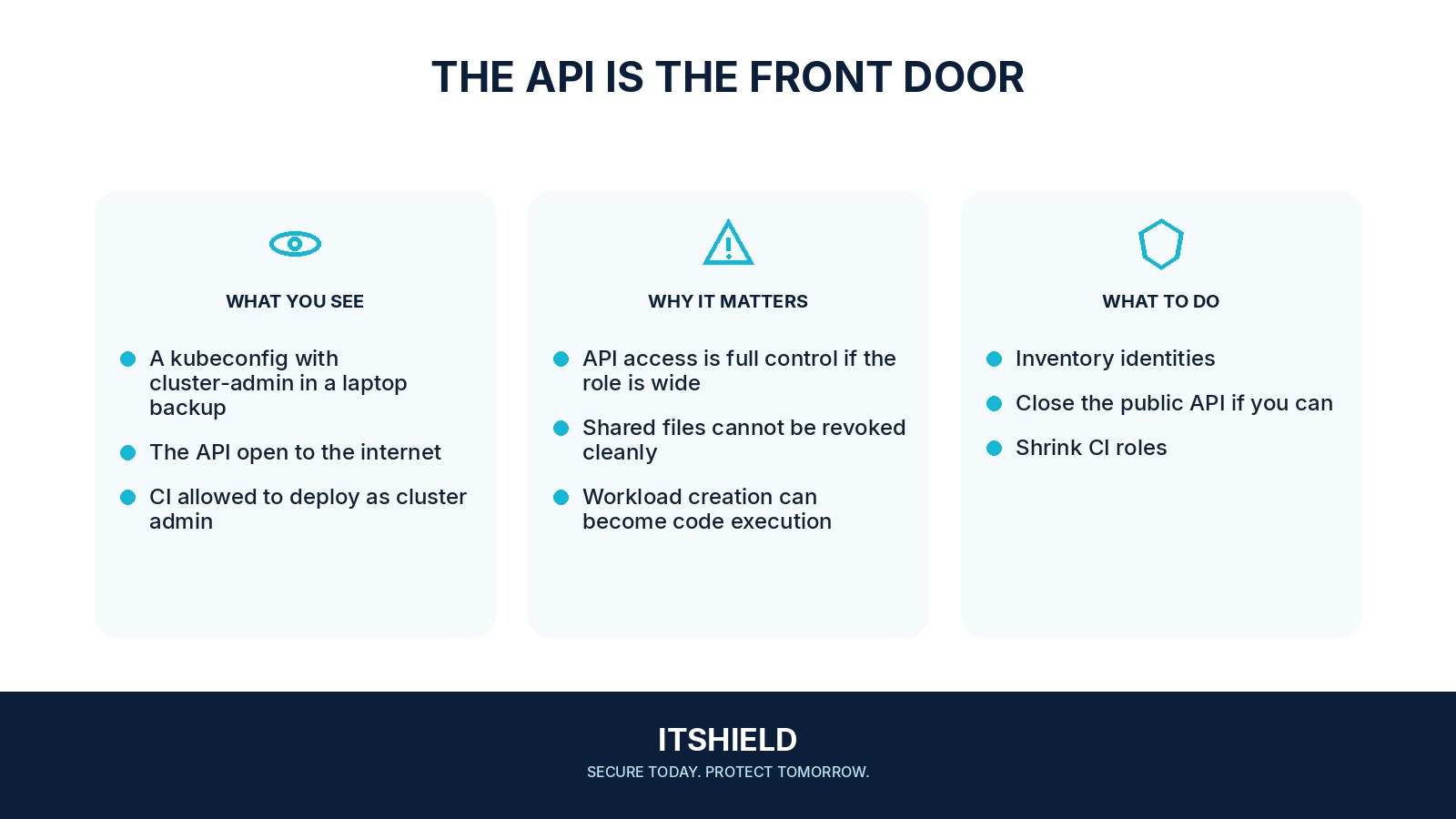
Map human and automated identities to their permissions and network routes. Review the administrative endpoint, role bindings, workload privileges, and access to secrets. The account used to deploy an application does not necessarily need authority over every namespace or cluster setting.
- Identity
Map people, automation, and service accounts.
- Permission
Check effective role bindings and privileged workloads.
- Reachability
Verify API, workload, and network boundaries.
A practical example
Imagine a deployment tool using a broad administrator credential for a single application. The team identifies the operations it actually needs, creates a more limited permission set, and tests the deployment. Recovery administration remains available through a separate, controlled route.
What to do next
- List the identities. Include administrators, developers, deployment systems, service accounts, and external support.
- Map effective access. Check the administrative endpoint, role assignments, and what each identity can do in the relevant namespace or cluster.
- Review workload permissions. Check application privileges, host access, and secrets, using the deployed configuration and maintained platform guidance.
- Test and record the boundary. Confirm the legitimate task works and that actions outside the intended role are refused in an approved test.
How to check the result
Keep a record of effective permissions and approved tests for the deployed environment. Confirm both successful authorized work and refusal of actions outside the intended role.
Does putting a workload in a namespace isolate it completely?
No. Review the actual role and network controls, mounted secrets, and host permissions. A namespace label alone does not establish the security boundary.
Sources and useful guides
The following resources provide background and more detailed guidance. Use the sections that match your service and situation.