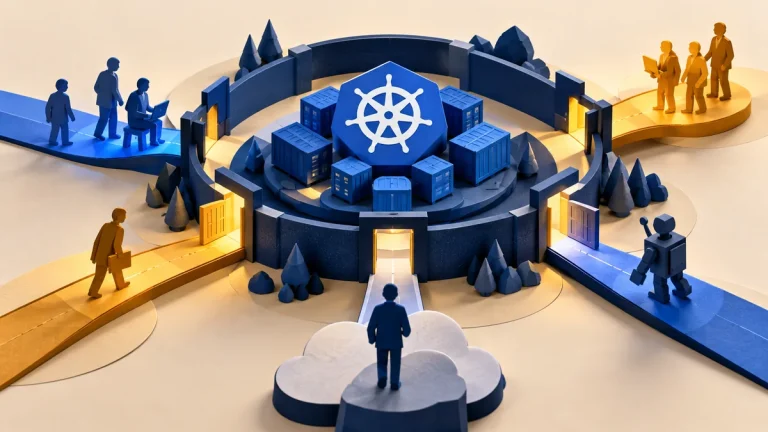
A container packages an application with the files and settings it needs to run. It provides useful separation, but usually shares the host’s operating-system kernel with other containers. That makes the host, container privileges, and surrounding configuration part of the security boundary.
Understand the idea
Review the image source, update process, user permissions, mounted files, network access, and secrets. A container that can control the host or read sensitive host directories has a very different boundary from a restricted application process. The label “containerized” does not explain those choices.
- Workload
Identify the application and the authority it needs.
- Boundary
Review host access, mounts, identities, and network paths.
- Verification
Test the intended restrictions and monitor their operation.
A practical example
Imagine a web application running in a container with an unnecessary host-management connection mounted inside it. The team removes that access and tests the normal application workflow. It also records who maintains the image and underlying host.
What to do next
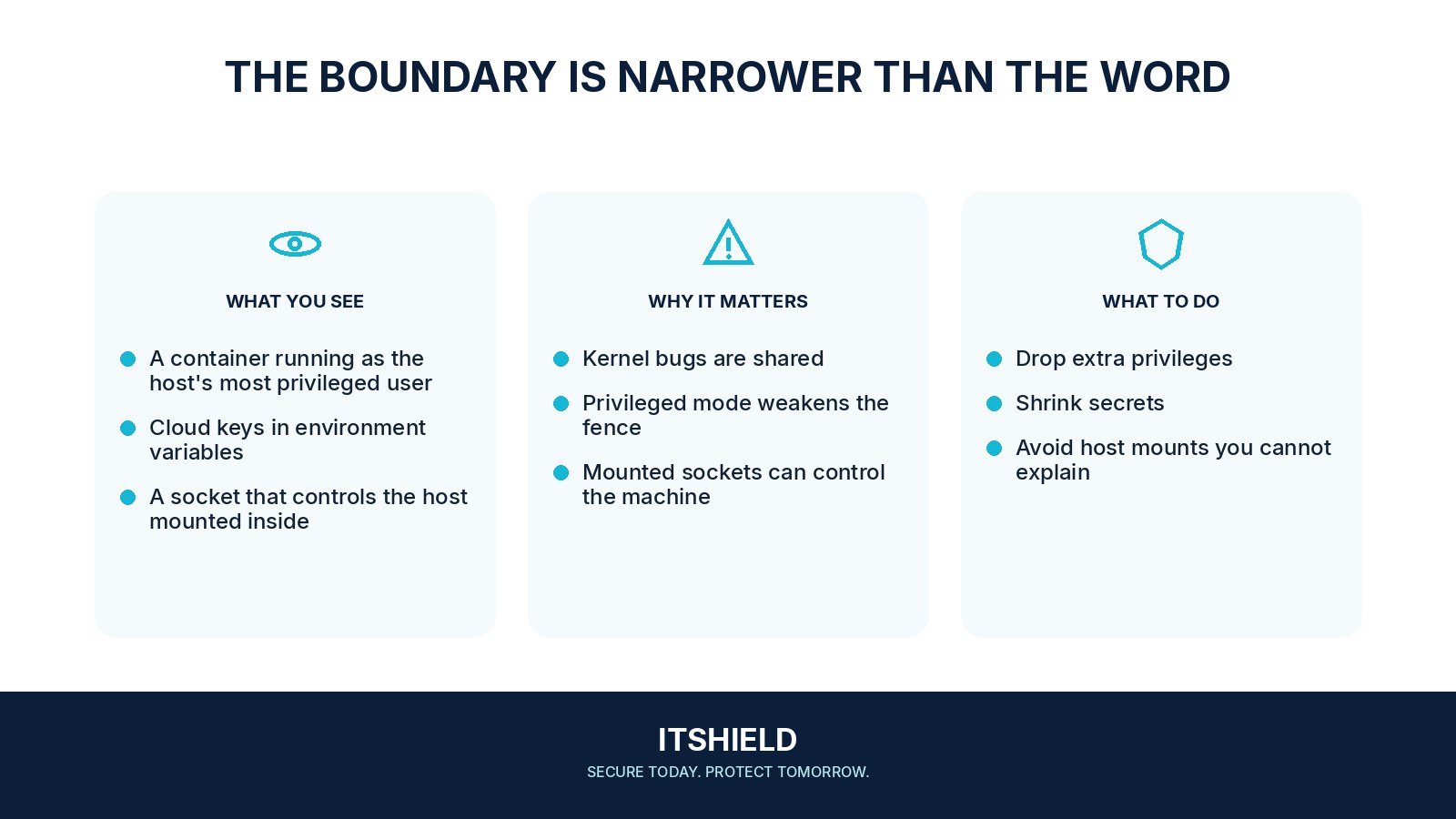
- Image: Use a maintained base, know the exact build or digest, and track relevant dependencies and advisories.
- Identity: Run with an appropriate non-root identity where supported and remove unnecessary capabilities or privileged mode.
- Filesystem: Restrict writable areas and host mounts; avoid exposing management sockets or secrets unnecessarily.
- Network: Limit reachable services and inbound exposure according to the workload's actual role.
- Host and runtime: Keep supported software patched and apply the platform's security controls and monitoring.
How to check the result
Check the deployed configuration, not only the image definition. Test the application’s required functions and confirm that unnecessary host files, management routes, and secrets are not available to it.
The container mounts the Docker socket for convenience.
Understand the host authority that this can expose. Treat it as a deliberate privileged design decision, not a routine file mount.
Sources and useful guides
The following resources provide background and more detailed guidance. Use the sections that match your service and situation.