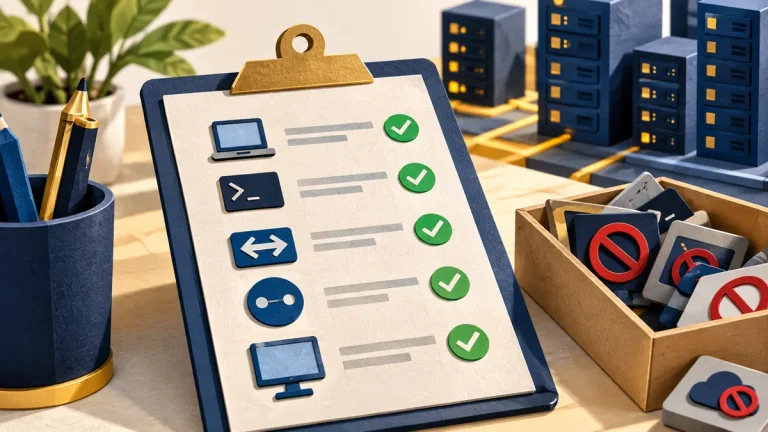
Not every tool used during an intrusion looks unusual. Attackers may use the same command-line programs and administration utilities that support teams use every day. This is often called living off the land. The question is whether this particular use fits an approved task.
Understand the idea
Look at the surrounding activity: the account, device, time, program that started it, and systems it contacted. A valid software signature identifies a publisher, but it does not prove that the person running the program had a legitimate reason. Context makes the event understandable.
- Tool
A normal utility runs on a managed system.
- Context
Check who launched it, from where, and for what task.
- Evidence
Connect the activity to identity, network, and endpoint records.
A practical example
Imagine an administration utility running late at night under an account normally used for reports. That is a reason to investigate, not immediate proof of an attack. The analyst checks change records and related sign-ins, then compares the activity with the account’s normal responsibilities.
What to do next
- Limit routine administrator rights. Staff should not need elevated privileges for normal daily work.
- Define approved management paths. Record the tools, identities, endpoints, and maintenance arrangements administrators actually use.
- Use appropriate application controls. Evaluate supported allowlisting and script controls in an audited pilot before enforcement. Maintain a recovery route for legitimate work.
- Detect suspicious sequences. Combine unusual process ancestry with a relevant change or outbound connection, rather than alerting whenever an ordinary tool starts.
How to check the result
Keep the events that support the conclusion, including any approved change that explains the activity. If no valid task explains it, follow the incident process and review the account’s access.
The executable is signed. Does that clear it?
A valid signature can identify the publisher but cannot establish that this use was authorized. Review the surrounding activity before reaching a conclusion.
Sources and useful guides
The following resources provide background and more detailed guidance. Use the sections that match your service and situation.