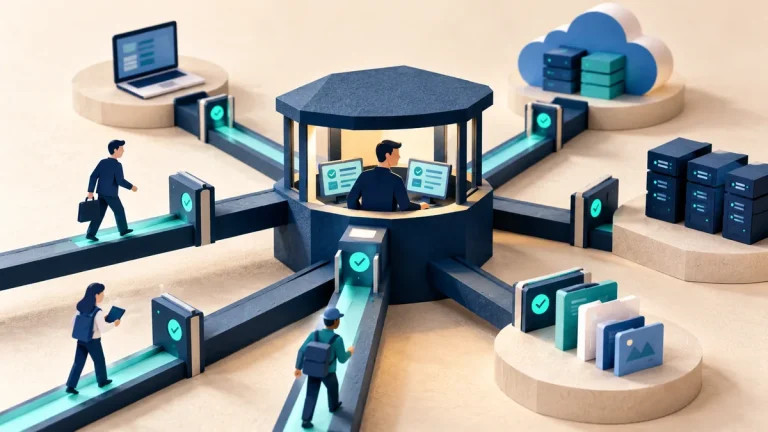
Administrator rights let a person make changes beyond ordinary work, such as installing software or changing device settings. Those rights can be useful for support, but they also affect what unwanted software could do under that account. Routine work and device administration deserve a deliberate boundary.
Understand the idea
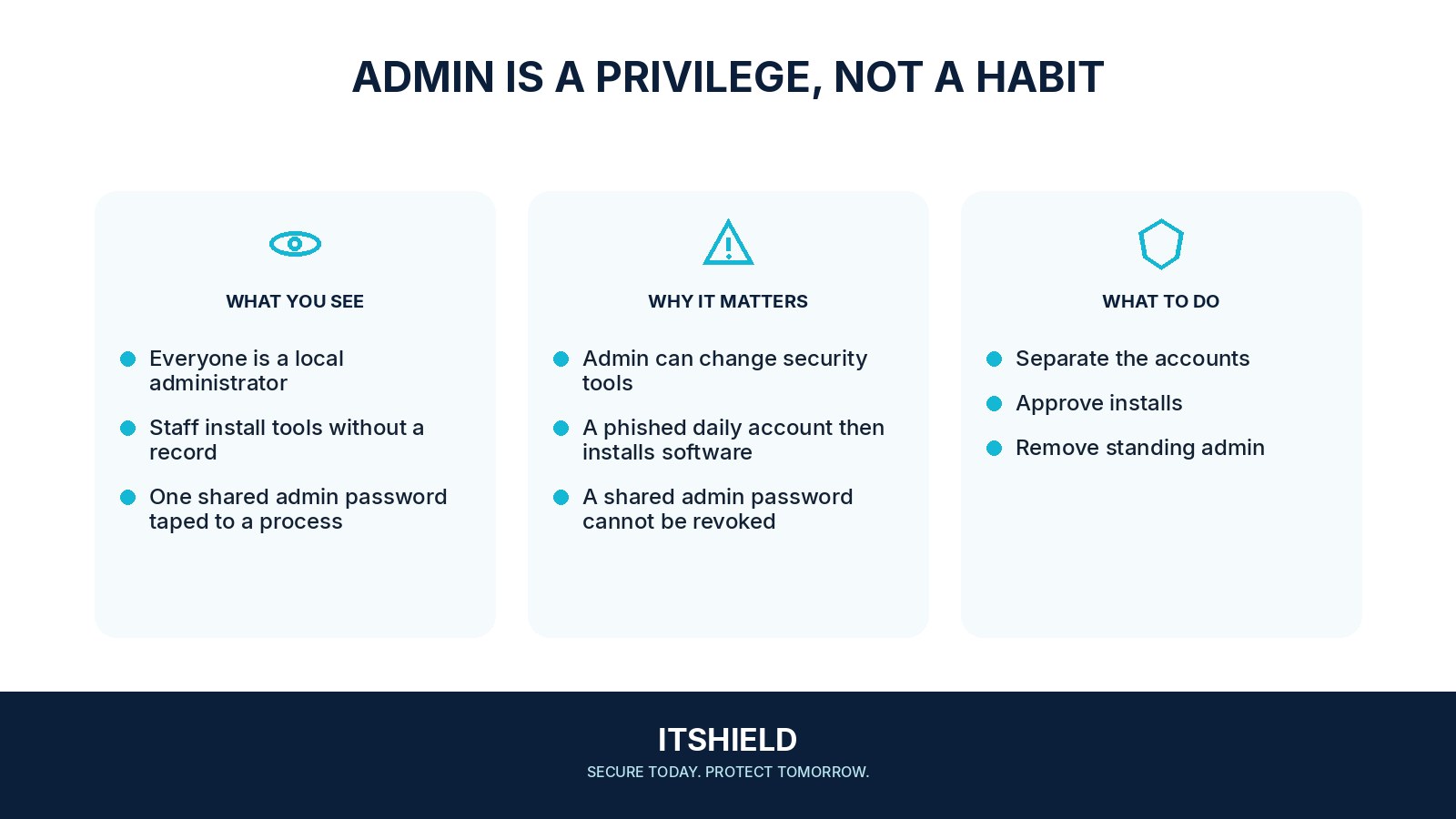
Review the tasks that genuinely need greater authority. Give staff a workable route for approved installations and support instead of removing rights without an alternative. Where supported, separate administration from everyday use or provide limited, temporary approval. Keep a recovery route for a device that needs urgent repair.
- Task
Identify work that genuinely needs elevation.
- Route
Provide an approved, controlled way to perform it.
- Review
Monitor exceptions and remove rights that are no longer needed.
A practical example
For example, a small team moves routine users away from permanent administrator access. It also creates a quick process for installing approved applications. A pilot catches a specialist tool that needs a documented exception, which receives an owner and review date.
What to do next
- Inventory who currently has local administrative access and why.
- Identify actual tasks requiring elevation, such as a specific supported application or maintenance operation.
- Provide approved software deployment or time-limited elevation where the platform supports it.
- Use separate administrative identities for support staff and protect them with strong authentication and appropriate device controls.
- Log elevation and administrative changes with enough context to investigate misuse.
How to check the result
Test the normal workday as well as the permission restriction. Staff should be able to complete their jobs, while routine accounts should not have unnecessary authority to change the whole device.
Will removing admin rights alone stop malware?
No single control guarantees that. Combine appropriate privilege with updates, account protection, and a usable support process so people do not need unsafe workarounds.
Sources and useful guides
The following resources provide background and more detailed guidance. Use the sections that match your service and situation.