
Encryption keys control access to protected information. Knowing that a service uses encryption is not enough; the team also needs to understand who can use the key, change its policy, replace it, or remove it. These are operational responsibilities with direct effects on confidentiality and availability.
Understand the idea
Record the key’s purpose, owner, permitted users and services, storage location, and recovery requirements. Separate ordinary use from administration where appropriate. Plan changes carefully because removing a key can make information unavailable, while a leaked key may require both access review and replacement.
- Authority
Separate key-management and data-use permissions.
- Control
Limit access to the intended identities and purpose.
- Evidence
Review logs and verify recovery and rotation behavior.
A practical example
Imagine a storage system using a managed key. The team finds an old automation account still able to change the key policy. It removes unnecessary authority through a planned change and tests that legitimate applications can still read the data.
What to do next
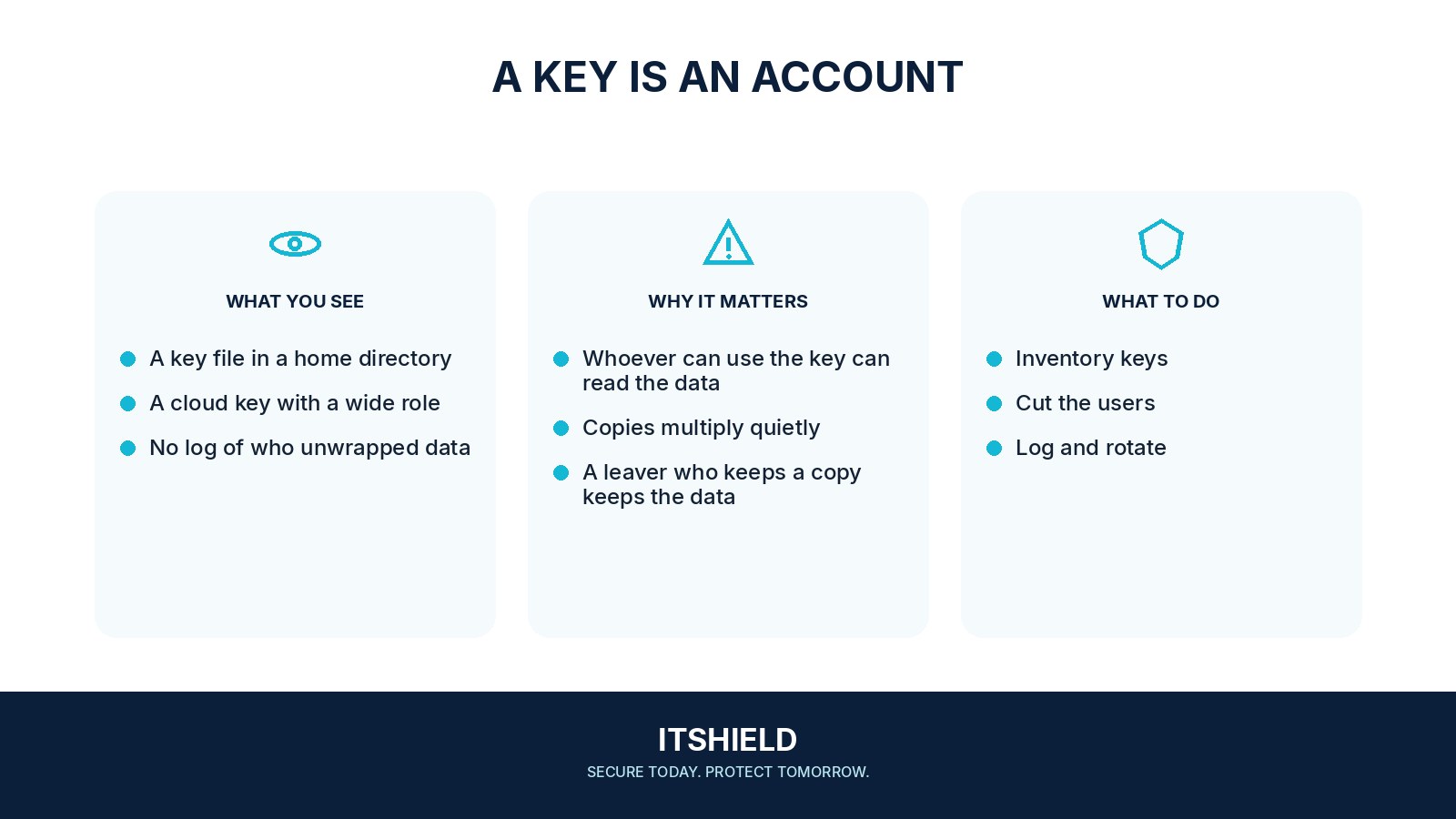
- Document the key's purpose, protected data, owner, lifecycle, and recovery requirements.
- Limit usage to the intended applications, operations, and conditions.
- Restrict policy administration and deletion with appropriate separation and approval.
- Keep key material in the supported protected service or module rather than copying it into applications or chat.
- Enable and test relevant audit events and alerts for unusual usage, grants, policy changes, and deletion schedules.
- Test recovery of data and backup access without using the normal production path where feasible.
How to check the result
Review key-use records and test the intended permissions. Keep a recovery and change plan appropriate to the product; an untested rotation or deletion can cause its own outage.
Does rotating a key automatically remove every form of old access?
Understand how the service handles old key material and existing data. Rotation, policy changes, and revocation solve different parts of the access problem.
Sources and useful guides
The following resources provide background and more detailed guidance. Use the sections that match your service and situation.