
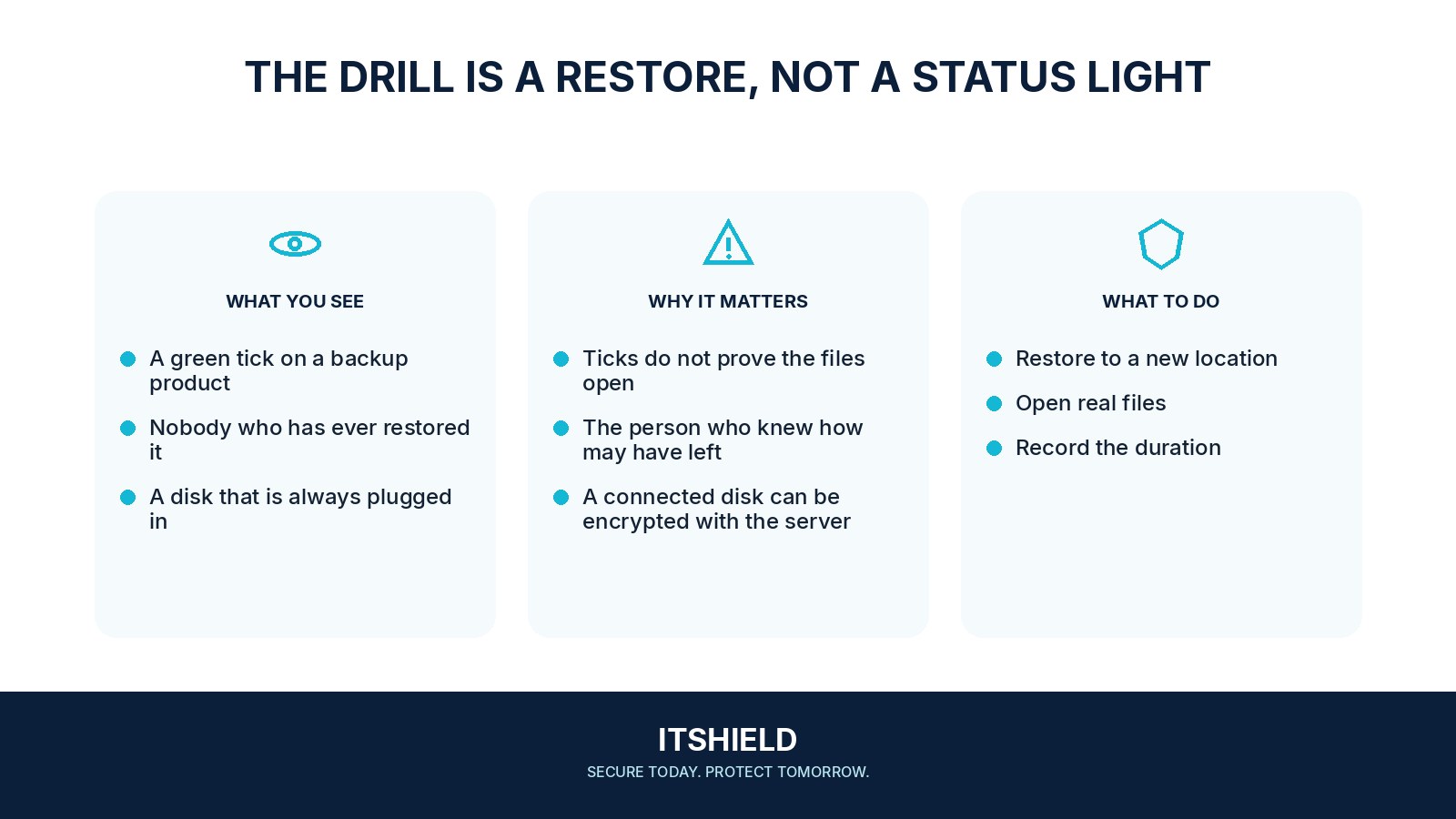
A successful backup notification does not prove that a team can resume work. A restore drill checks the other half of the process: finding the copy, recovering the files, and using them with the required accounts and applications. A small, planned test can reveal gaps without disrupting normal work.
Understand the idea
Choose a representative file or service and define what recovery should achieve. Include the people, permissions, passwords, and dependencies needed to open it. Restore into a safe location so the test does not overwrite current work. Record how long the steps take and where help is required.
- Target
Define which service and data must be recovered.
- Restore
Recover an appropriate sample away from production.
- Prove
Check usability and record the gaps and owners.
A practical example
For example, a five-person team restores a project folder to a spare device. The files return, but one application needs a licence and another account is tied to a lost phone. The team adds those recovery requirements to the plan before a real outage.
What to do next
- Select a known backup and record its date and integrity information.
- Restore into an isolated environment so test systems cannot send real customer messages, overwrite production, or reconnect a suspected compromise.
- Rebuild the required application and configuration using approved versions and protected recovery passwords and access keys.
- Ask the service owner to test representative business actions with safe data.
- Record elapsed time, missing dependencies, errors, and the actual recoverable point.
How to check the result
Ask a person who uses the data to confirm that the restored material is complete and usable. Record gaps, assign corrections, and repeat the parts that failed.
The restored files exist. Does that complete the test?
Check that the intended users can open them and that the application or workflow functions. Missing keys, credentials, or dependencies can make intact files unusable.
Sources and useful guides
The following resources provide background and more detailed guidance. Use the sections that match your service and situation.