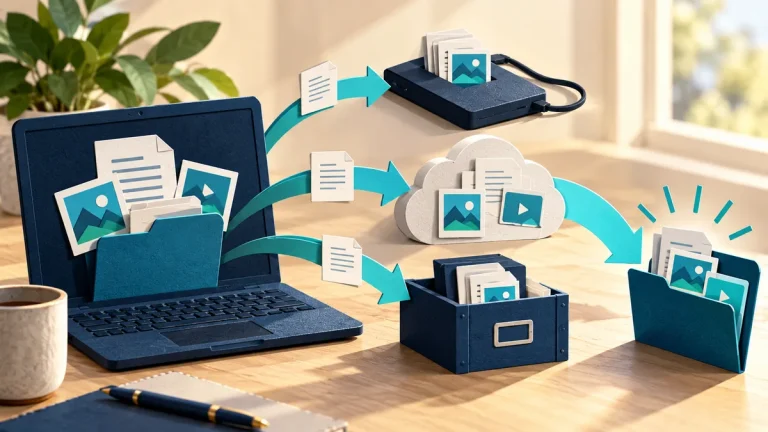
A backup is less useful against ransomware if the same compromised administrator can delete both production files and recovery copies. Storage features matter, but the authority behind them matters too. Review who can change the backup, its retention settings, and the accounts needed to restore it.
Understand the idea
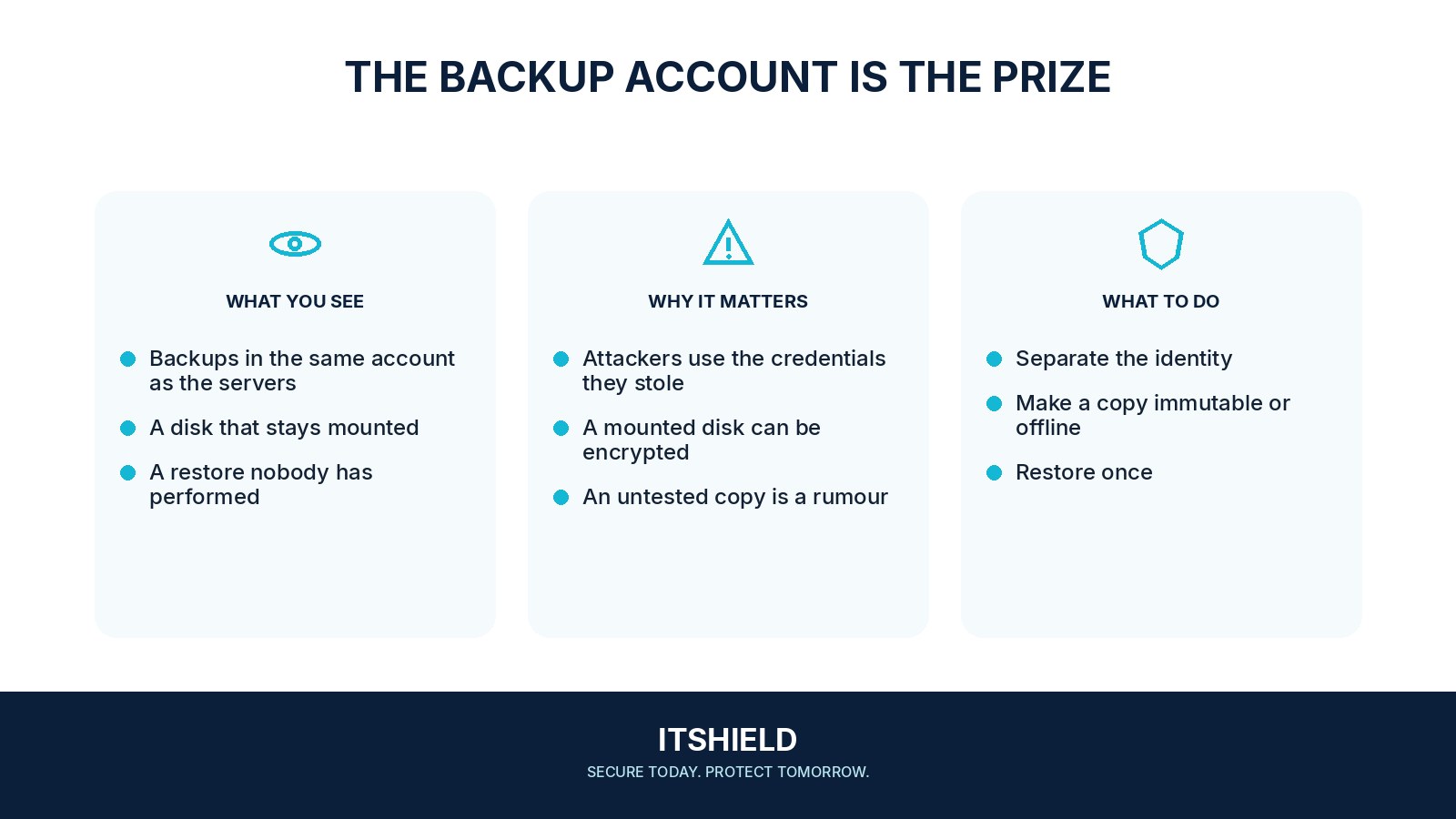
Separate production control from backup administration where practical. Consider protected or offline copies appropriate to the service, and understand how the chosen product enforces retention. A copy described as immutable still needs a careful review of configuration, recovery access, and the permissions that can alter future protection.
- Production
Identify the compromise the recovery plan must survive.
- Separation
Protect backup access, settings, keys, and retention controls.
- Recovery
Test restoration with realistic account and dependency limits.
A practical example
Imagine a team finding that its main administrator account can erase every backup. It creates a separate recovery administration boundary and tests the product’s protected-copy settings. A restore drill then checks that the team can actually use the surviving copy.
What to do next
- Choose a representative service and an agreed recovery objective.
- Assume normal production passwords and access keys and machines are unavailable.
- Access recovery material through the approved emergency process.
- Restore into an isolated environment and validate data integrity and business operations.
- Record elapsed time, missing dependencies, and any unexpected need for compromised infrastructure.
How to check the result
Use an approved test to verify both deletion resistance and recovery. Keep evidence of the account boundaries, retention settings, and successful restore, rather than relying only on a product label.
The backup is labelled immutable. Is it safe from every administrator?
Review who can alter its configuration, delete surrounding resources, or control recovery keys. Verify the actual protection against the failure scenario you are planning for.
Sources and useful guides
The following resources provide background and more detailed guidance. Use the sections that match your service and situation.