
A vulnerability scan produces findings, not a finished improvement plan. Vulnerability management is the ongoing work of confirming those findings, deciding what matters, assigning fixes, and checking the results. A small team benefits from a clear queue rather than a growing report nobody owns.
Understand the idea
For each finding, identify the affected system, actual exposure, possible consequence, and available correction. Prioritize using the service’s importance and the way the weakness could be reached. A severity score is useful context, but it does not replace an assessment of the deployed system.
- Triage
Confirm the affected asset and relevant evidence.
- Prioritize
Combine exposure, exploitation signals, consequence, and available controls.
- Verify
Retest the condition before closing the item.
A practical example
Imagine two findings with the same score: one affects an internet-facing service with sensitive information, and another affects a disabled feature on an isolated test system. The team records those differences and gives each a proportionate action and deadline.
What to do next
- Validate affected versions and scope against the vendor's advisory.
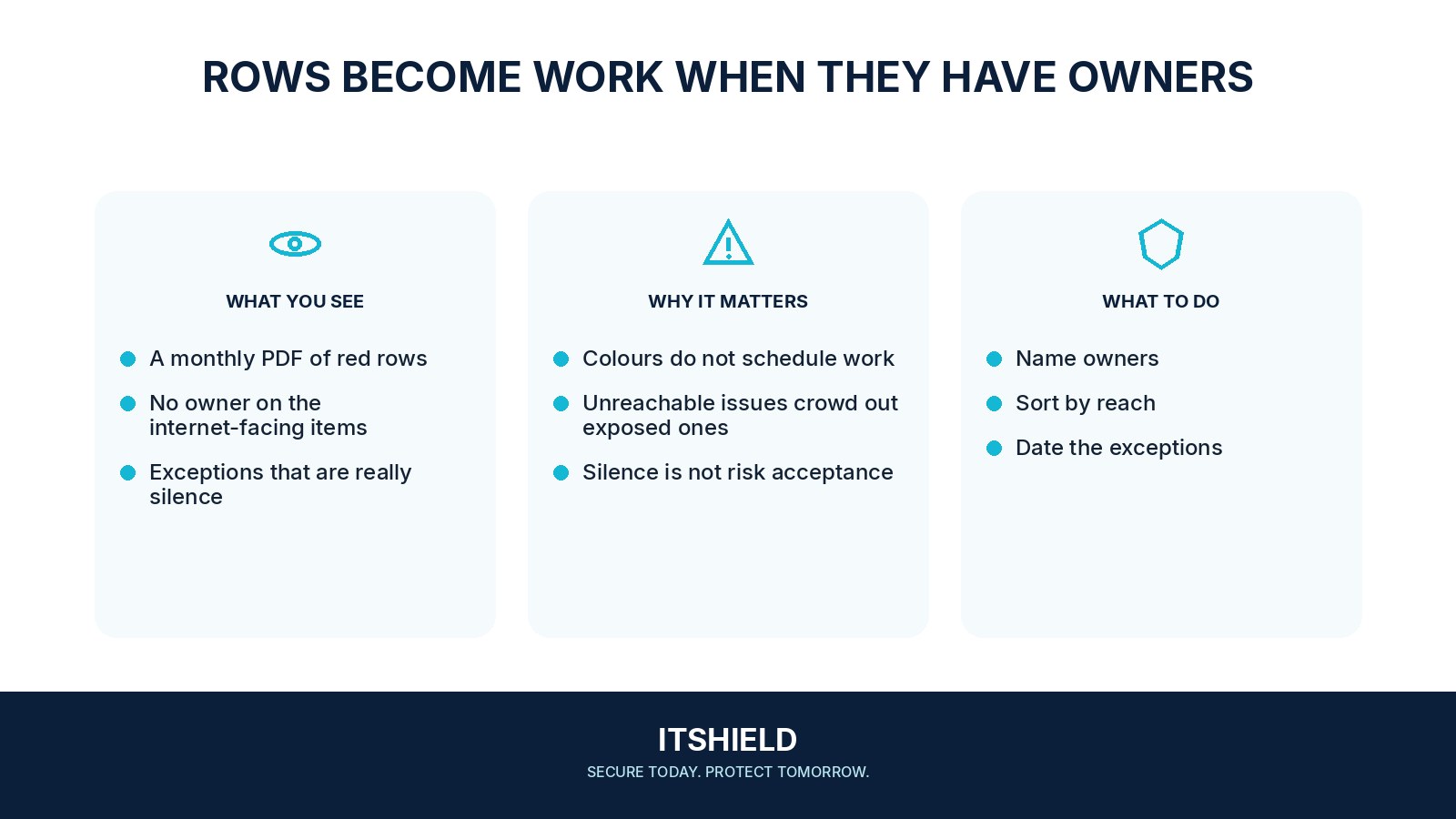
- Assign a real owner with authority to patch or change the service.
- Agree the patch, mitigation, or replacement and a testing plan.
- Verify the installed version or the specific protection after the change.
- Close with evidence, or record a time-limited exception approved by the appropriate risk owner.
How to check the result
Close work only after a retest or other suitable evidence. Keep temporary exceptions visible with an owner, reason, and review date so a deferred item does not silently disappear.
The ticket says the server was updated. Can we close it?
Check the deployed version and whether the relevant vulnerable condition is gone. A completed change task is not automatically evidence that the finding was resolved.
Sources and useful guides
The following resources provide background and more detailed guidance. Use the sections that match your service and situation.