
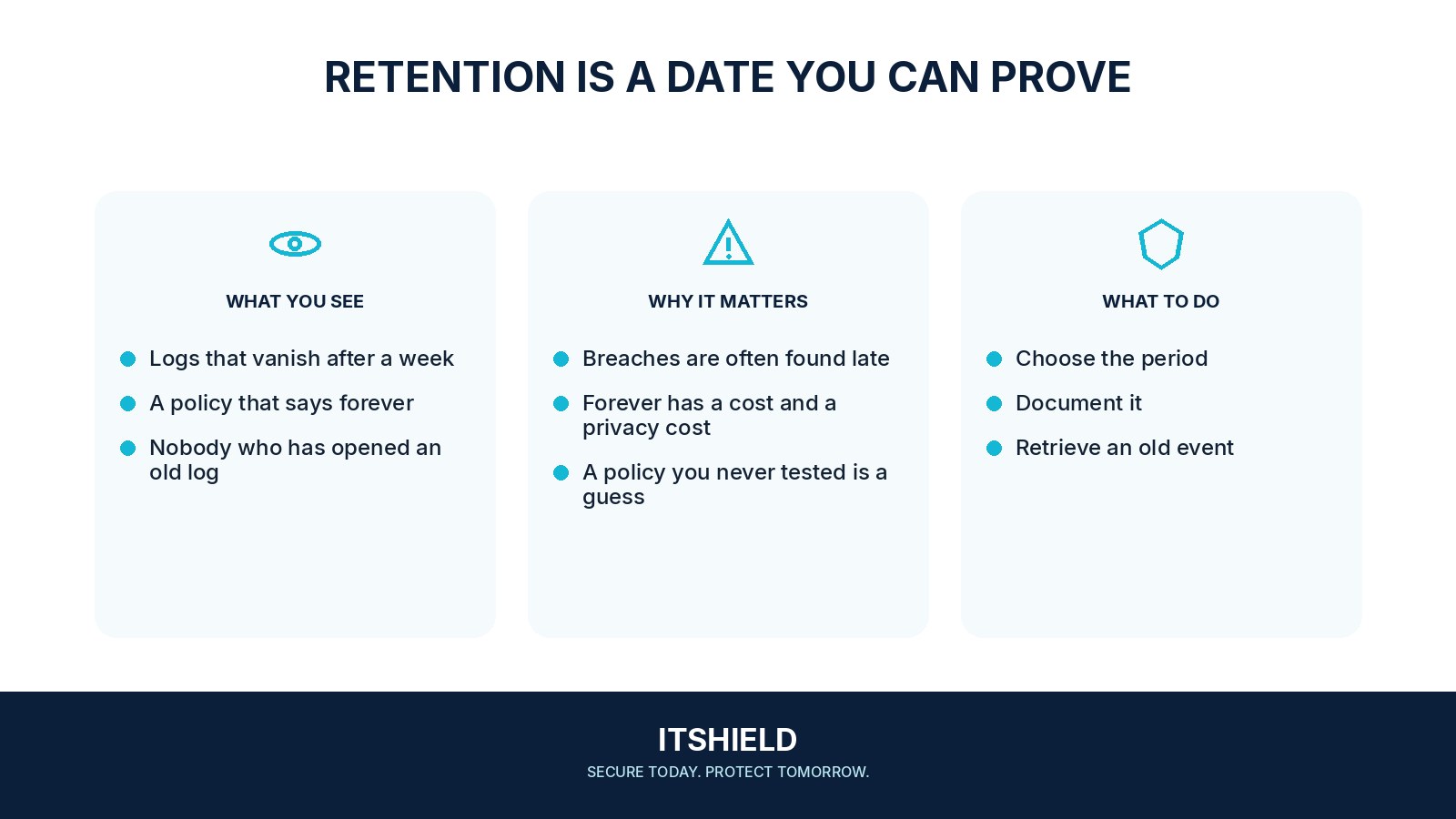
Security log retention is a decision about how long useful records remain available. Keeping everything forever can create cost and privacy problems, while keeping too little can prevent an investigation. The right period depends on the events, service, response needs, and applicable obligations.
Understand the idea
Name the questions the records must answer and how far back the team may need to look. Consider collection delays, detection delays, storage protection, retrieval time, and relevant contractual or legal requirements. Different sources may need different arrangements. A single number without that context is difficult to justify.
- Need
Identify how far back an investigation may need to look.
- Storage
Distinguish searchable data from archived records.
- Test
Retrieve an older event and check its usefulness and access controls.
A practical example
Imagine a team discovering account misuse two weeks after it began, while the required sign-in records were kept for only seven days. It reviews that gap against investigation needs and privacy requirements, then updates retention and access through a documented decision.
What to do next
- Retrieve a known older event from each important source.
- Confirm its fields, time zone, integrity, and access restrictions.
- Measure restoration or archive-search delay and cost.
- Check that planned deletion and approved holds work as intended.
How to check the result
Retrieve an older known event and check completeness, timing, and permissions. Confirm that expiry and deletion work as intended as well as that recent records are searchable.
The storage policy says 90 days. Is the evidence usable for 90 days?
Test the actual old end of the window. Data may exist but be incomplete, inaccessible, or too slow to retrieve for the intended response.
Sources and useful guides
The following resources provide background and more detailed guidance. Use the sections that match your service and situation.