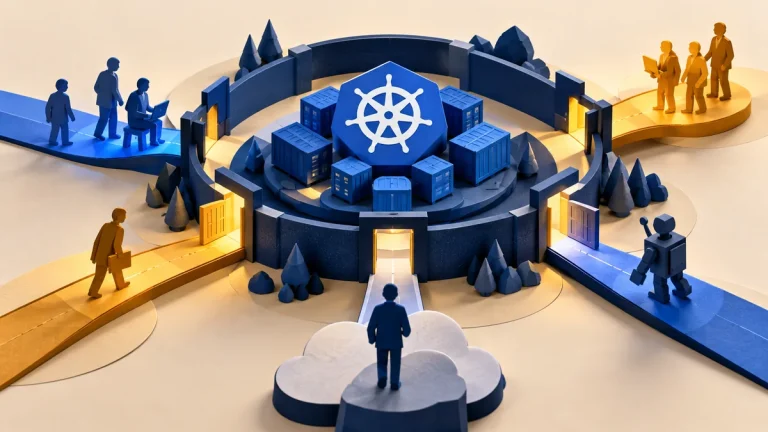
Some technology failures affect physical processes and safety, not only data or office work. Operational technology, often called OT, includes systems that monitor or control equipment. A change that is routine on a laptop may have very different consequences on a production or safety-related system.
Understand the idea
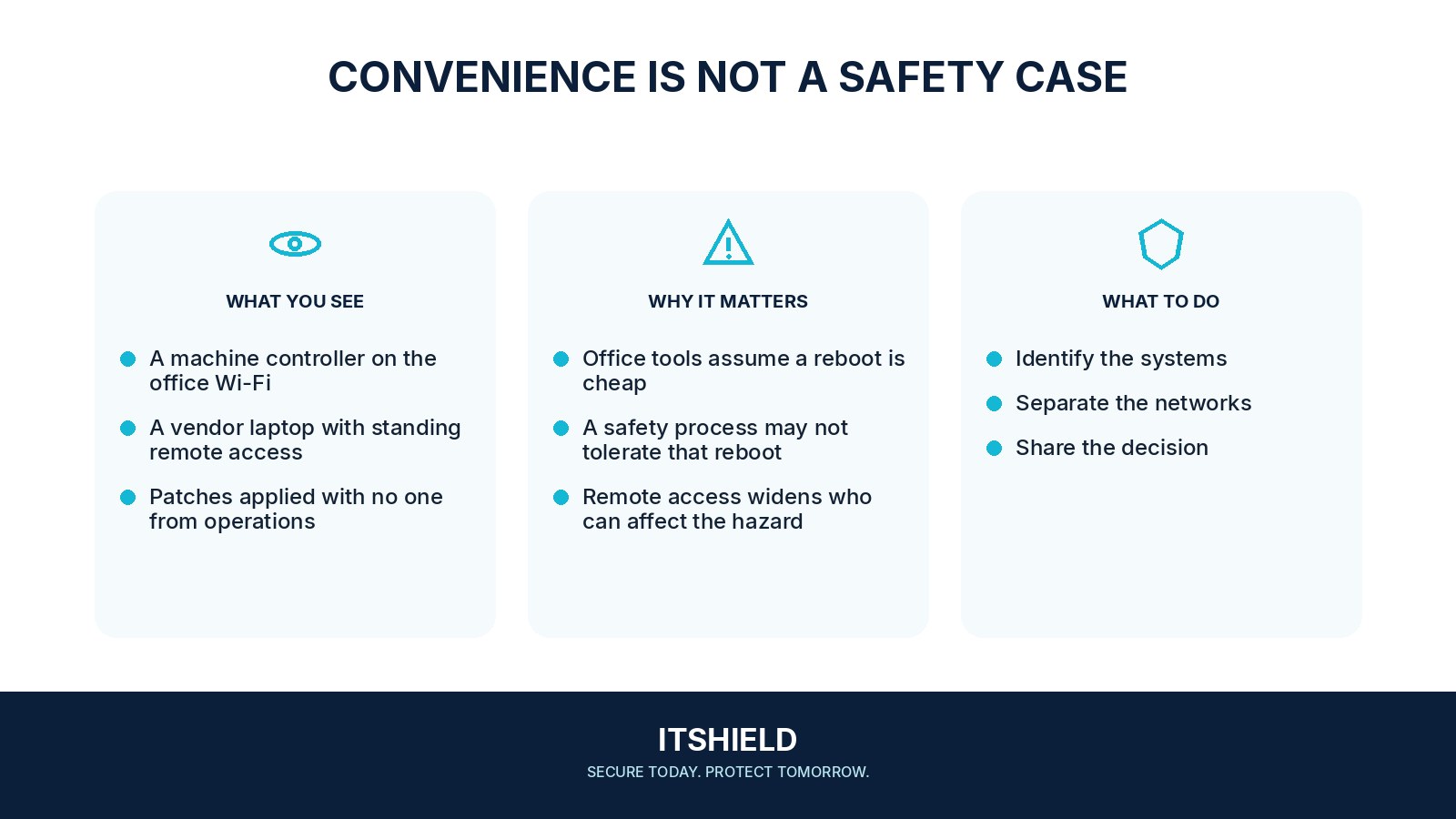
Identify the boundary between business IT and operational systems with the people responsible for the process. Review connections, remote support, change windows, and recovery needs together. Security work must account for availability and safety requirements, including the vendor’s approved procedures and the authority needed for testing.
- Consequence
Identify the equipment and physical process affected.
- Authority
Involve operational and safety owners before testing or change.
- Control
Use an approved method, timing, and recovery plan.
A practical example
Imagine an office security team planning a network scan that includes a control environment. The operations owner explains that some equipment cannot tolerate ordinary probing. The teams agree a suitable assessment method and timing before any test is run.
What to do next
- Maintain an accurate asset and communication inventory using methods appropriate to the environment.
- Separate office, management, control, and safety-related paths according to the reviewed architecture.
- Control remote access through approved, monitored, time-bounded routes.
- Limit accounts and vendor access to the purpose required.
- Plan supported updates, recovery, and configuration protection with the responsible engineers and vendor.
How to check the result
Keep approved diagrams, contact routes, and change records. Verify security improvements using methods accepted by the responsible engineering and safety owners, rather than applying office procedures without review.
Can we run our normal discovery scan on a safety-related network?
Do not assume it is appropriate. Confirm the devices’ constraints and obtain approval from the responsible operational team before using testing methods that could disrupt them.
Sources and useful guides
The following resources provide background and more detailed guidance. Use the sections that match your service and situation.