
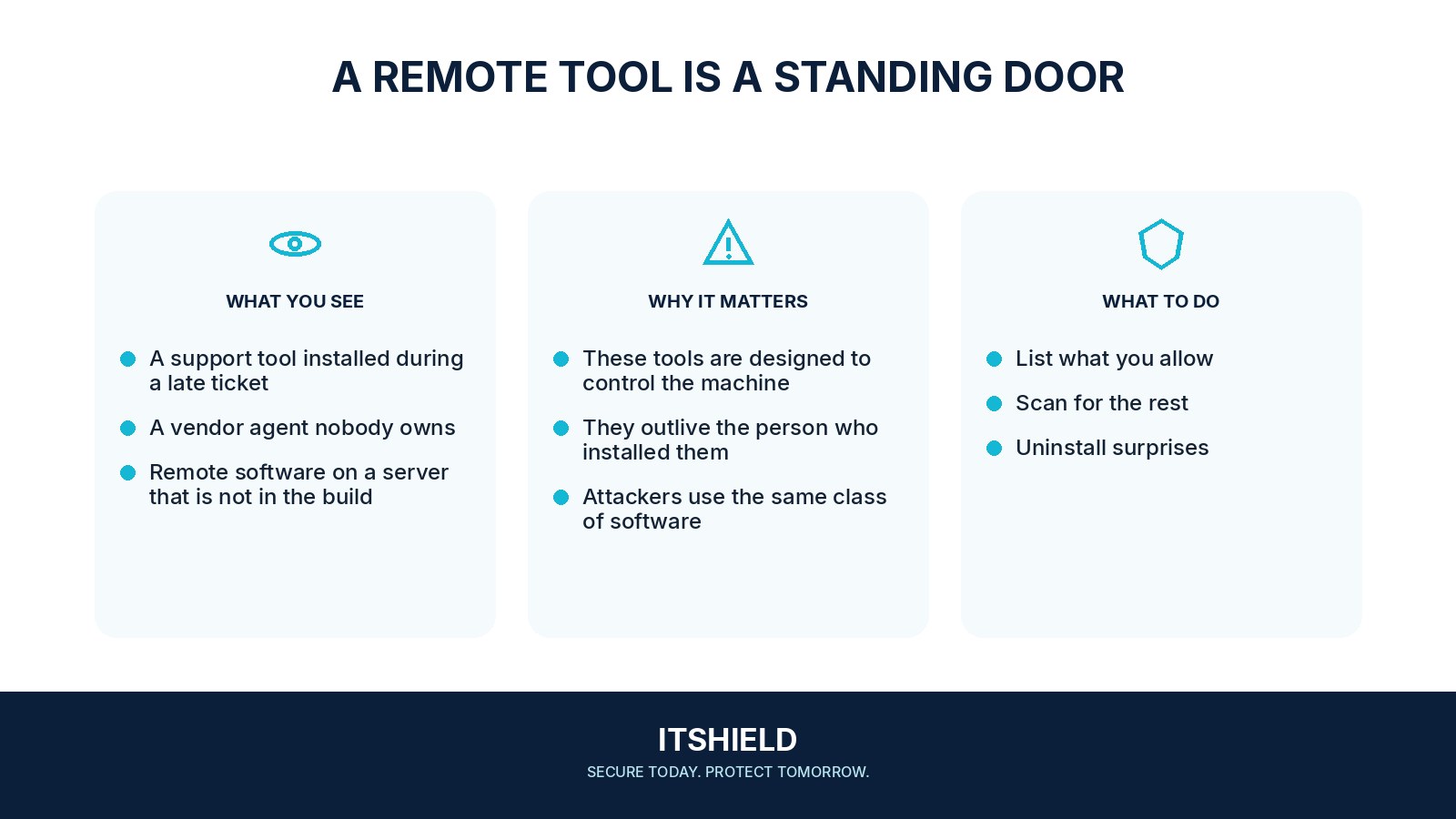
Remote administration tools allow people to support systems without being physically present. A legitimate tool still creates an access path, and an unrecorded installation can be difficult to review or remove. Keep an inventory of the routes your organization actually permits.
Understand the idea
Record each tool’s purpose, managed devices, operators, authentication, session records, and removal process. Include supplier access and unattended connections. Decide who may approve an installation and how the team distinguishes approved support from unexpected remote activity.
- Inventory
List agents, gateways, operators, and managed devices.
- Approve
Define who may use each route and for what purpose.
- Verify
Check actual coverage, active access, and removal procedures.
A practical example
Imagine a laptop retaining a support agent from an old supplier. The tool is genuine software, but the current team does not know who can use it. The owner checks the contract and access, removes the unnecessary agent, and verifies the approved support route.
What to do next
- Require named accounts and strong authentication for operators.
- Limit which devices and users can be controlled and which features are permitted.
- Use time-bounded approval or appropriate attended access for supplier work where supported.
- Log significant sessions and administrative changes with a monitored investigation route.
- Keep software supported and remove unused agents or accounts through a controlled process.
- Include the tool in staff and supplier offboarding.
How to check the result
Compare the inventory with observed installations and account records. Test how access ends when an operator leaves or a supplier contract closes, and keep exceptions visible.
Two different support agents are installed on the same server.
Confirm that both are authorized and needed. Review their operators and controls, and remove unused access through a planned change rather than ignoring it as duplicate software.
Sources and useful guides
The following resources provide background and more detailed guidance. Use the sections that match your service and situation.