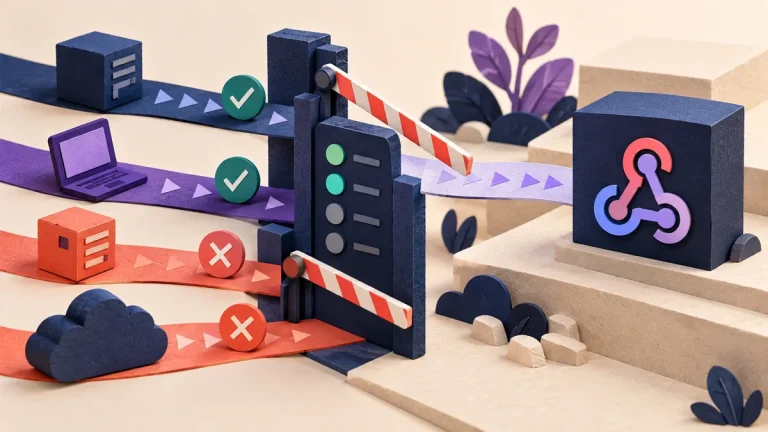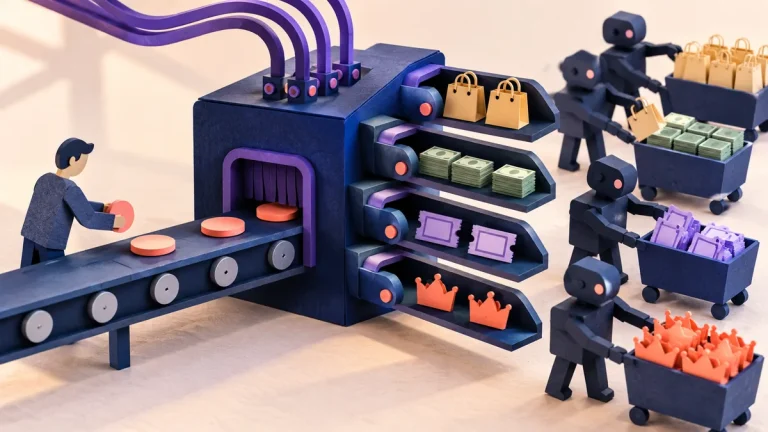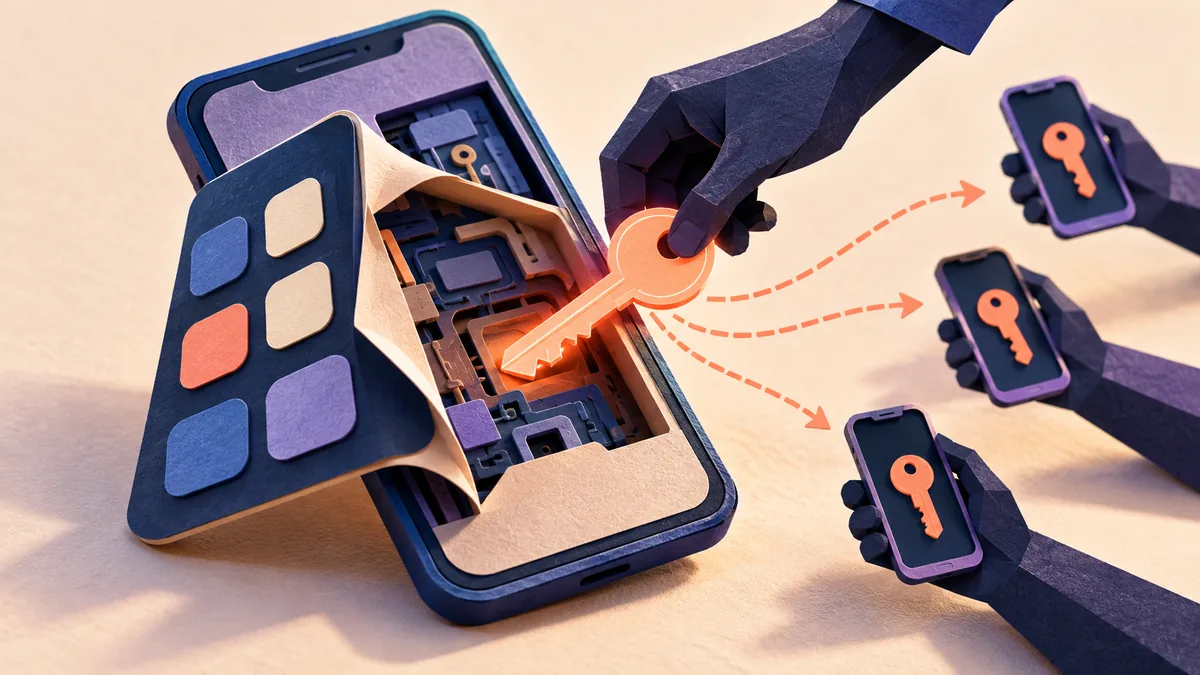
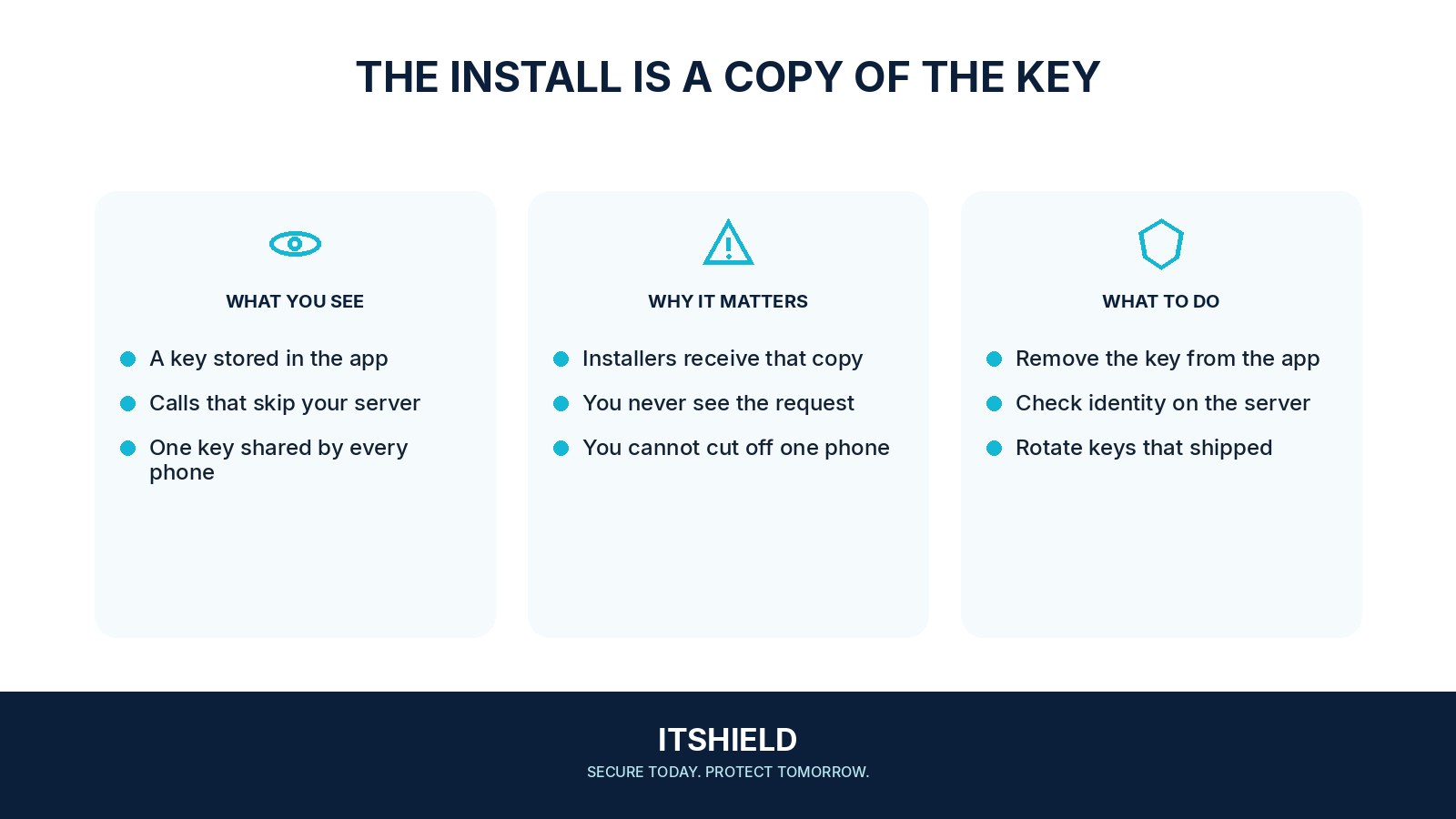
A mobile application is distributed to devices outside your direct control. A shared secret embedded in its code or resources may be recoverable from those copies. Treating that value as a privileged server credential can therefore give users more authority than the application intended.
Understand the idea
First distinguish public identifiers from secrets. Some services deliberately use public client identifiers with additional restrictions; others use keys that grant privileged access. Keep privileged decisions on an appropriate server-side boundary and give the app only the limited authority needed for the user’s authorized task.
- App
Assume distributed code and embedded values can be inspected.
- Service
Authenticate the user or workload for the actual operation.
- Authority
Keep privileged secrets and access decisions in a controlled environment.
A practical example
Imagine a mobile app containing one key that can read every customer’s records. The team moves that authority behind its server, where each request is tied to the user’s permission. It replaces the exposed key and reviews any available evidence of its use.
What to do next
- Identify passwords and access keys in application code, configuration, build artifacts, diagnostics, and third-party SDK arrangements.
- Remove unnecessary shared privileged secrets from the distributed client.
- Use supported user authentication and appropriately scoped, bounded passwords and access keys for client operations.
- Enforce authorization, quotas, and sensitive business rules on the server.
- Apply provider-supported restrictions to intentionally public keys and monitor misuse.
How to check the result
Review the built application and the service’s key policy, not only the source-code location. Confirm that a copied client value cannot grant unintended privileged access.
The key identifies our application. Is it necessarily a secret?
Separate public identifiers from credentials that grant authority. Review the provider’s intended key model, restrictions, and the consequence if someone else reuses the value.
Sources and useful guides
The following resources provide background and more detailed guidance. Use the sections that match your service and situation.