
Home routers used for work
A home router connects work systems to personal devices and internet services. Review its support status, administration, Wi-Fi configuration, and any unnecessary remote access.

Infrastructure Security
A home router connects work systems to personal devices and internet services. Review its support status, administration, Wi-Fi configuration, and any unnecessary remote access.
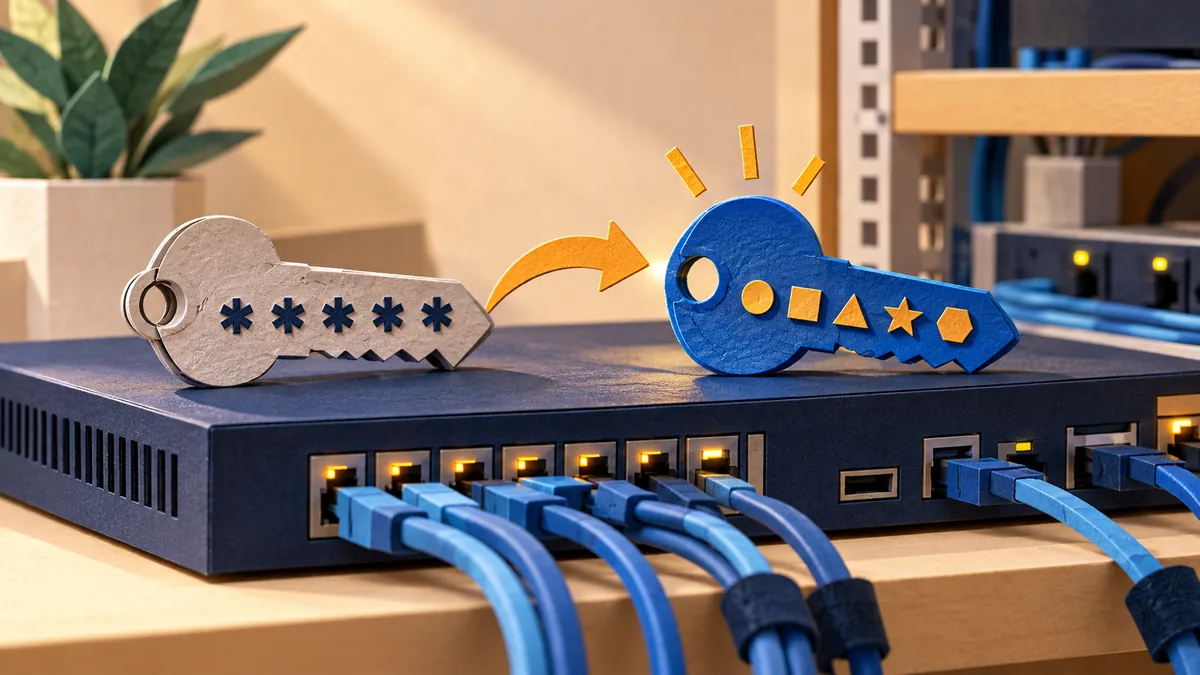
A device may have separate credentials for administration, monitoring, support, and cloud services. Review all of them before deciding that the factory access has been removed.

A staging site can contain production data and powerful integration credentials. Keep its access and outbound behavior deliberately separate from the live service.

An essential domain depends on working ownership, billing, recovery, and renewal arrangements. Check those dependencies while the service is healthy, not after it disappears.

Control of DNS can affect email, websites, and other essential services. Identify the registrar, DNS host, privileged users, and applications that can change records.
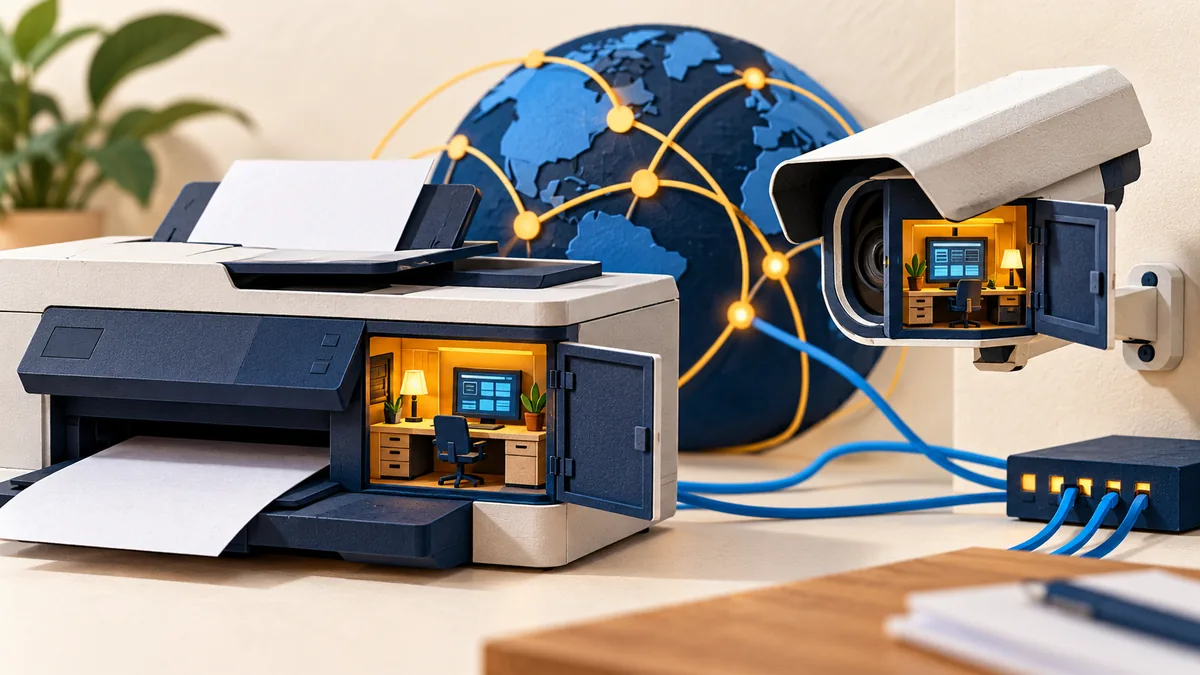
An office appliance can hold credentials, send documents, and expose management features. Treat it as a managed system with an owner, support status, and limited access.

Bring-your-own-device arrangements need a clear boundary between work information and personal use. Agree what may be stored, what controls apply, and what happens on loss or departure.

Deleting a chat message does not invalidate a password or token that someone may have copied. Identify the credential, revoke or rotate it, and review its possible use.
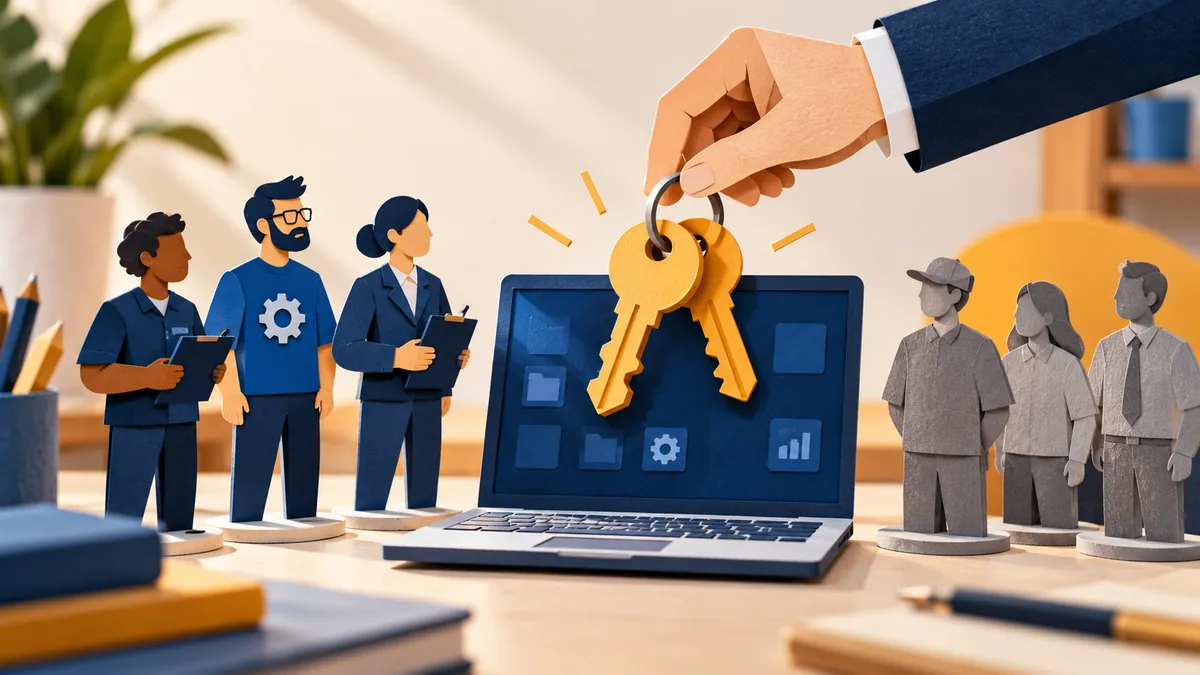
Administrator access changes what software can do to a device. Limit routine privilege while giving staff a clear, workable route for approved installation and support.

A managed cloud service does not remove every security responsibility from your team. Map the provider’s role and your own configuration, identities, data, and recovery duties.