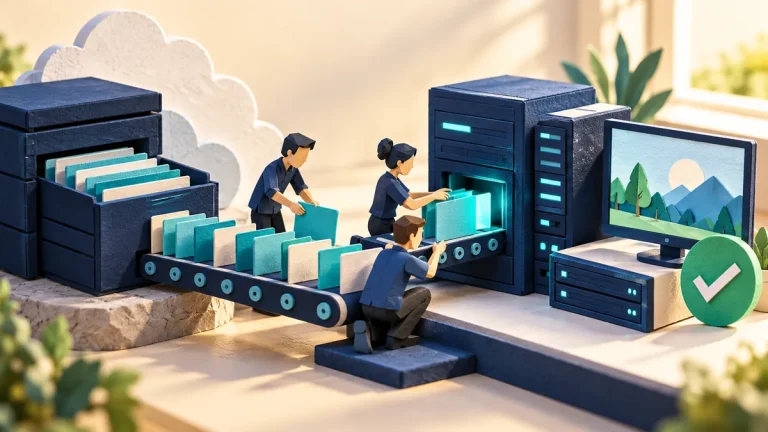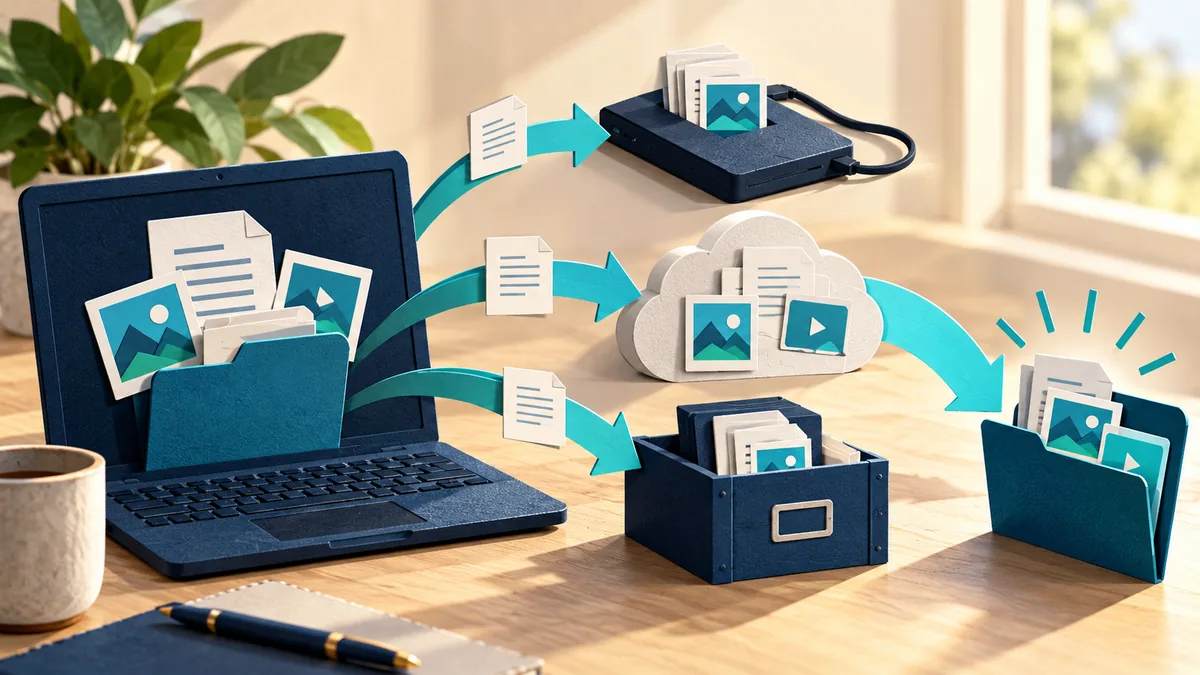
A backup is a separate copy you can use when the working file is lost, damaged, or changed. A folder that syncs between devices is useful, but deletion and damage may sync too. The real test is whether you can recover the right version when the original is unavailable.
Understand the idea
Start with the files you cannot easily replace and decide how often they change. Keep a recovery copy with protection appropriate to those files, and make sure you can reach the account, password, or encryption key needed to restore it. A backup plan includes access as well as storage.
- Copy
Back up the important files to an appropriate destination.
- Separate
Avoid one failure or account loss removing every copy.
- Restore
Open a recovered sample and verify it is usable.
A practical example
Imagine a laptop failing before a trip. Its owner has a cloud-synced folder, but an important document was accidentally overwritten last week. A separate versioned backup lets them recover the earlier file. They then check that the document opens correctly on another device.
What to do next
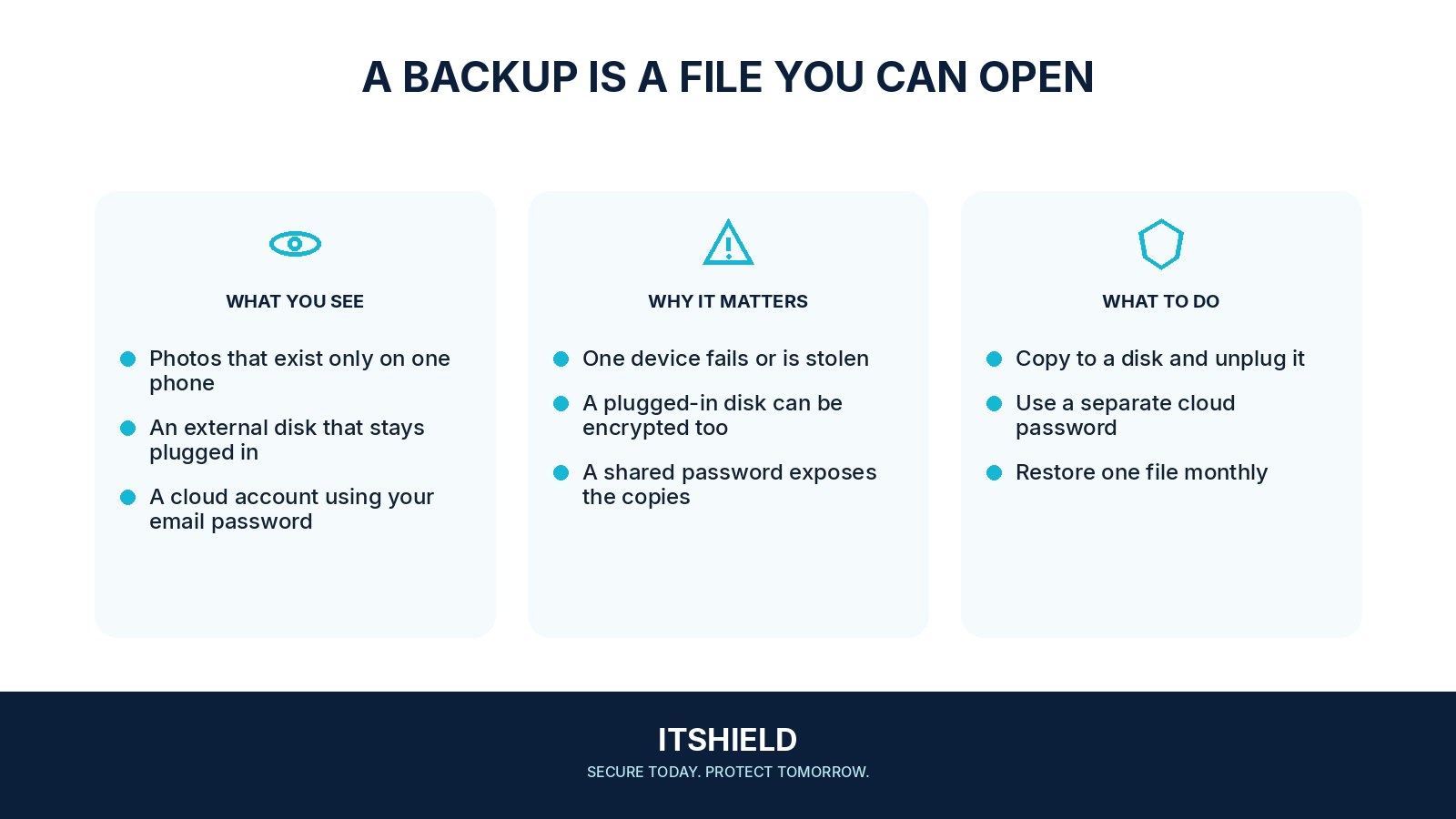
- Keep more than one recoverable copy on storage independent of the original device.
- Protect at least one copy from changes made by the everyday account or a compromised computer. Depending on the product, this may involve an offline copy, separate passwords and access keys, or protected version history.
- Encrypt portable backup media where appropriate, and keep the recovery key separately accessible.
- Schedule backups often enough for the amount of new work you could tolerate losing.
How to check the result
Restore a small sample regularly and record the date and result. Store recovery information so that losing the main phone or laptop does not also block access to the backup.
My files are already synced to the cloud. Do I need another plan?
Check version history, deletion recovery, account access, and an independent copy. The important test is whether you can restore after the specific failure you want to survive.
Sources and useful guides
The following resources provide background and more detailed guidance. Use the sections that match your service and situation.