
A board security note should help a decision-maker understand what matters and what needs approval. The reader may not know the technical detail, but they still need a clear account of the risk, evidence, uncertainty, and proposed action. A long list of alerts rarely provides that.
Understand the idea
Lead with the service or responsibility at stake. Explain the finding in ordinary language, describe the likely consequence, and distinguish confirmed facts from estimates. Give options that show cost, ownership, and remaining risk. Make the decision requested easy to identify.
- Decision
State what leadership is being asked to decide.
- Evidence
Show the facts and the gaps behind the recommendation.
- Action
Name the owner, next step, and way to check progress.
A practical example
For example, a note explains that only one administrator can restore a critical service. It describes the evidence, the effect of that person’s absence, and a proposal for a second trained owner and a restore test. The board can now discuss a concrete improvement rather than an undefined security concern.
What to do next
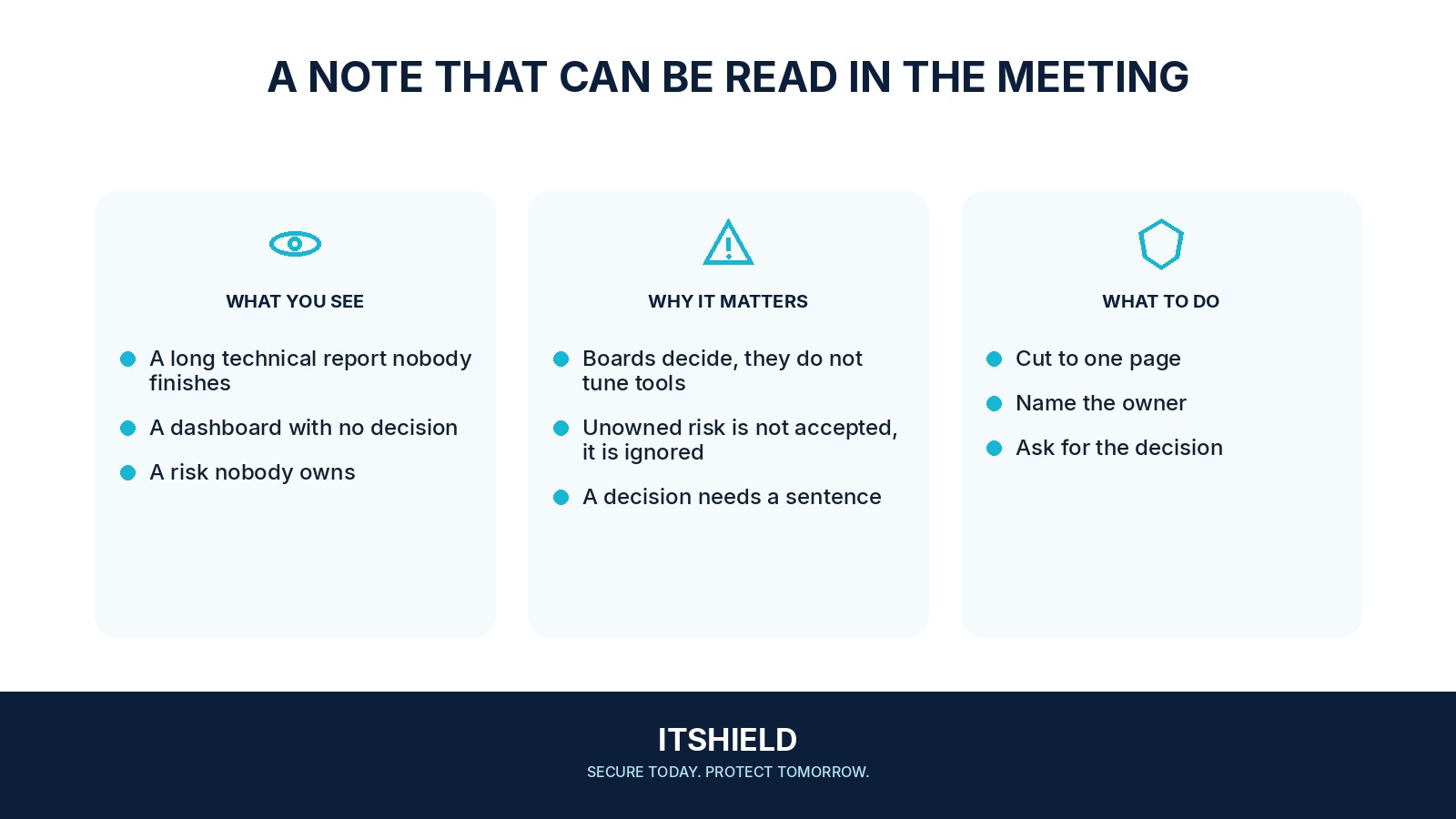
- State the decision. Open with what the board needs to approve or understand, and which service or responsibility is affected.
- Give the evidence. Describe the confirmed condition and source. State what remains unknown without hiding it in technical language.
- Offer workable options. Explain the expected benefit, cost, owner, and remaining risk of each meaningful option.
- Define follow-up. Name the action owner, completion evidence, and date for the next review.
How to check the result
Ask whether a reader can state the decision, owner, and next review date after reading the page. Keep technical evidence available as supporting material rather than making it the opening argument.
Can a green dashboard replace an explanation of recovery readiness?
Show what was tested and what remains uncertain. A status color without scope or evidence can hide the decision the board needs to make.
Sources and useful guides
The following resources provide background and more detailed guidance. Use the sections that match your service and situation.