
Data labels help people choose how to handle information. A small organization does not need a large committee to distinguish public material from information that should be restricted. It does need labels linked to actions people understand.
Understand the idea
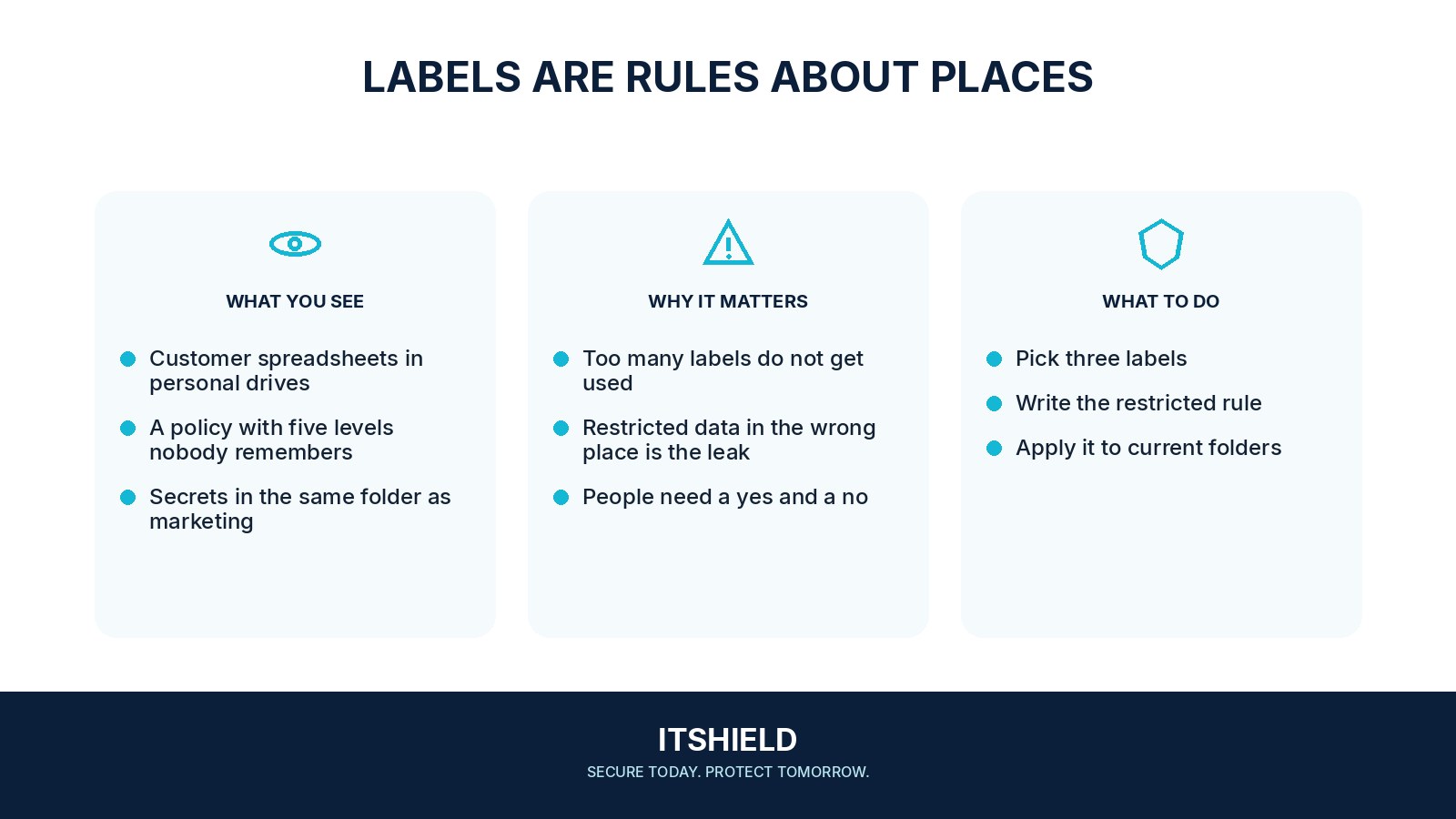
Use a small number of categories and explain what each permits. A label should guide sharing, storage, access, and disposal. Give familiar examples, such as public campaign material, internal planning notes, and restricted beneficiary records. A label without a handling rule is decoration.
- Label
Choose a clear sensitivity category.
- Rule
State the handling that follows from it.
- Test
Check that a real document receives the intended protection.
A practical example
Imagine a team using “Public,” “Internal,” and “Restricted.” A staff member preparing a partner report can check which category applies and whether personal details need removal before sharing. The owner of uncertain information is named so staff know whom to ask.
What to do next
- Inventory a few important datasets and assign business owners.
- Classify by the consequence of disclosure, alteration, or loss, considering relevant contractual and legal requirements.
- Define who can access each class, where it may be stored, how it can be shared, and how long it should be retained.
- Make approved storage and sharing defaults support those rules.
- Give staff examples and a route for asking when the correct classification is unclear.
How to check the result
Review a sample of real files with the people who use them. Check whether the chosen label leads to the intended access and sharing settings, and simplify rules people cannot apply consistently.
We added a Confidential label. Is the file now restricted?
Only if the service or working process enforces the corresponding handling rules. Check recipients, permissions, storage, and retention rather than relying on the label alone.
Sources and useful guides
The following resources provide background and more detailed guidance. Use the sections that match your service and situation.