
A completed deletion request should be supported by a record of what was removed, where, and with what limitations. Information can exist in live applications, exports, supplier systems, and backups. A closed ticket by itself does not explain the scope of the work.
Understand the idea
Define the information and systems covered by the request. Record the action taken in each place, any justified retention, and how backup expiry or restoration affects the result. Relevant rights and duties depend on the applicable rules, so involve the responsible privacy or legal owner in those decisions.
- Scope
Identify the person, information, systems, and legal context.
- Action
Document deletion or a justified retained category.
- Verification
Check the outcome and prevent unintended restoration.
A practical example
Imagine a person asking an NGO to remove their contact details. The team deletes the live contact record and checks the mailing service and recent exports. It also documents the backup schedule and the process for avoiding unintended reintroduction after a restore.
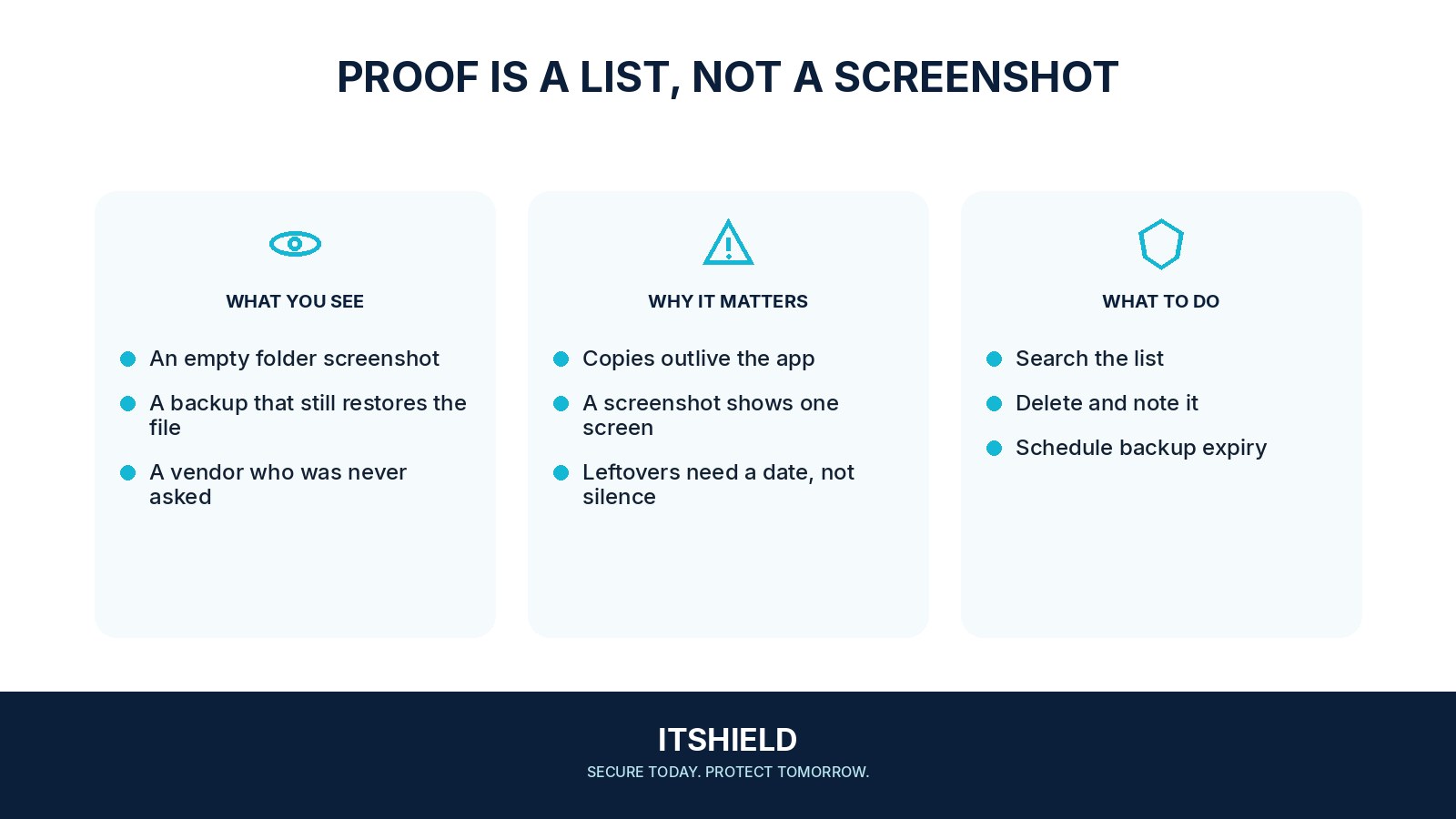
What to do next
- Define the request. Verify the appropriate scope and decision through the responsible privacy process. Use a reference that does not create unnecessary copies of personal data.
- Check the relevant systems. Include live records, exports, suppliers, and other locations identified in the information map.
- Record each outcome. Document deletion, appropriate anonymization, or a justified retention decision with its owner and evidence.
- Explain copies and recovery. Record backup treatment, supplier confirmation where applicable, and how restored data will be handled. Have relevant legal requirements checked.
How to check the result
Review the completion record against the information map. State practical limits clearly and retain only the evidence needed to show how the request was handled.
A deleted record returns when a backup is restored.
Build the deletion requirement into restoration procedures. Explain backup limitations accurately and apply appropriate controls to avoid reintroducing information that should remain deleted.
Sources and useful guides
The following resources provide background and more detailed guidance. Use the sections that match your service and situation.