
Encryption changes readable information into a form that needs an appropriate key to recover. “At rest” usually describes stored information; “in transit” describes information moving across a connection. These protections cover different stages and do not replace access decisions about who may receive the readable data.
Understand the idea
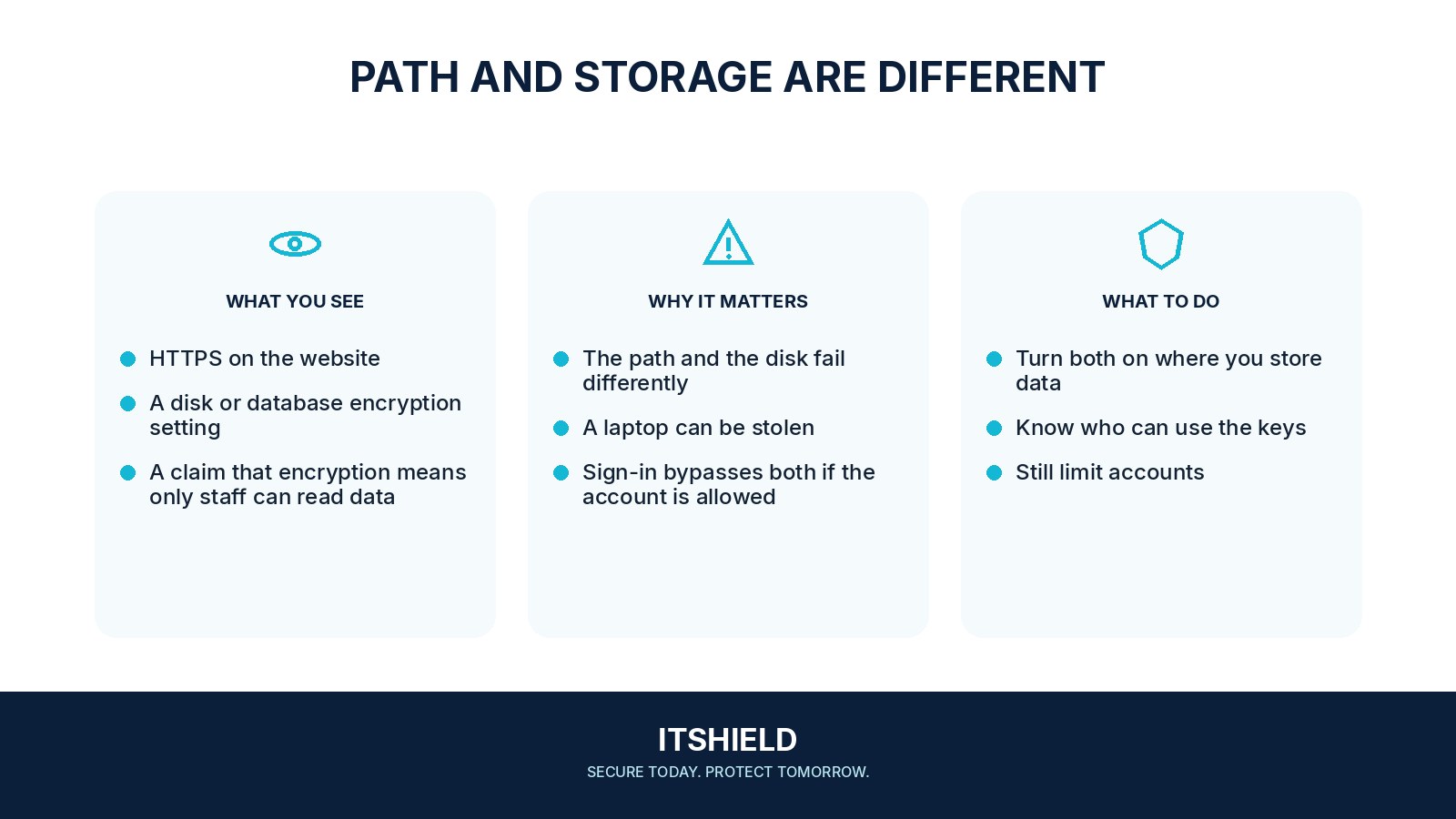
Trace the information through storage, transfer, and use. Ask where it becomes readable, which identities can obtain it, and who controls the keys. A service can store encrypted files while still serving them publicly if its access policy allows that. The policy and encryption need separate checks.
- Stored
Protect the data while it is on storage media.
- Moving
Protect data travelling between the intended endpoints.
- Access
Control the identities and keys that can retrieve it.
A practical example
For example, a team confirms that its cloud storage encrypts data on disk. It then discovers an unrestricted sharing link to a private folder. The encryption setting was working, but the service was legitimately decrypting files for anyone allowed through that link.
What to do next
- Map where the information is collected, transmitted, processed, stored, backed up, and exported.
- Verify encrypted transport and proper certificate validation on relevant connections, including internal ones.
- Identify who can use, administer, rotate, disable, or delete encryption keys.
- Review application permissions and sharing controls separately from encryption settings.
- Test recovery of encrypted backups and devices using the protected recovery material.
How to check the result
Keep evidence of the relevant connection, storage, key, and access settings. Test the intended audience rather than relying on the word “encrypted” as a complete description of protection.
An encrypted storage bucket is publicly readable. Is its content protected?
The storage layer may still be encrypted, but the service can deliver readable content to allowed requesters. Remove unintended access and review the exposure separately.
Sources and useful guides
The following resources provide background and more detailed guidance. Use the sections that match your service and situation.