
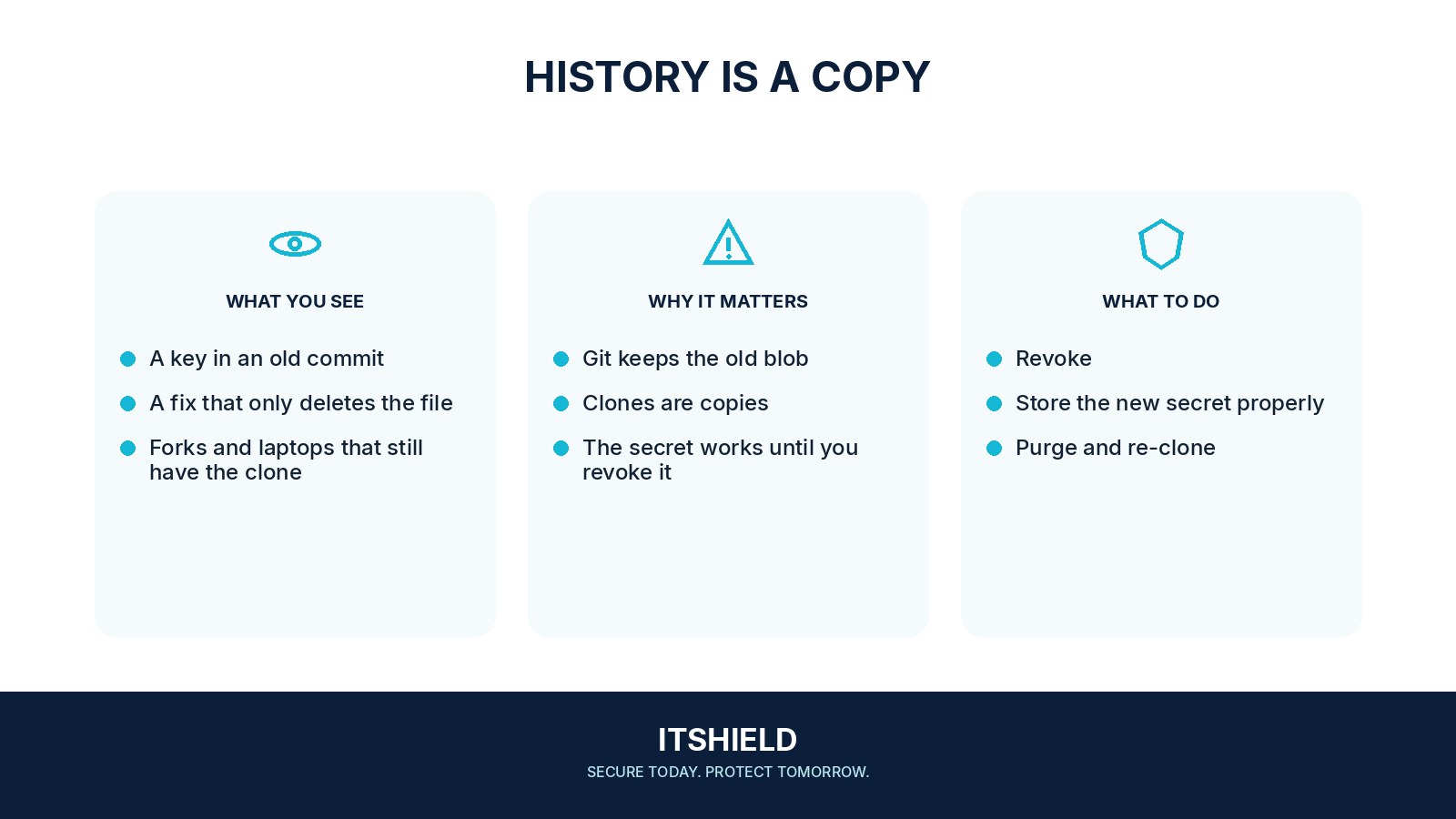
Deleting a password or API key from the latest source-code file does not remove it from earlier commits. A repository’s history can preserve old versions, and copies may exist in forks, build output, or developer machines. The secret itself needs attention before the repository looks tidy again.
Understand the idea
First identify the service the secret controls and replace or disable it through the normal process. Then update legitimate applications and investigate the period of exposure. Cleaning repository history is a separate coordination task; it does not make a copied secret unusable.
- Contain
Revoke or rotate the exposed secret through its issuer.
- Scope
Review permissions, visibility, copies, and relevant activity.
- Cleanup
Coordinate necessary history changes and prevent another commit.
A practical example
Imagine a private service key committed during a test. The developer removes the line in a new commit. Review finds the old value still in history, so the owner rotates the key, checks usage records, and coordinates repository cleanup with the team.
What to do next
- Remove the exposed credential or arrange a safe rotation with the service owner.
- Put the replacement in an approved secret store and update legitimate consumers.
- Verify that the new credential works and the old value fails.
- Review available service activity for misuse during the exposure window.
- Coordinate any required history rewrite and removal of accessible copies using the hosting provider's current guidance.
How to check the result
Confirm that the old key fails and the intended application works with its replacement. Check other likely copies and improve secret storage and scanning around the development workflow.
The repository is private. Does an exposed key still need action?
Assess who or what could access it, including integrations and copies. The credential’s authority and exposure determine the response; deleting the visible line alone does not contain it.
Sources and useful guides
The following resources provide background and more detailed guidance. Use the sections that match your service and situation.