
How to use public Wi-Fi without guessing
A familiar-looking network name does not prove who runs it. Confirm the network with the venue, keep device sharing controlled, and use your usual secure services.

Digital Safety
A familiar-looking network name does not prove who runs it. Confirm the network with the venue, keep device sharing controlled, and use your usual secure services.

HTTPS helps protect the connection to the address you opened. It does not establish that the organization behind that address is honest or that a payment request is legitimate.
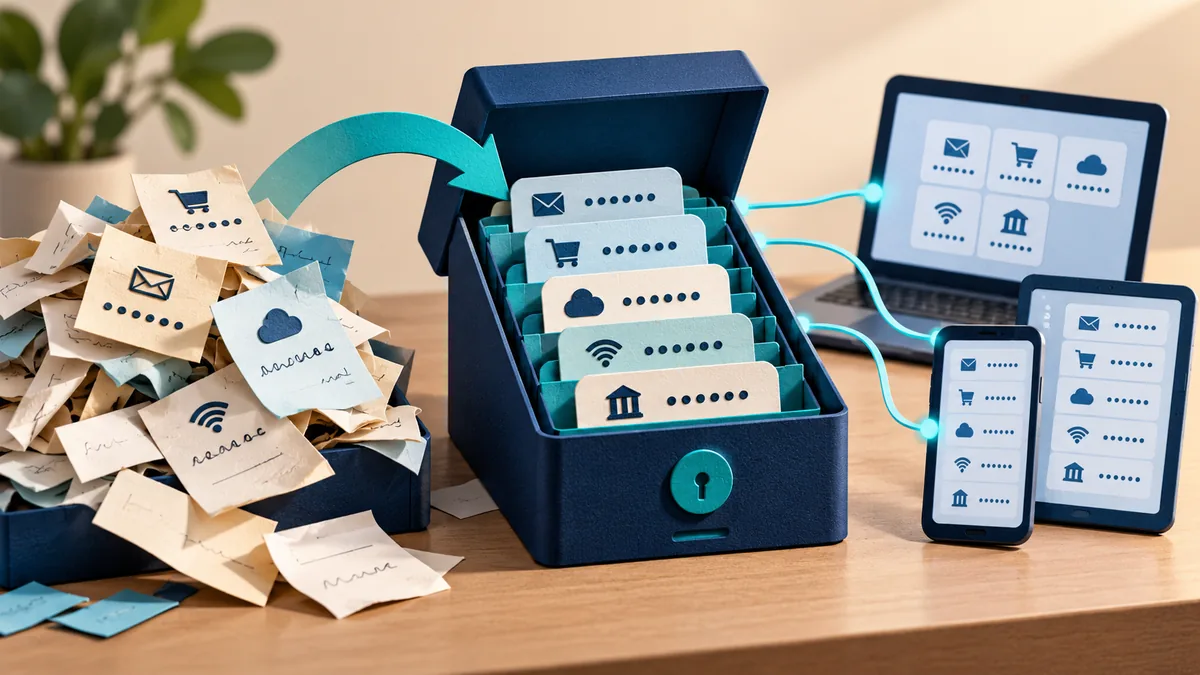
A password manager helps you use a different strong password for each service. The first task is protecting the vault and making sure you can recover access to it.

What happened after the click matters. Simply opening a page, entering a password, approving a request, and running a file call for different responses.
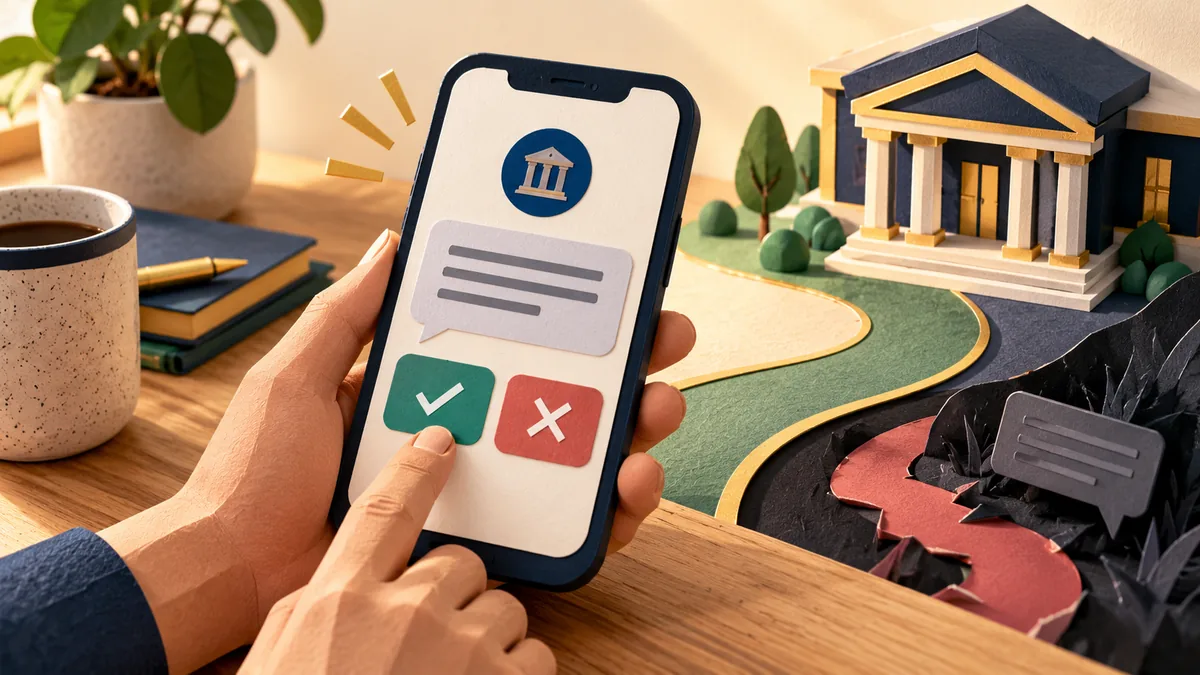
A message that looks like it came from your bank may be trying to lead you elsewhere. Open the bank’s usual app or use a number you already trust to check the claim.

A convincing invoice can arrive from a real but compromised mailbox. Protect the payment decision with independent verification of changes to the beneficiary or account details.

An email that passes technical checks can still ask you to do something harmful. A trusted sender’s account may be compromised, and a plausible message may lead to an unsafe action.

Repeated sign-in prompts can pressure someone into approving access they did not start. Treat an unexpected approval request as a signal to stop, verify, and investigate.
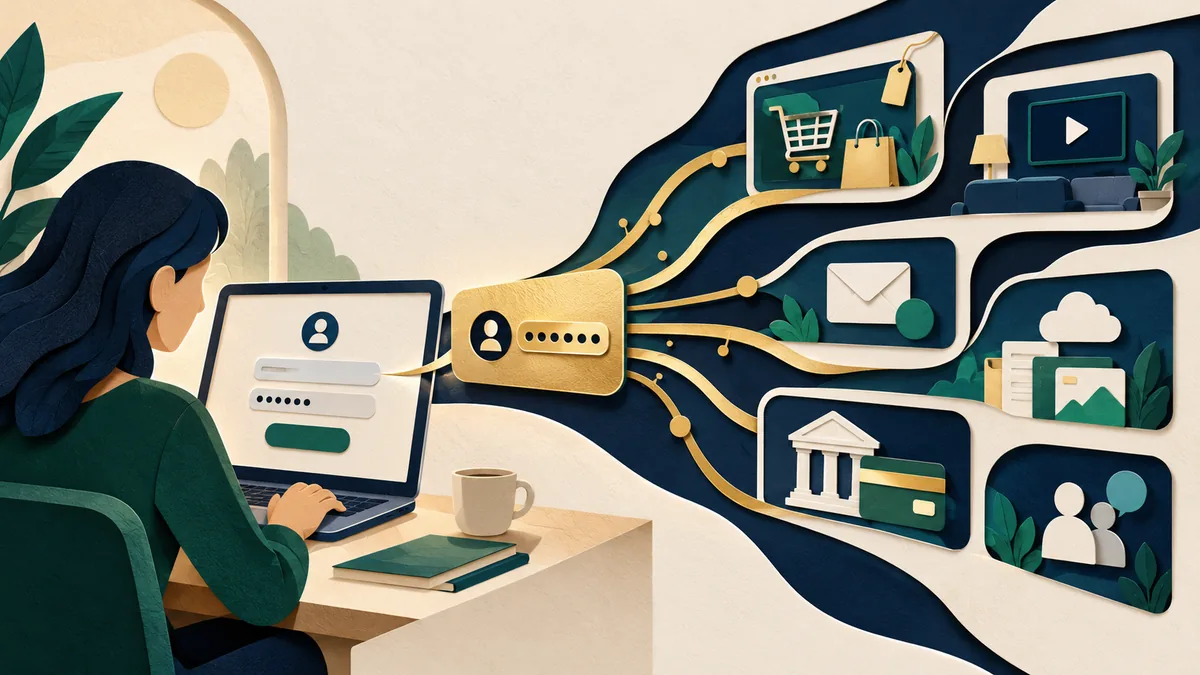
An attacker can reuse a stolen password through more than the main sign-in page. Review mobile APIs, legacy access, and recovery routes alongside the login form.