
A hotel or café network may use a web page to give guests internet access. This is often called a captive portal. The page can be normal, but its appearance does not prove that you joined the intended network. Confirm the connection with the venue before entering information.
Understand the idea
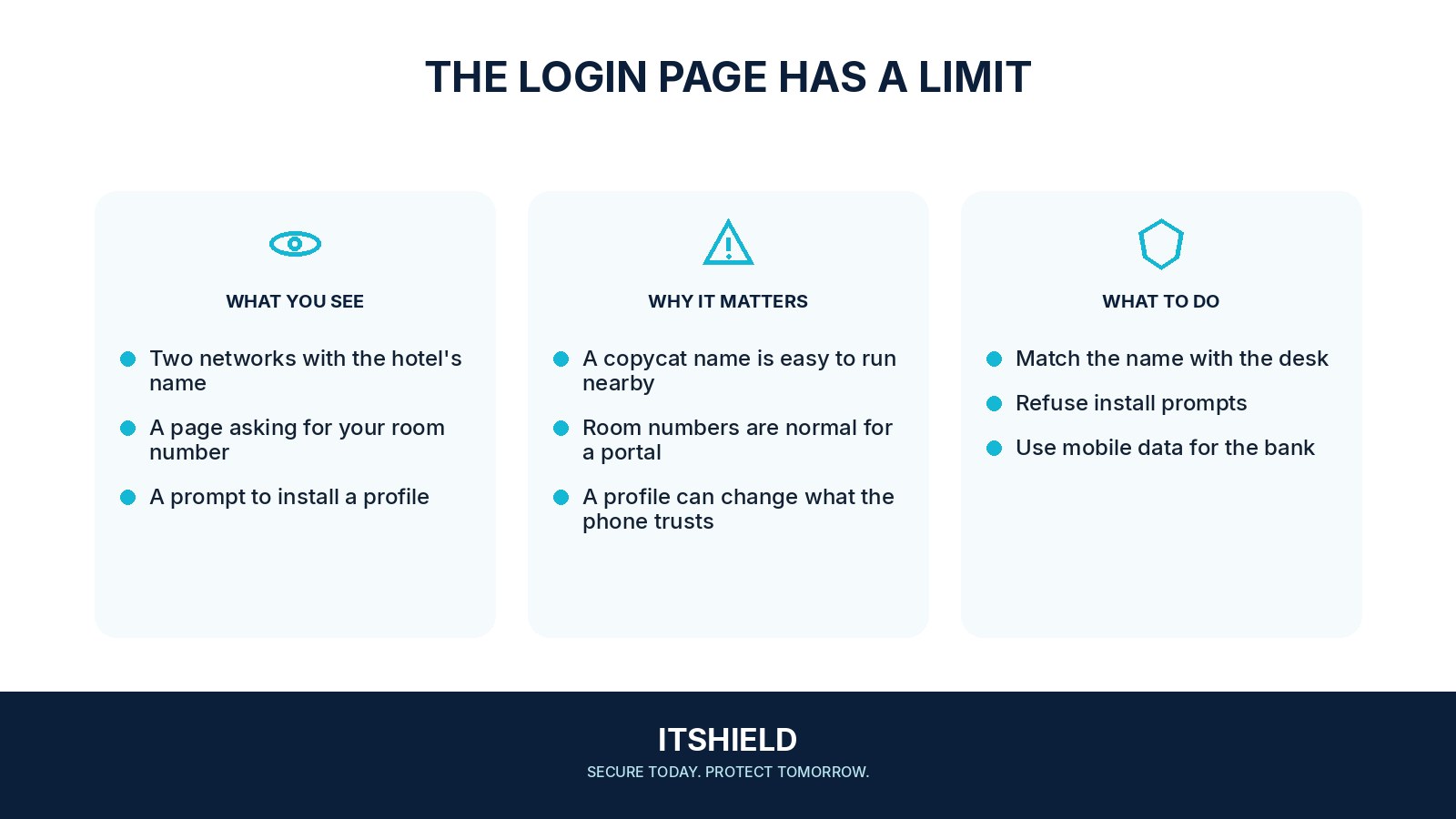
Ask for the correct network name and expected login requirements. A room number or voucher may be part of the venue’s process; an unexpected work password, device-management profile, or certificate needs separate verification. Keep ordinary web and app connections protected and use mobile data when that is a better fit.
- Confirm
Ask the venue which network and access method it uses.
- Connect
Use current software and your usual secure services.
- Leave
Disconnect or use another route if the demands seem wrong.
A practical example
Imagine two networks with nearly identical hotel names. One asks you to install a profile before browsing. Reception confirms that the guest network requires only a voucher. You leave the other network and join the verified service without installing its suggested software.
What to do next
- Update your device before the trip and enable its screen lock.
- Use the operating system's public-network setting where available and disable unnecessary local sharing.
- Open important services through their official apps or known bookmarks. Stop at certificate warnings instead of bypassing them.
- Use your organization's approved remote-access method for work. A commercial VPN is not automatically an approved work connection.
- Forget the hotspot after leaving and avoid reconnecting automatically to unfamiliar networks.
How to check the result
After the visit, review automatic connection settings and remove networks you no longer need. Report unexpected prompts to the venue or your support team with the network name and time.
The Wi-Fi page asks for my work email password.
Stop and verify the request. A guest network should not need you to disclose credentials for an unrelated work account. Use a separate trusted route to contact support.
Sources and useful guides
The following resources provide background and more detailed guidance. Use the sections that match your service and situation.