
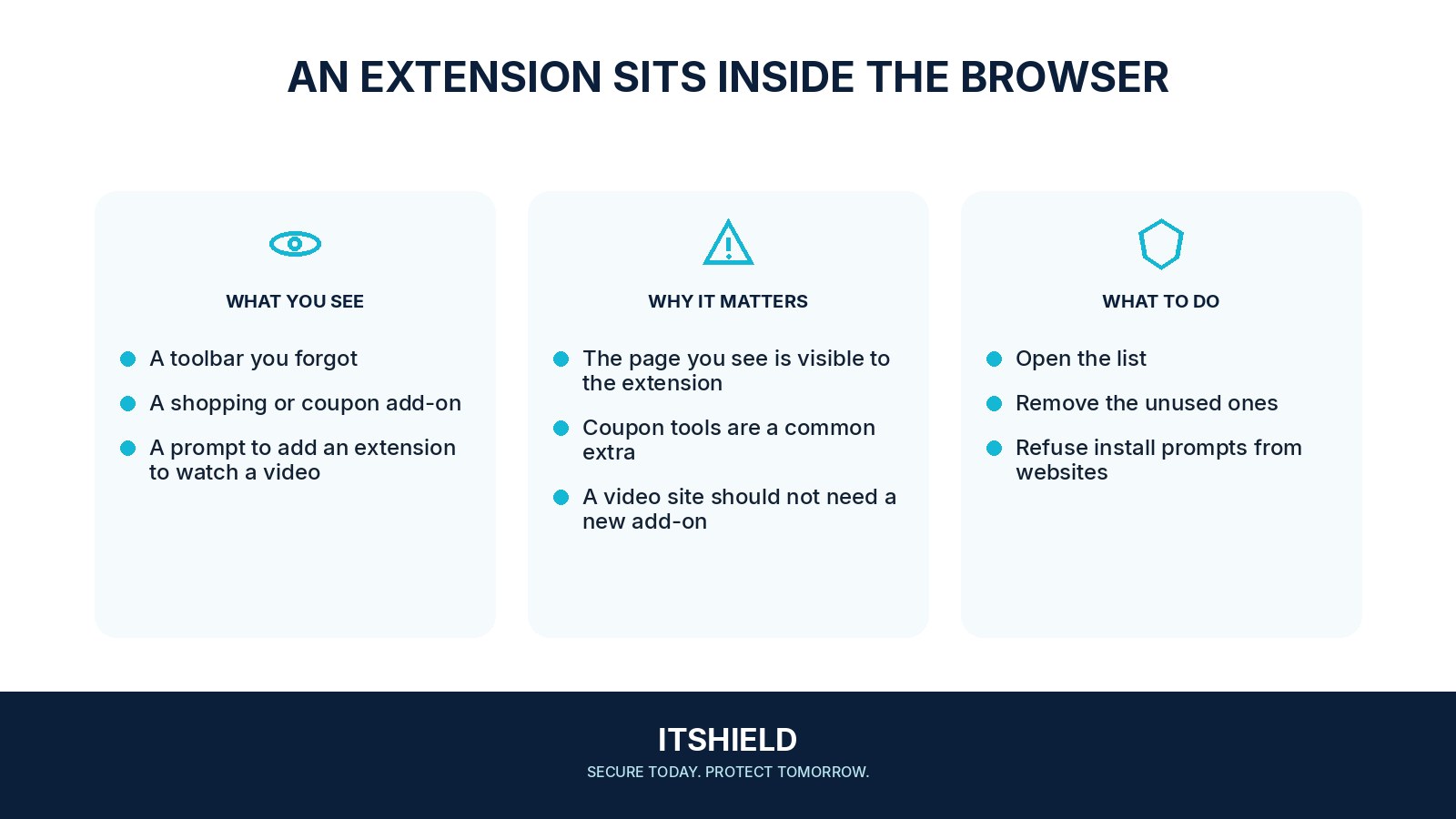
A browser extension adds features to your browser, but it may also receive access to pages or information you use there. A spelling helper, shopping tool, or file converter can have different permissions. Review what each extension needs instead of treating all small add-ons as harmless.
Understand the idea
Open the browser’s extension settings and check the publisher, purpose, permissions, and whether you still use it. Broad access to all websites can be sensitive when the browser also opens email, work systems, and financial accounts. Remove unnecessary extensions and use narrower access options where supported.
- Inventory
List the extensions in each browser profile.
- Permission
Match their access to the task you actually need.
- Cleanup
Remove unnecessary extensions and investigate suspicious behavior.
A practical example
For example, a one-time document tool remains installed months after a project ends. It can read pages on many sites even though the team no longer uses it. The user removes it and checks the remaining extensions against their actual tasks.
What to do next
- Open the browser's own extension-management screen.
- List installed extensions and remove those you cannot explain or no longer use.
- For the ones you keep, check the publisher, current permissions, source, and support history.
- Restrict site access where the browser and extension support a narrower setting. Test the feature after changing it.
- Check other browser profiles and devices if the extension was synchronized. Follow workplace policy on managed browsers.
How to check the result
After a review, confirm that necessary workflows still function. If an extension may have exposed account information, discuss sessions and credentials with the relevant support team rather than assuming removal reverses past access.
An extension can read data on every website.
Consider the information visible in that browser, including work accounts. Review whether broad access is justified and whether your organization has approved the extension.
Sources and useful guides
The following resources provide background and more detailed guidance. Use the sections that match your service and situation.