
A suspicious-email process should make reporting easy, including when someone already clicked. If people expect blame or cannot find the right channel, the team may lose the chance to respond early. A good report gives the responder the message and enough context to decide what to do.
Understand the idea
Offer a clear reporting button or address and explain what staff should include. The responder needs to know whether a link was opened, information entered, a file run, or a payment made. Acknowledge the report and give the person a practical next step instead of leaving them uncertain.
- Notice
Identify the message and whether anything was clicked or shared.
- Report
Use the organization’s established reporting method.
- Respond
Give the employee a clear next instruction and feedback.
A practical example
For example, a colleague receives an unusual document request and reports it through the mail client’s button. They add that they opened the page but entered no details. Support reviews the original message, checks related reports, and tells the colleague whether any further action is needed.
What to do next
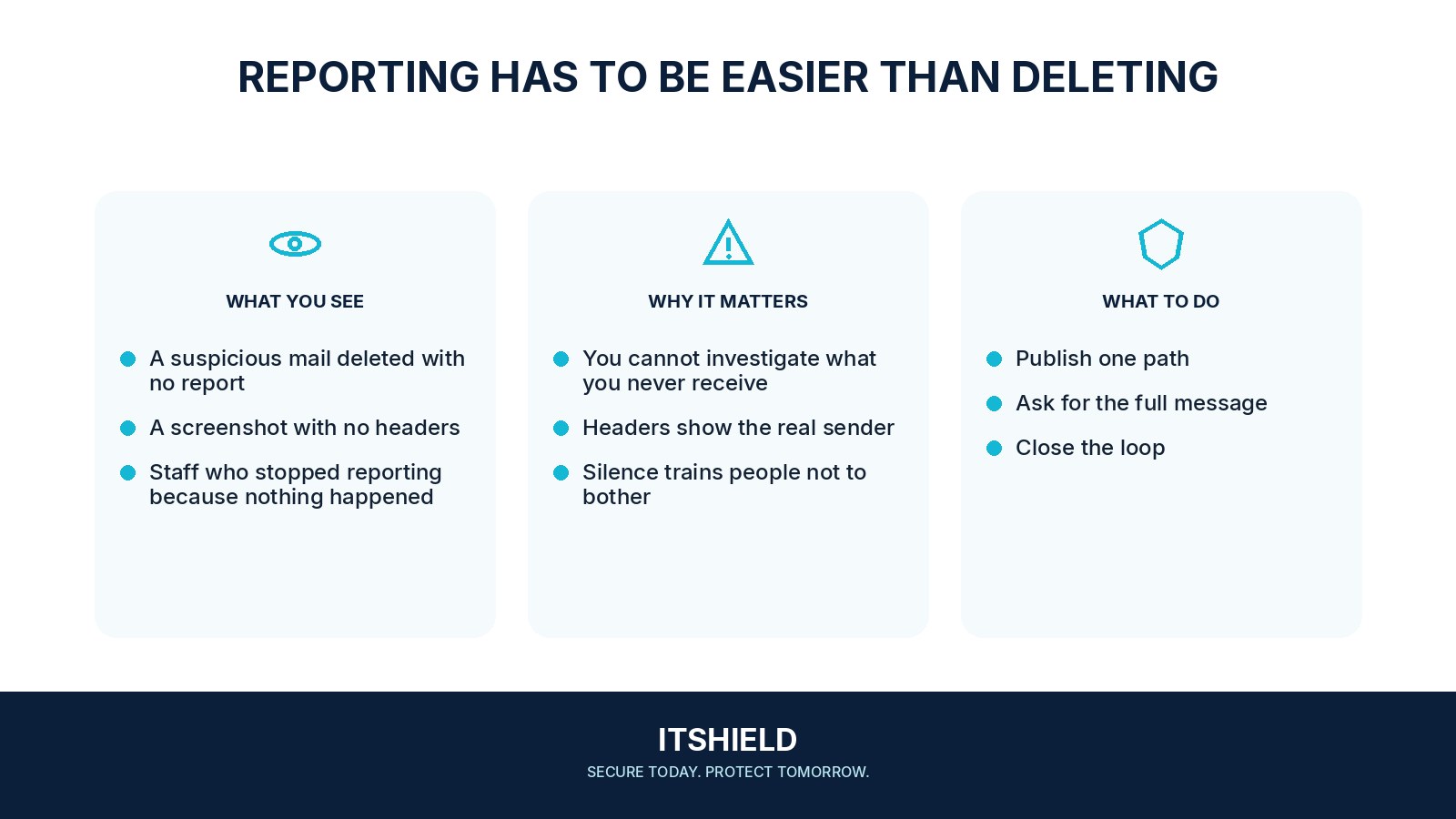
- Use one clear reporting route. Give staff an easy reporting button or address, with a backup route if their mailbox is unavailable.
- Include the useful facts. State whether anything was clicked, entered, approved, downloaded, run, or paid. Preserve the original message through the agreed process.
- Acknowledge the report. Tell the reporter who is handling it and what they should do while it is reviewed.
- Check the wider picture. The responder reviews related messages and affected accounts, then records the outcome and any follow-up.
How to check the result
Run a harmless reporting test. Confirm that the message reaches the right person with its useful technical details, and that someone can acknowledge it during the hours the team promises to cover.
Should I forward the message to everyone as a warning?
Use the agreed reporting channel instead. Uncontrolled forwarding can spread unsafe links and sensitive information; let the responsible team coordinate any warning.
Sources and useful guides
The following resources provide background and more detailed guidance. Use the sections that match your service and situation.